Wireless Access Point
User Guide
11.3 Logs
This module enables you to view logs and configure log settings.
11.3.1 View Logs
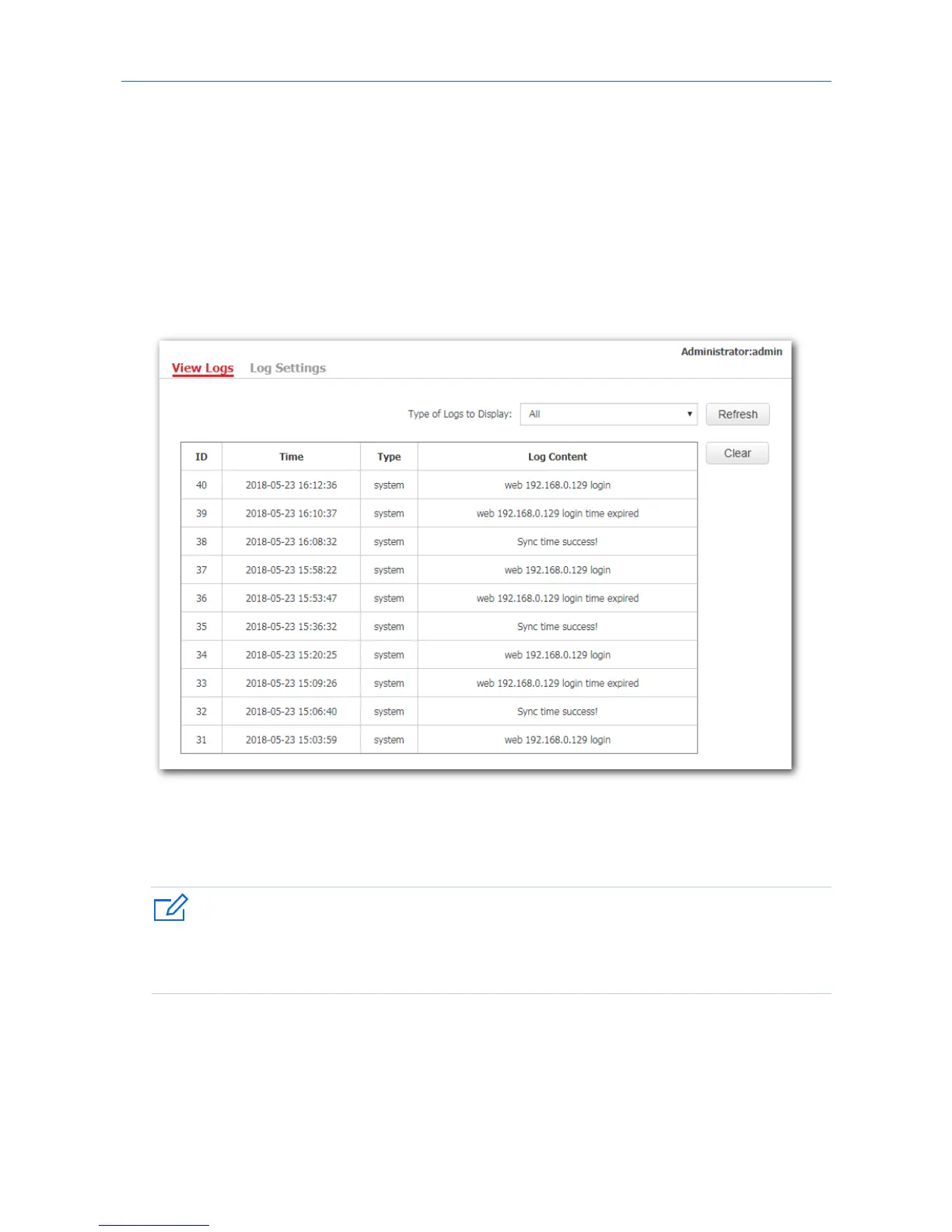
Logs record various events that occur to the AP and the operations that users perform on the AP after the
AP starts. In case of system faults, refer to the logs during troubleshooting.
To access the page, click Tools > Logs > View Logs.
To ensure that the logs are recorded correctly, make sure that AP’s system time is correct. You can correct
the system time by clicking Tools > Time & Date > System Time.
To view the latest logs of the AP, click Refresh. To clear the current logs, click Clear.
When the AP reboots, the previous logs are lost. And the AP reboots when one of the followings happens:
the AP is powered on after a power failure; the QVLAN function is configured; the firmware is upgraded; an
AP configuration is backed up or restored or the AP is restored to factory settings.
88



 To Next Page