Wireless Access Point
User Guide
11.8 LED Control
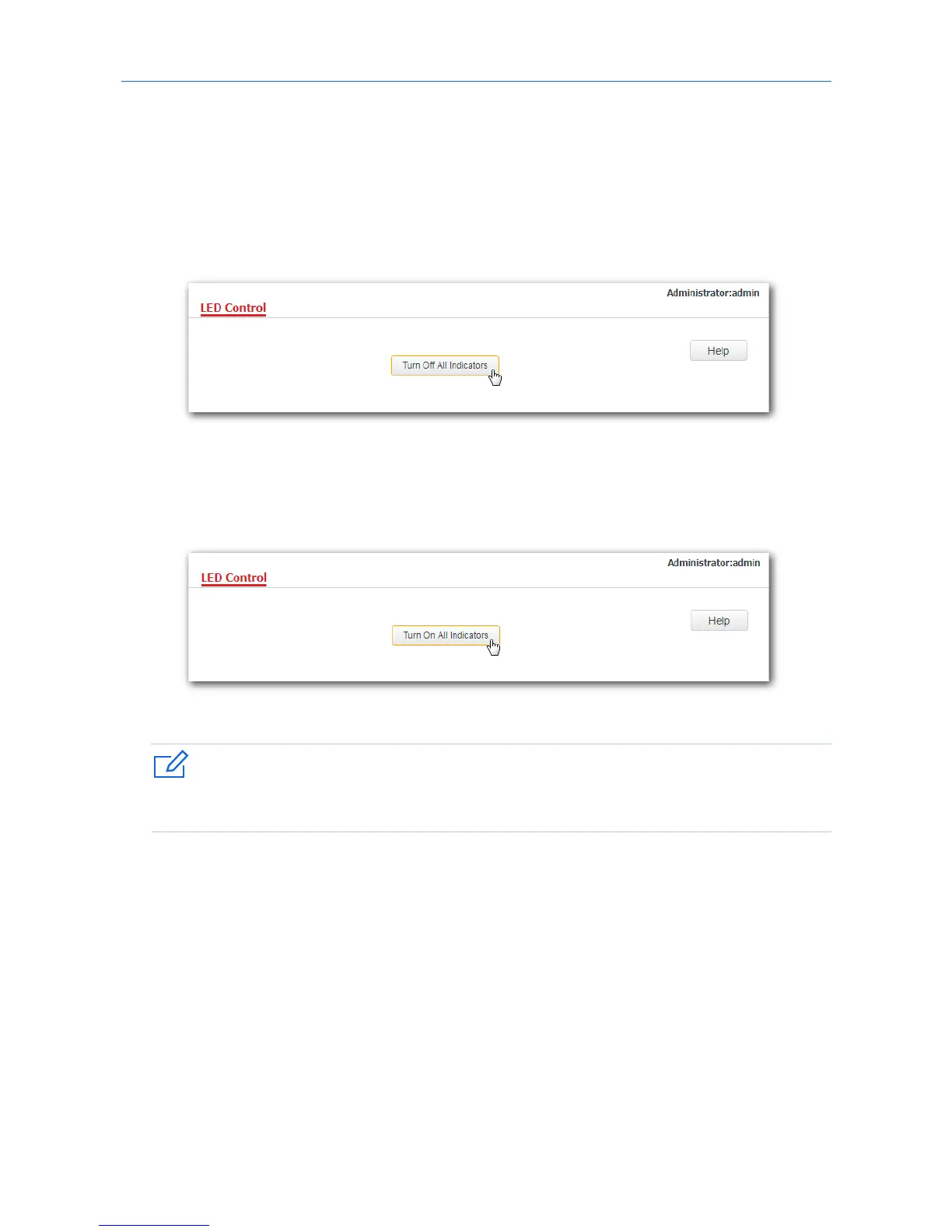
This function enables you to turn on/off the LED indicator of the AP. By default, the LED indicator is turned
on.
Turning off the LED indicator:
1. Click Tools > LED Control.
2. Click Turn Off All Indicators.
---End
Turning on the LED indicator:
1. Click Tools > LED Control.
2. Click Turn On All Indicators.
---End



 To Next Page