Wireless Access Point
User Guide
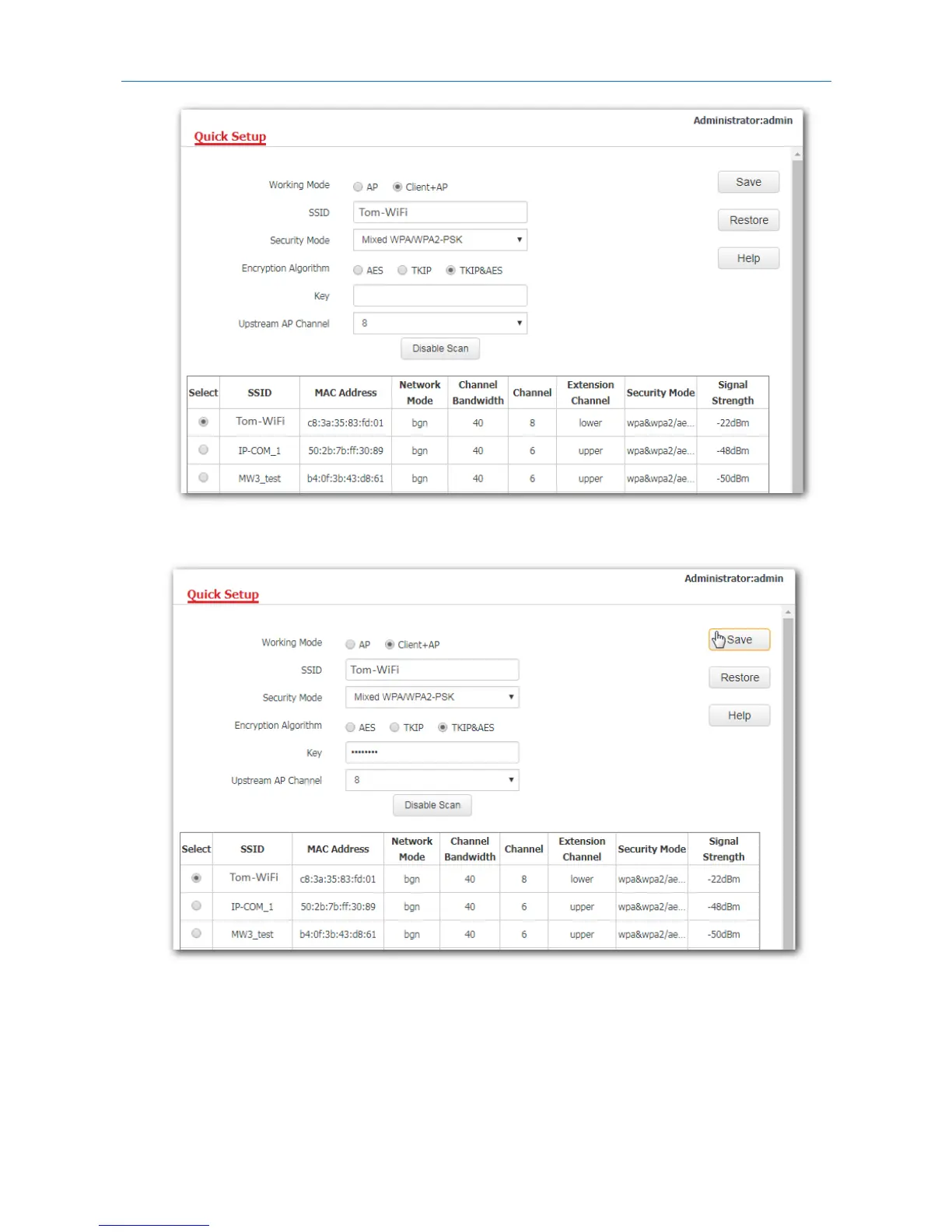
5. If the WiFi network of the upstream device is encrypted, enter the WiFi password of the upstream
device’s in the Key box. Click Save.
---End
After the configuration, your computer connected to the AP can access the internet directly. And you can
also connect wireless devices to the AP’s WiFi network using the AP’s own SSID and WiFi password. If you
do not know the SSID of the AP, click Wireless > Basic.
26



 To Next Page