Wireless Access Point
User Guide
Setting up a WiFi network encrypted by WPA or WPA2
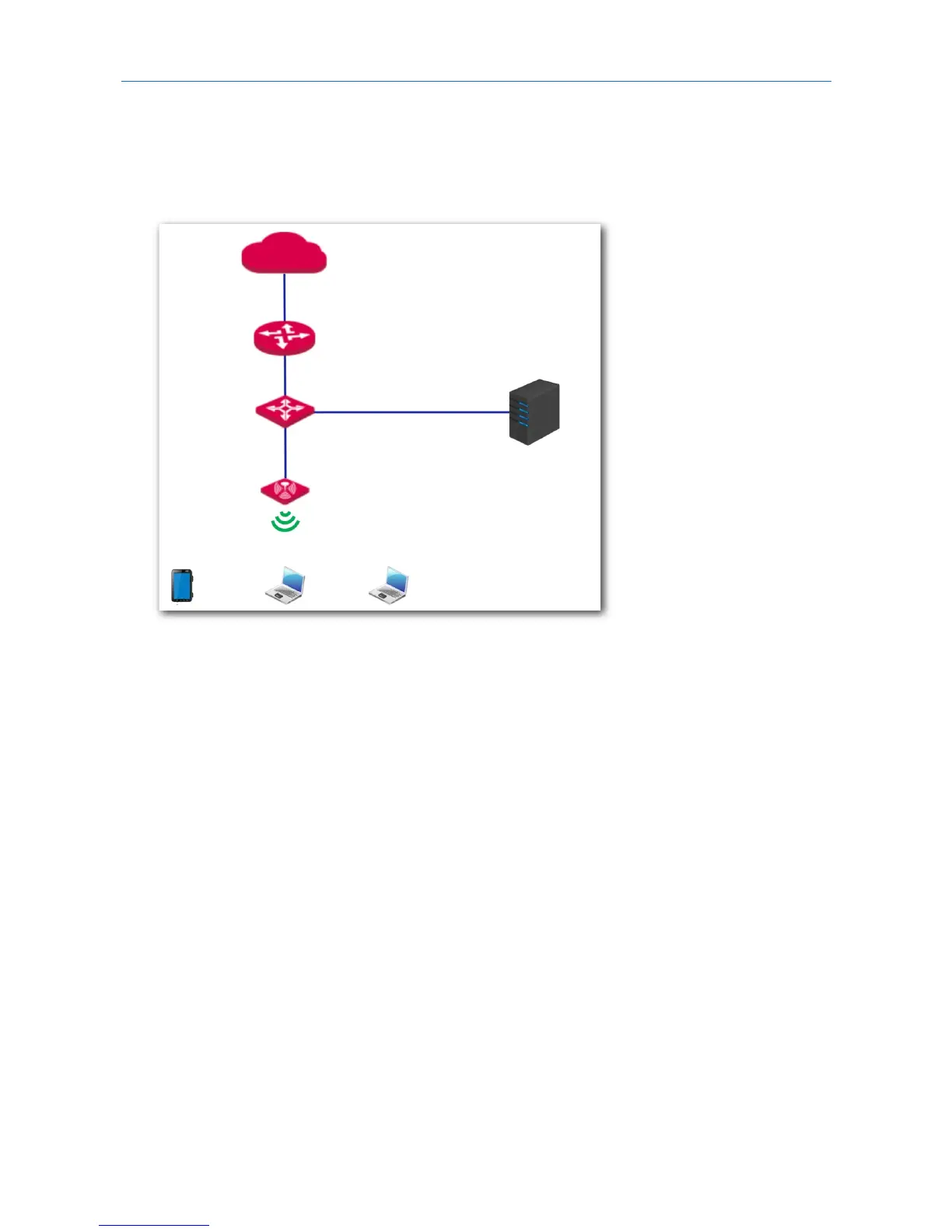
Networking requirement
In this case a highly secure WiFi network is required and a RADIUS server is available. To fulfill the
requirement, WPA or WPA2 mode is recommended. See the following figure.
Procedures:
1. Configure the AP.
Assume that the IP address of the RADIUS server is 192.168.0.200, the password is 12345678, and
the port number for authentication is 1812.
Assume that the second SSID of the AP is used.
(1) Choose Wireless > Basic.
(2) Select the second SSID from the SSID drop-down list box.
(3) Tick the Enable box.
(4) Change the value of the SSID text box to hot_spot.
(5) Set Security Mode to WPA2.
(6) Set RADIUS Server IP, RADIUS Port, and RADIUS Password to 192.168.0.200, 1812, and
12345678 respectively.
(7) Encryption Algorithm: Select AES.
(8) Click Save.



 To Next Page