Wireless Access Point
User Guide
---End
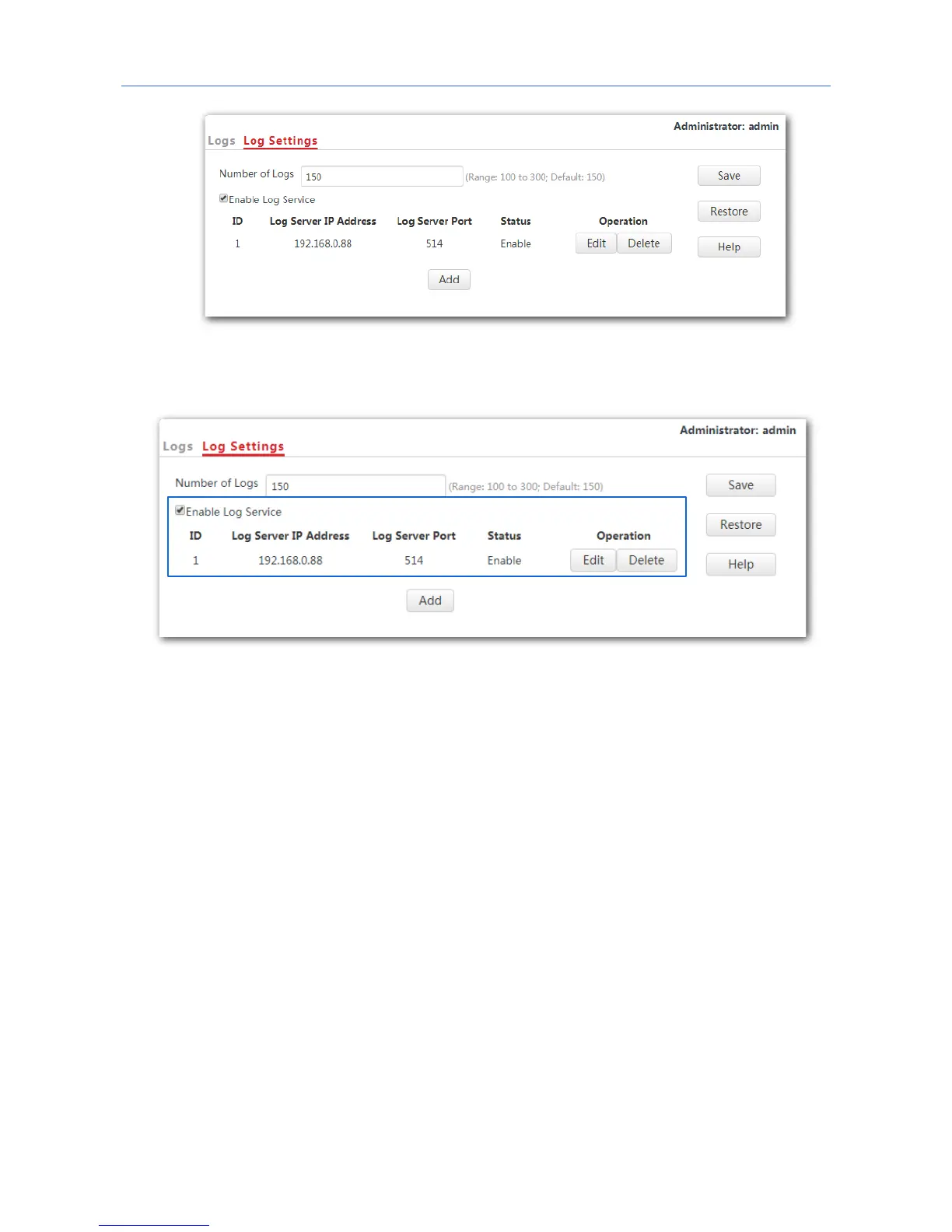
The following figure shows the configuration:
Changing log server settings
1. To access the page, click Tools > Logs > Log Settings.
2. Click Edit corresponding to the log server settings to be changed.
3. Change the parameter settings as required.
4. Click Save.
---End
Deleting log server settings
1. To access the page, click Tools > Logs > Log Settings.
2. Click Delete corresponding to the log server settings to be deleted.
---End
103



 To Next Page