computer radio control system
EN
10.6 Telemetry Data Logging
10.4 System Backup
Data backup is as easy as the standard backup you can perform on
your PC. You can save all your data onto a PC hard drive or CD. The
saved data will, of course, reflect your last transmitter configuration
and model settings. The data recovery is as easy as copying your
backed up files back to the transmitter.
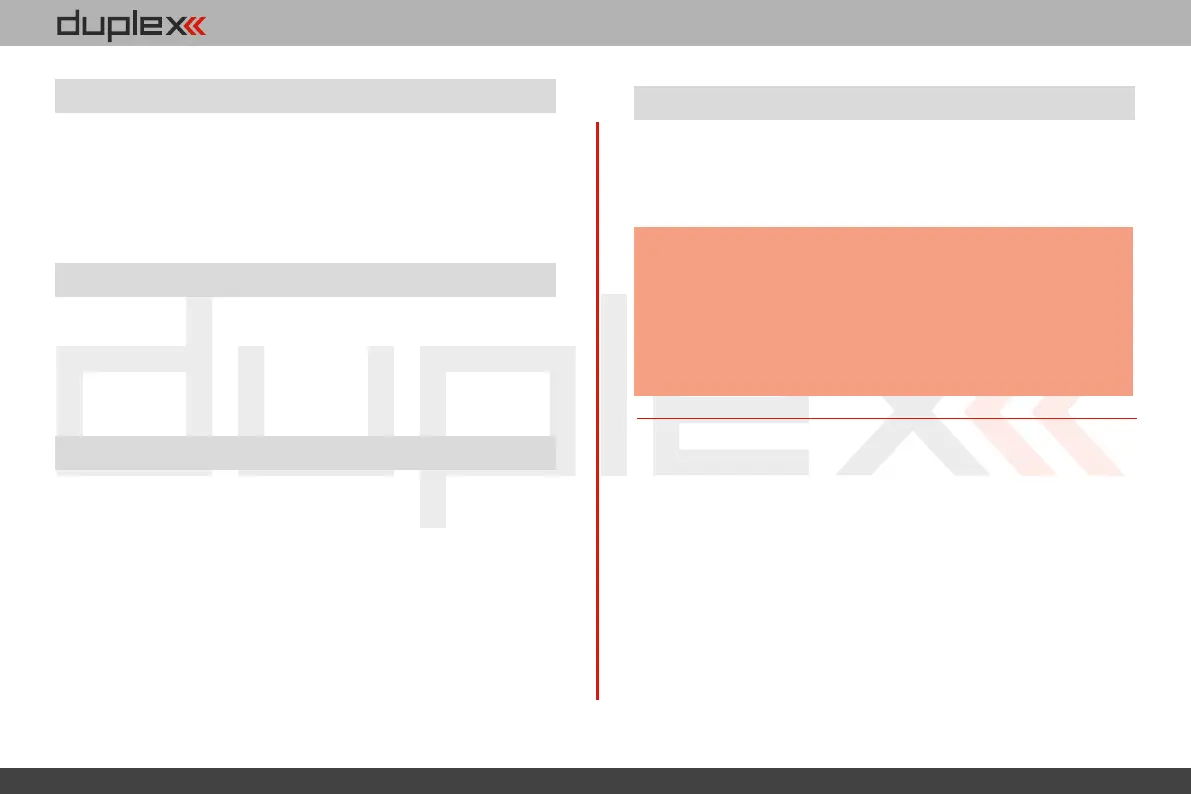
DC/DS transmitters can be very simply used as a joystick interface for
your PC. Connect your transmitter to a PC with the USB cable. Your
operating system will identify the transmitter as an HID (Human
Interface Device) gaming device.
All telemetry data is stored on the internal SD card in the “Log”
directory file. Telemetry data files are easily identifiable as .log files.
The data files use date stamps with the “year/month/day”
configuration. Flight logs can be viewed on the PC using the JETI
“Flight Monitor” software.
10.5 PC Joystick
5.
5.
10.7 Copying models between the transmitters
Configuration of all models in the transmitter are stored on the
internal SD card in the directory /Model/. When you copy the
selected model from one transmitter to another, simply copy the
*. jsn file again to the /Model/ directory of the second transmitter.
It is important to bear in mind that the two transmitters
may not have the same software equipment, so it is
possible that the configuration of the activated modules
will not match each other. In this case it is necessary to
check the individual functions of the model, since an
attempt to load the model by another transmitter may end
up with error message.
Note:
141


 To Next Page