102
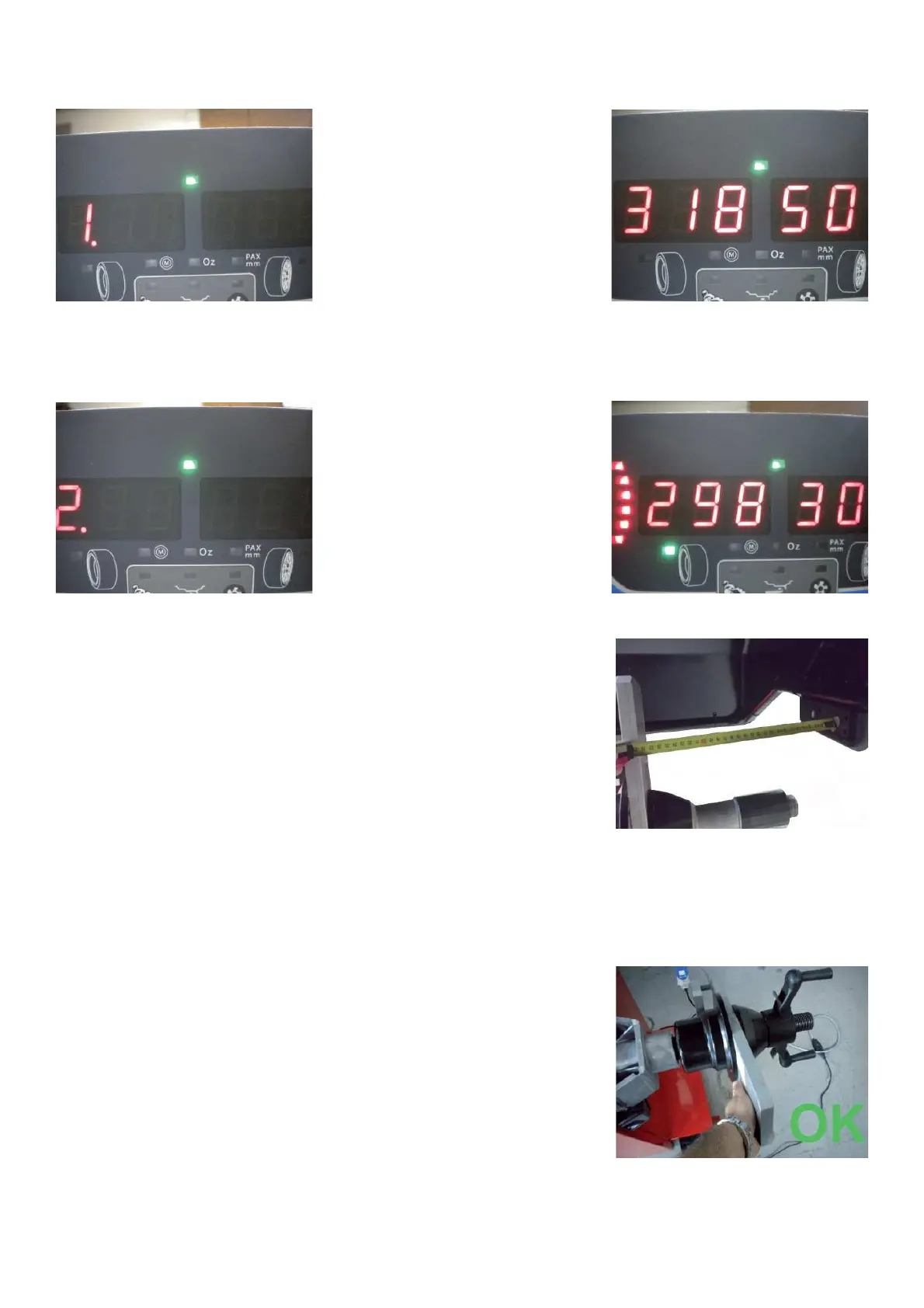
Step 1 The display shows the value (distance among sonar to calibration tool) stored in the PO from the last C82.
Press “RETURN” key.
Step 2 Low the wheel guard. Then the sonar will try to acquire 3 valid measurement, in mm, emitting one beep
every second: when acquired the display will show the green arrows.
Take a ruler and make sure that distance shown in the display will be comparable
with the one done manually.
Reapeat the acquiring procedure 3 times to make sure that the value acquired
will be stable.
Press “RETURN” to con! rm the value.
Press "STOP" to escape the C82
Comments: To remove the calibration rotor from the shaft, handle it from the fl at side. Do not hold it from the
spacer.



 To Next Page