7.4 ADJUSTMENT
ņ40
7
yyy
yyyy
[II] Noise Level Adjustment Mode (Setting Mode)
Procedure 1 Hold down [RADAR MENU] key.
The Code Input Menu will appear.
2 Press [0] key.
3 Move the cursor onto the “ENT” button
in the Code Input menu, and press
[ENT] key.
The Adjust Menu will appear.
4 When the Adjust Menu appears, press
[8] key.
The SP/TT INIT Setup Menu will appear.
5 Press [1] key.
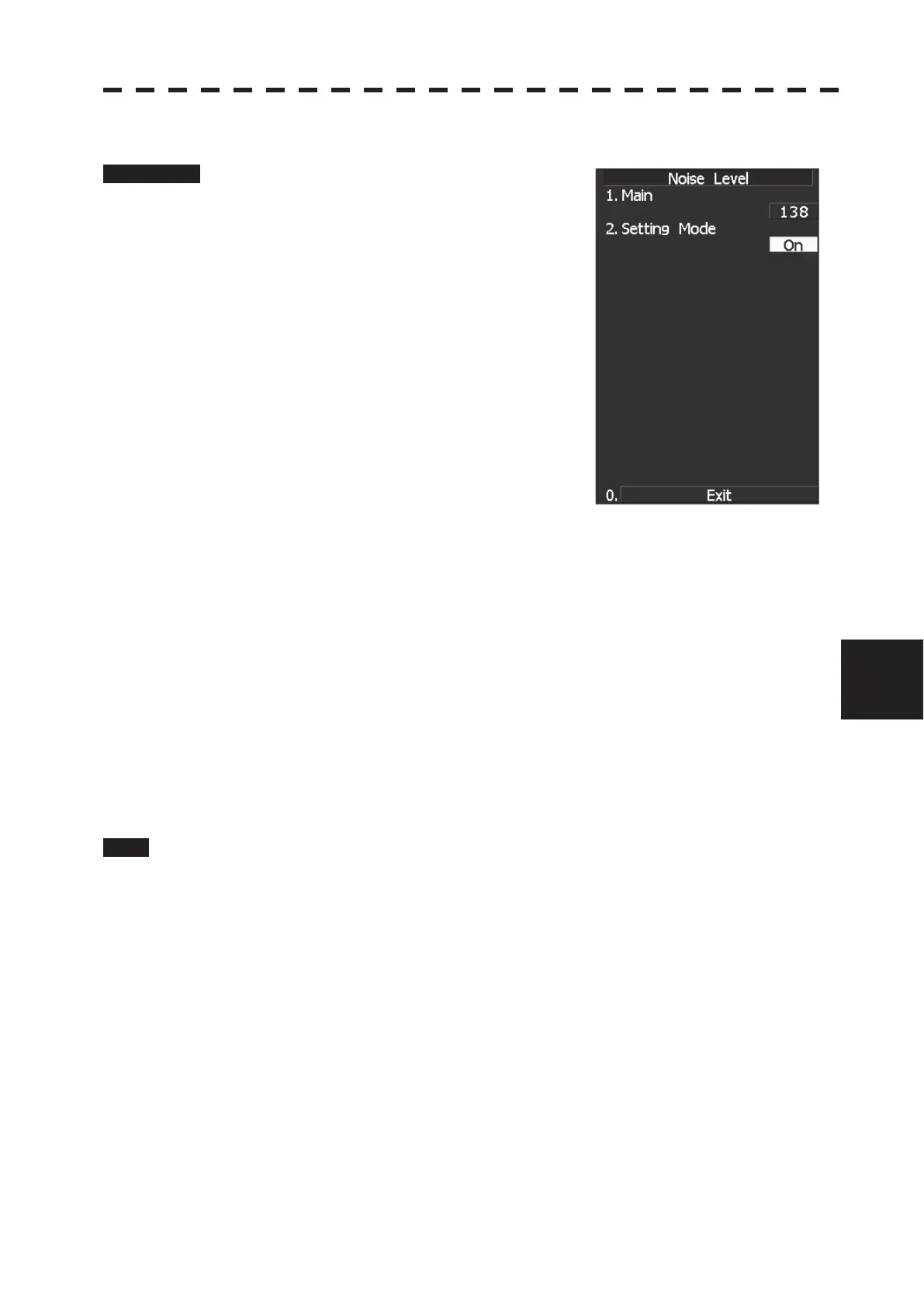
Noise Level Menu will appear.
6 Press [2] key.
The noise level adjustment mode is switched between on and off.
Factory-adjustment method
x The GAIN control is set to the maximum position, the SEA control is set to the
minimum position, the RAIN control is set to the minimum position, and IR,
AUTO-SEA, AUTO-RAIN, PROC, FUNC, and TRAILS are all set to off.
x The noise level adjustment mode is turned on.
x While the noise level adjustment value is decreased gradually, the value with which
radar echoes no longer appear is determined as the set value.
x Ten is added to the set value (with which radar echoes no longer appear), and the result
is set as the final noise level adjustment value.
x The noise level adjustment mode is turned off when the adjustment is finished.
Exit 1 Press [RADAR MENU] key.
The Main Menu will reappear.


 To Next Page
 Loading...