5 Startup of the device
27
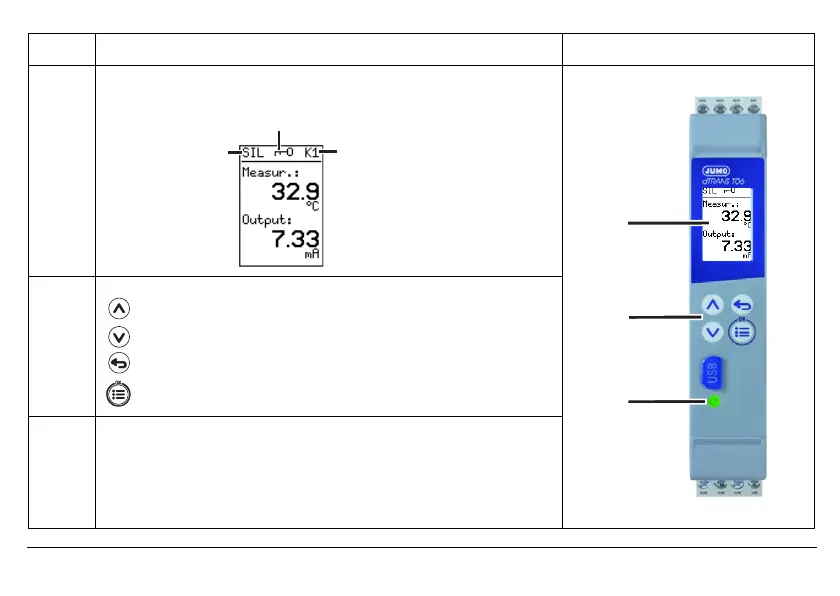
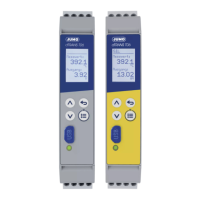
Legend Comment
Diagram
1LCD display
Black/white with backlight, 64 x96 pixels
2Keys
Increase value / previous menu item
Reduce value / next menu item
Back / cancel change
One level lower in the menu, confirm change
4LED
Lights up
• green if the diagnostic function does not detect any errors.
Lights up
• yellow upon device restart, during simulation of analog out-
put, and during active setup data transfer.
Lights up
• red if the diagnostic function detects errors (e.g. if the limits
for the signal type are exceeded in the signal flow figure below).
5HOD\DFWLYHÄ
6,/2SHUDWLRQ
&RQILJXUDWLRQOHYHO
ORFNHG



 To Next Page