5 Startup of the device
26
5 Startup of the device
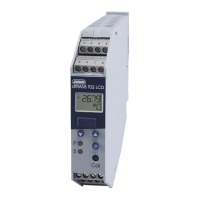
5.1 Display and control elements
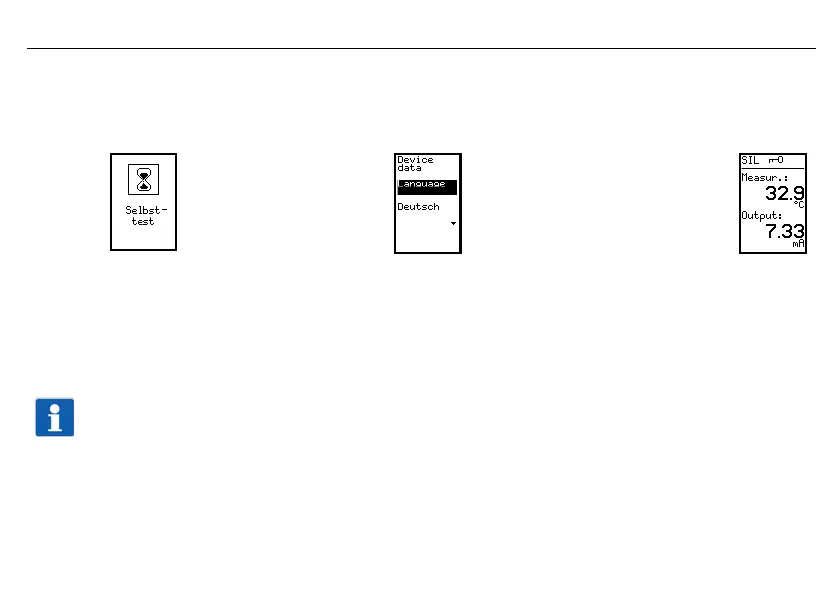
h When the voltage supply is set up, a self-test begins during which the back-lit display shows white pixels for 2 s and then
black pixels for 2 s. The LED lights up yellow.
The self-test is followed by a language request and then the main measured value appears:
v If an error message appears, see Chapter 11 "Error messages".
5.2 Setting the display after device is switched on
The main measured value appears on the screen in German (default setting).
Once a probe has been connected, the device displays a measured value of 24.0 °C and an output signal of 10.38 mA as an
example here.
Important information
If something else is to be displayed after switch-on, this can be adjusted as follows:
v Chapter 7.3.1 "Normal display"



 To Next Page