3 Operation and visualization
30
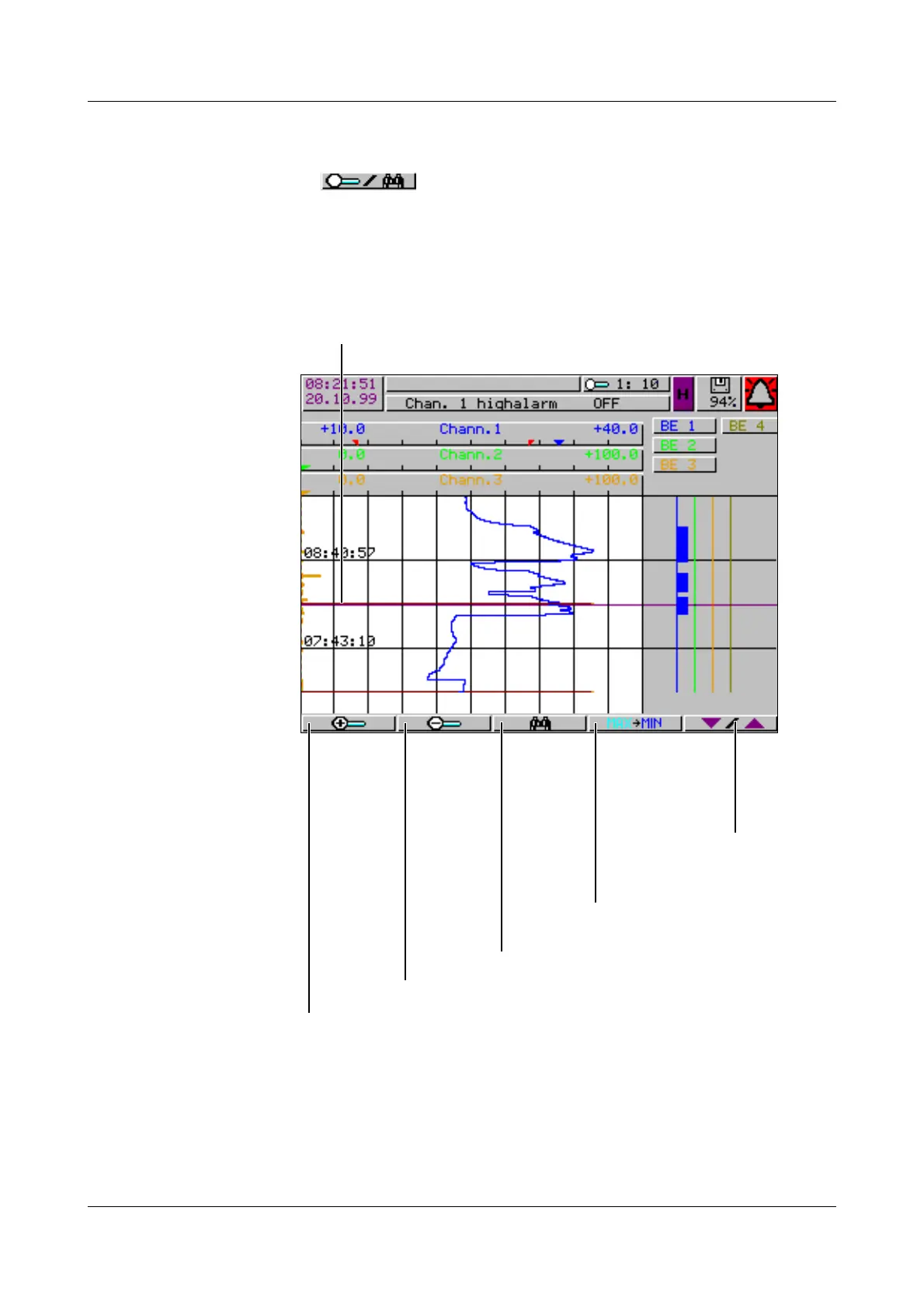
Zoom If the zoom factor has to be adjusted, or specific times are to be searched for,
then it is necessary to switch the softkey functions.
h Press softkey
The degree of compression of the measurement data on the screen is given as
a ratio in steps (1:1, 1:2, 1:5, 1:10, 1:20, 1:50 and 1:100).
For instance, 1:100 means that 1 screen pixel corresponds to 100 measure-
ments, which signifies that only every hundreth stored measurement is dis-
played.
Cursor (violet)
Zoom +
Position cursor on
time (selectable)
Switch to
softkey
function
“Scroll”
Only for peak value acquisition:
Switch channel line between
min. and max. display
Zoom -



 To Next Page