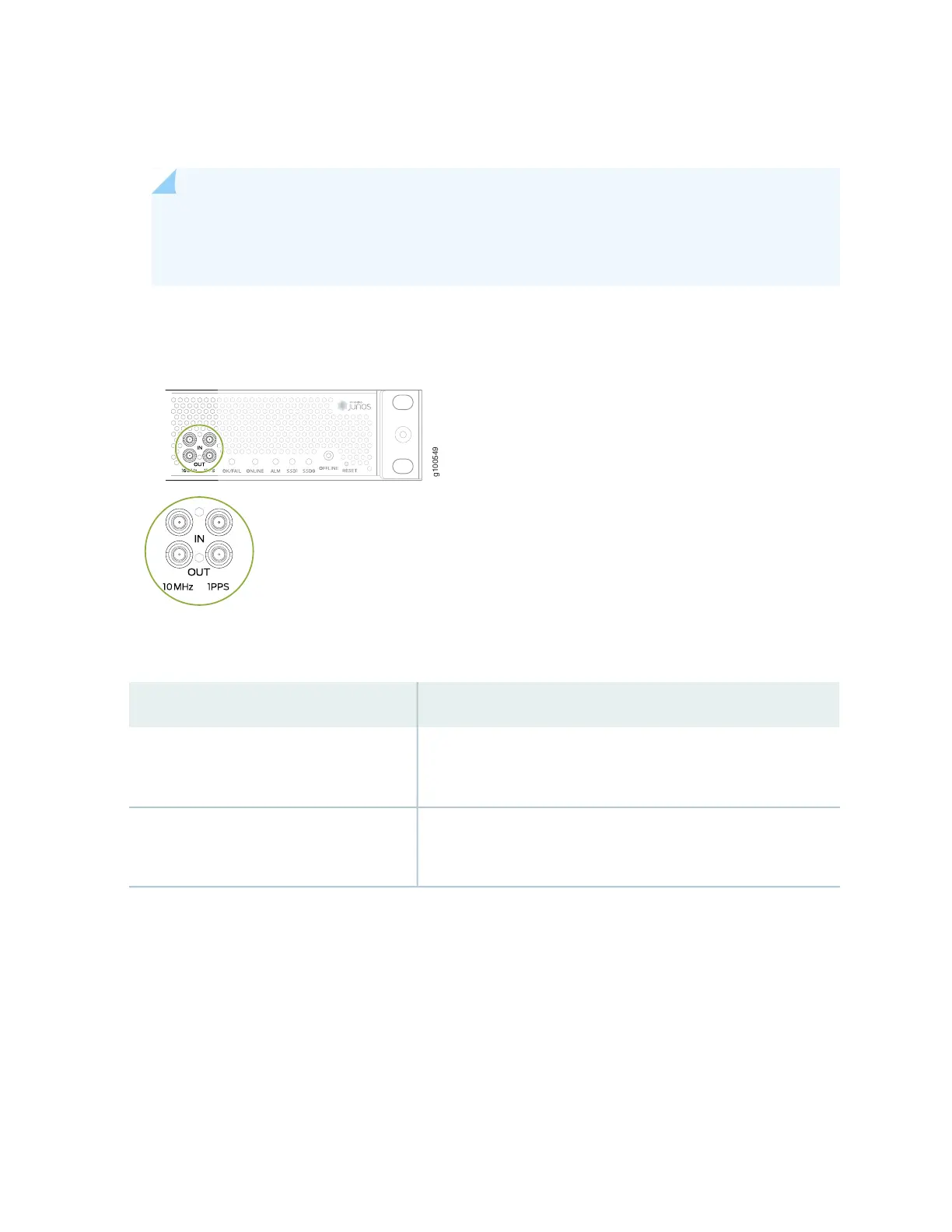
2. Connect the other end of the DIN cable connectors to the 1-PPS and 10-MHz of the source network
equipment.
NOTE: Ensure that the 10-MHz and 1-PPS source network equipment contains a low voltage
complementary metal oxide semiconductor (LVCMOS) of 50 ohms or is compatible with
low-voltage transistor-transistor logic (LVTTL) (3.3v).
Figure 44: Clocking Ports on the MX204 Router
Table 36: Clocking Ports on the MX204 Router
DescriptionLabel
1 PPS input port
10 MHz input port
10MHz-IN
1PPS-IN
1 PPS output port
10 MHz output port
10MHz-OUT
1PPS-OUT
Connecting a Time-of-Day Device to the Router
A time-of-day port, labeled ToD, on the front panel of the router enables you to connect external timing
devices.
106



 To Next Page