SEE ALSO
MX204 Router Grounding Specifications | 57
General Safety Guidelines and Warnings | 147
General Electrical Safety Guidelines and Warnings | 172
Prevention of Electrostatic Discharge Damage | 173
Grounding the MX204 Router
You ground the router by connecting a grounding cable to earth ground and then attaching it to the chassis
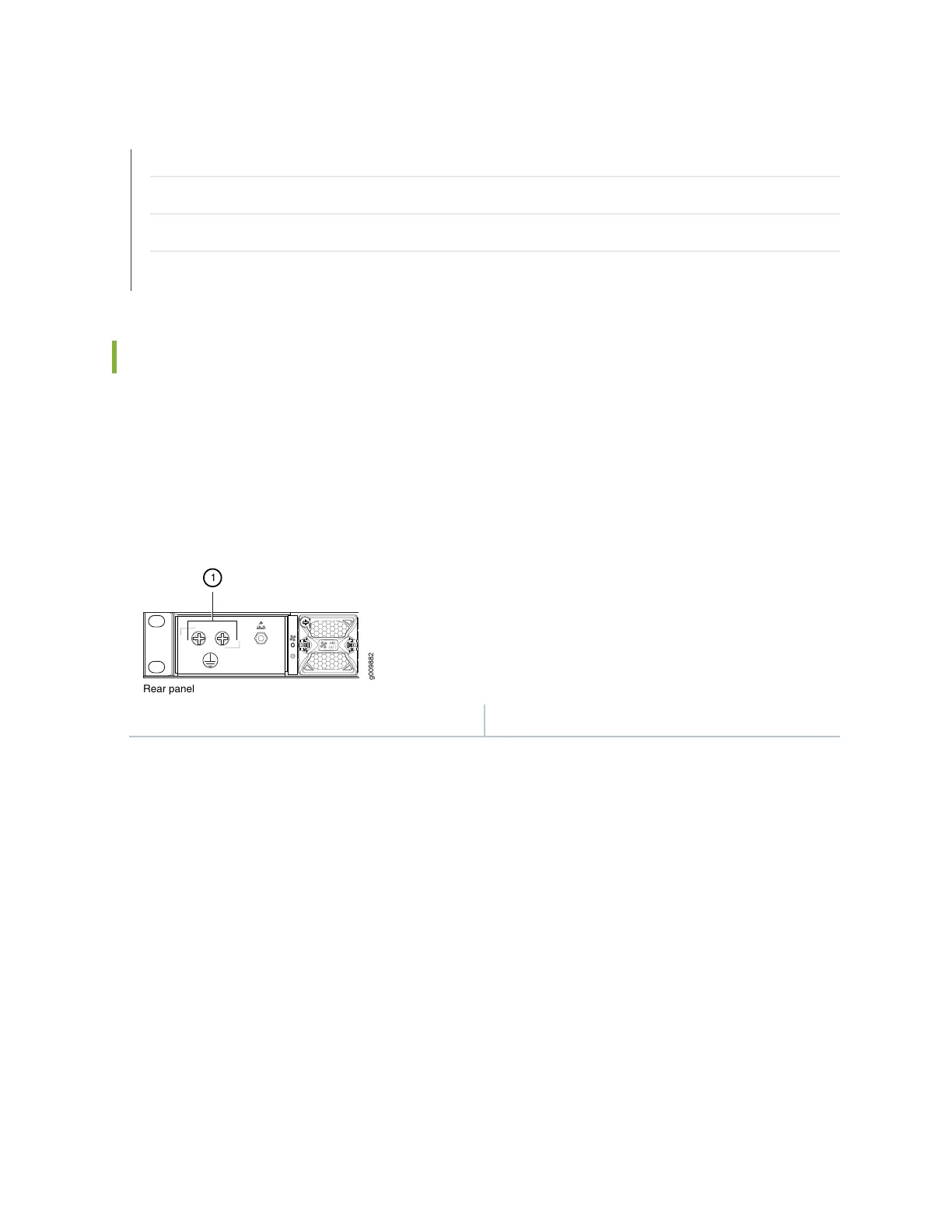
grounding points by using two 10–32 screws. Figure 33 on page 90 shows the grounding point location
on the chassis. You must provide the grounding cables (the cable lugs are supplied with the router). For
grounding cable specifications, see “MX204 Router Grounding Specifications” on page 57.
Figure 33: Grounding Point on the MX204 Router
1—Grounding point
To ground the router:
1. Verify that a licensed electrician has attached the cable lug provided with the router to the grounding
cable.
2. Attach an electrostatic discharge (ESD) grounding strap to your bare wrist, and connect the strap to
an approved site ESD grounding point. See the instructions for your site.
3. Ensure that all grounding surfaces are clean and brought to a bright finish before grounding connections
are made.
4. Connect the grounding cable to a proper earth ground.
5. Detach the ESD grounding strap from the site ESD grounding point.
90



 To Next Page