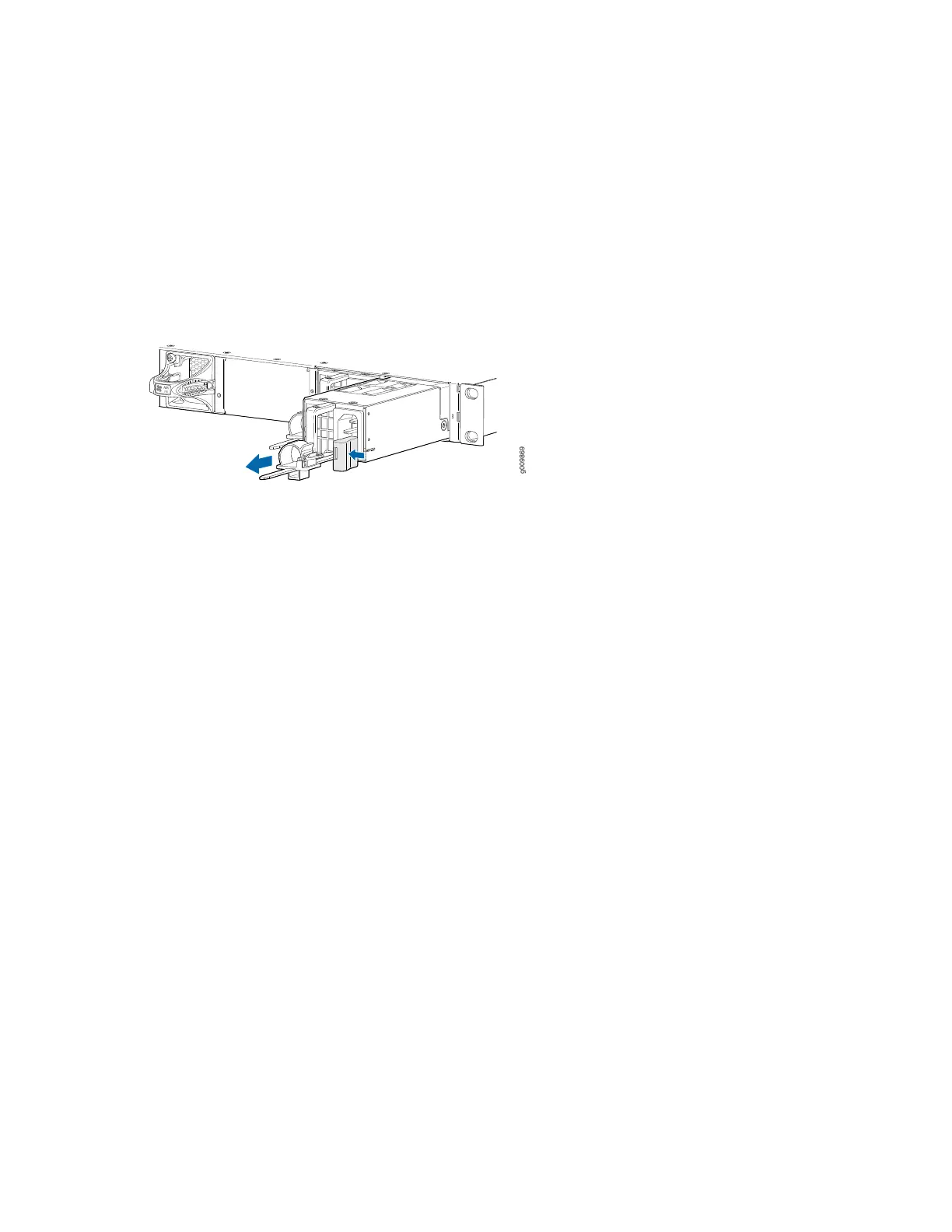
3. Remove the power cord from the power supply.
4. Press the release latch on the side of the AC power supply to disconnect the power supply from the
chassis (see Figure 49 on page 129).
5. Pull the power supply straight out of the chassis.
Figure 49: Removing an AC Power Supply
Installing an MX204 AC Power Supply
To install an AC power supply (see Figure 50 on page 130):
1. Attach an ESD grounding strap to your bare wrist and connect the strap to one of the ESD points on
the chassis.
2. Using both hands, hold and slide the AC power supply straight into the chassis until the power supply
is fully seated in the chassis slot. The power supply faceplate must alligned with any adjacent power
supply faceplate or blank installed in the power supply slot.
3. Press the latch located on the side of the power supply to slide it into the chassis.
4. Attach the power cord to the power supply.
5. Attach the power cord to the AC power source, and switch on the dedicated customer-site circuit
breaker. Follow the instructions for your site.
6. Observe the status LED on the power supply faceplate. If the power supply is correctly installed and
functioning normally, the status LED lights green steadily.
129



 To Next Page