12.2 Optical eye
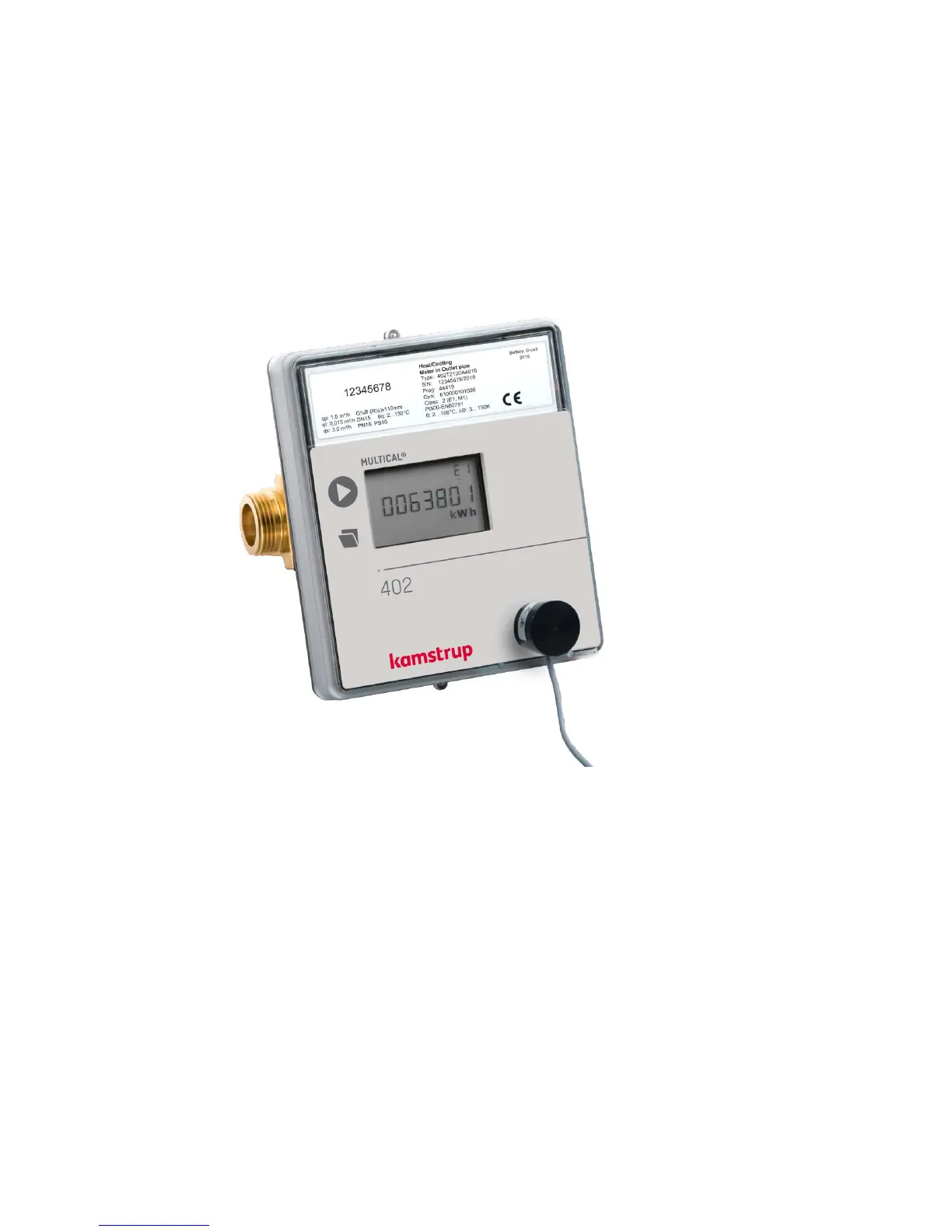
For data communication via the optical interface an optical eye can be used. The optical eye must be located at
the front of the calculator, just above the IR-diode as shown on the photo below. Please note that the optical eye
contains a very powerful magnet that should be protected with the magnet protector when not in use.
Different variants of the optical eye can be found in the list of accessories (see chapter 3.2.1).
12.2.1 Current saving at the optical eye
In order to limit the current consumption of the circuit around the IR diode, the circuit is not permanently switched
on.
It is activated by either keystroke or communication via the optical eye.
The circuit remains switched on for 30 min. after end of communication or after latest keystroke.













 To Next Page