F2/F7–VOLUME
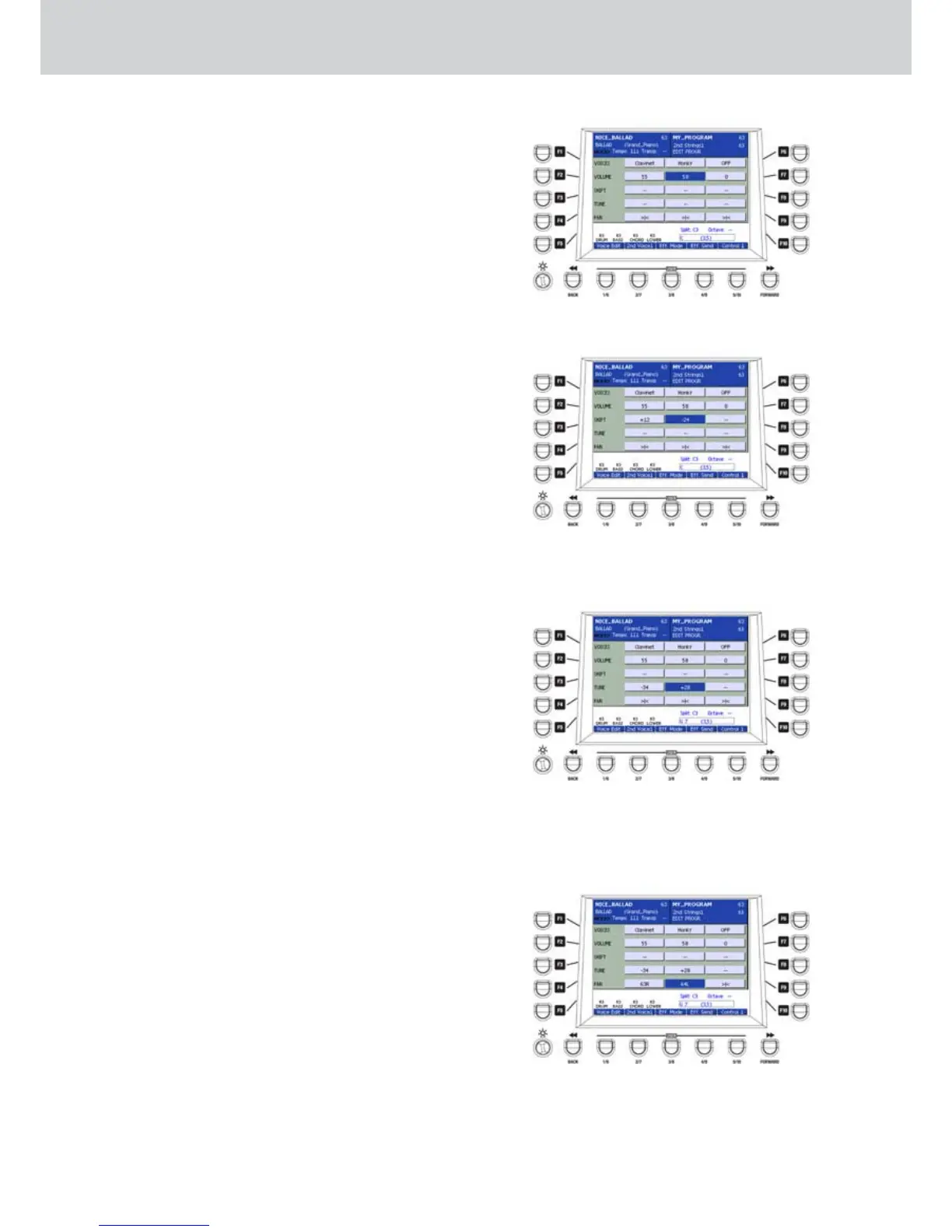
By pressing the F2 or F7 buttons you will highlight
repeatdly the voice of which you want adjust the
volume. Use the DATA/VALUE wheel or the CURSOR
Ó Á buttons to adjust the volume from 0 to 63 of
three voices independently (Figure 66).
Press the CURSOR Ó Á buttons together to
automatically set the volume to zero.
F3/F8–SHIFT
By pressing the F3 or F8 buttons you will highlight
repeatdly the voice of which you want adjust the
pitch.
Use the DATA/VALUE wheel or the CURSOR Ó Á
buttons to adjust the pitch of three voices by +/-
24 semitones independently (Figure 67). Press the
CURSOR Ó Á buttons together to set automatically
the pitch to zero (—).
F4/F9–TUNE
By pressing the F4 or F9 buttons you will highlight
repeatdly the voice of which you want adjust the fine
pitch. Use the DATA/VALUE wheel or the CURSOR
Ó Á buttons to adjust the fine pitch of three
voices independently. The value from –63 to + 64
corresponds to +/- 100 cents, that is +/- 1 semitone
(Figure 68). Press the CURSOR Ó Á buttons
together to automatically set the fine pitch to zero
(—).
F5/F10 –PAN
By pressing the F5 or F10 buttons you will highlight
repeatdly the voice of which you want adjust the
panoramic position (PAN). Use the DATA/VALUE
wheel or the CURSOR Ó Á buttons to adjust the
PAN of three voices independently. The value from
63R to 64L corresponds to the right and to the left
position, respectively (Figure 69). Press the CURSOR
Ó Á buttons together to automatically set the PAN
in the center position (>|<).
Figure 66
Figure 67
Figure 68
Figure 69
Program



 To Next Page