Style View
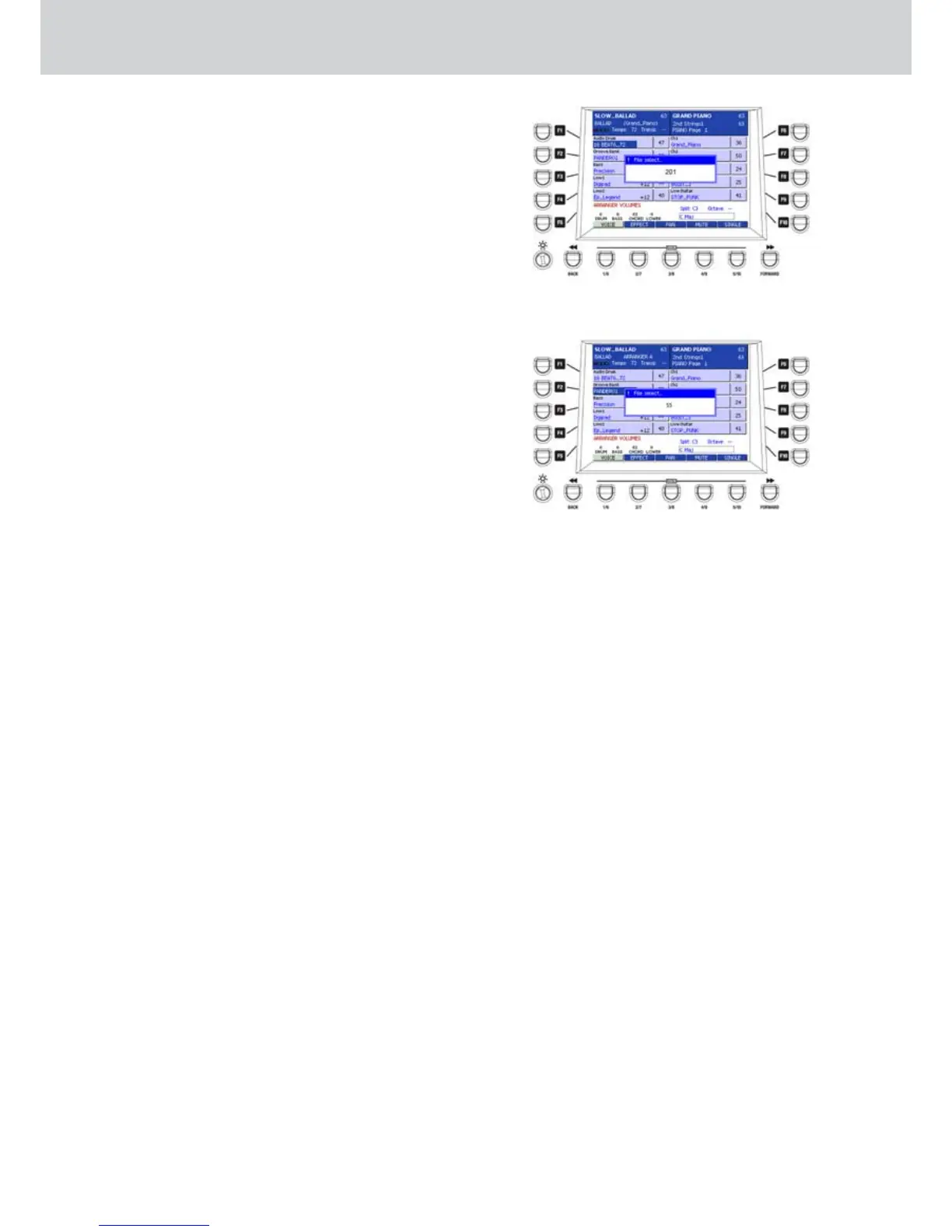
Figure 133
Figure 134
Setting an Audio Drum, Groove Bank or Live
▀
Guitar.
The selection of the tables for these three parts is the
same. This is the procedure to set an Audio Drum.
The procedure is the same for the other two parts.
With the Arranger stopped, press the STYLE VIEW
button.
1. Press the F1 button.
2. “Wait please...” will appear briefly while reading the
Audio Style from disc. The part now is called Audio
Drum.
3. Turn the DATA/VALUE wheel to scroll all the avail-
able tables or digit the number of the table by using
the numeric keypad of the style section. For exam-
ple, digit 201 to select the Audio Drum called “16
BEAT6_72” (Figure 133).
4. Start the style by using the START button on the
panel.
5. To change the Audio Drum, stop the Arranger and
repeat from step 3.
Setting a Bass Bank or an Arp&Lick
▀
The selection from the tables or sounds for these two
parts is the same. This is the procedure to set and
edit a Bass Bank.
With the Arranger stopped, press the STYLE VIEW
button.
1. Press the F3 button.
2. “Wait please...” will appear briefly while reading the
Bass Bank from disc. The part now is called Bass
Bank.
3. Turn the DATA/VALUE wheel to scroll all the avail-
able tables or digit the number of the table by using
the numeric keypad of the style section. For exam-
ple, digit 55 to select the Bass Bank called “PAN-
DERO1” (Figure 134).
4. Start the style by using the START button on the
panel.
5. While the style is playing you can change the in-
strument choosing from the table by using the
DATA/VALUE wheel. You can assign any GM voice.
6. To change the Bass Bank, stop the Arranger and
repeat from step 3.



 To Next Page