Style View
Storing the style
▀
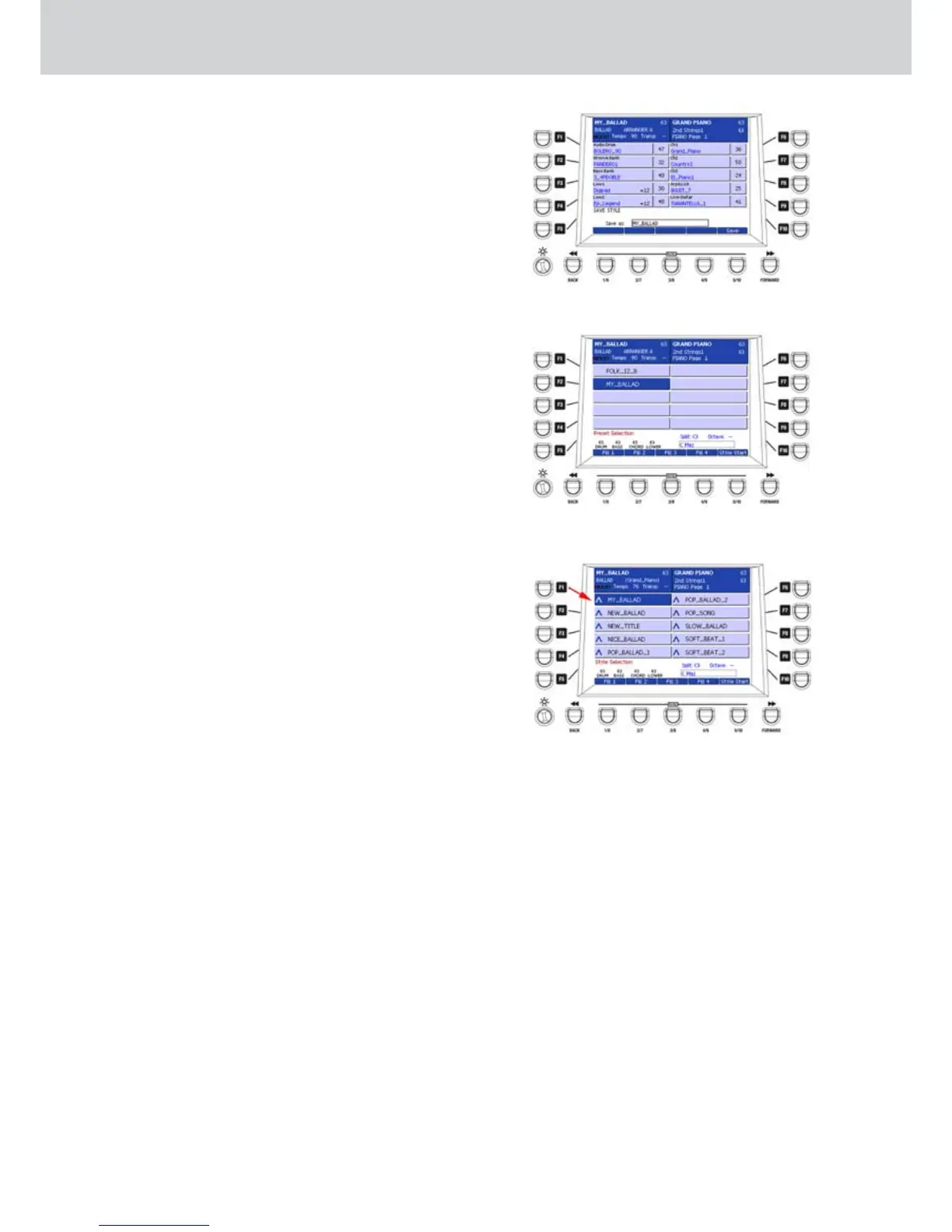
Once you made all the desired settings, press the
SAVE button on the front panel and give a name from
the keyboard to store the style in the current position
(Figure 135). In the example of Figure 136 the style
name is MY_BALLAD.
The changes can be stored both for styles containing
normal parts and Audio Style Modeling. The style will
be stored in the USER STYLE area in the category
previously selected.
In other words, if the style is in the BALLAD category,
the style will be stored as USER STYLE in the same
category.
Selecting the style
▀
1. Press the USER STYLE button on the front panel.
2. Select the category by using the numeric keypad.
3. Select the style by choosing the previously given
name (Figure 137).
Figure 136
Figure 137
Figure 135



 To Next Page