09 Creating your own voices | 99
• AUTOTAB: If there is at least one setting in the entries related to AFTERTOUCH, it
turns on the button of the front panel.
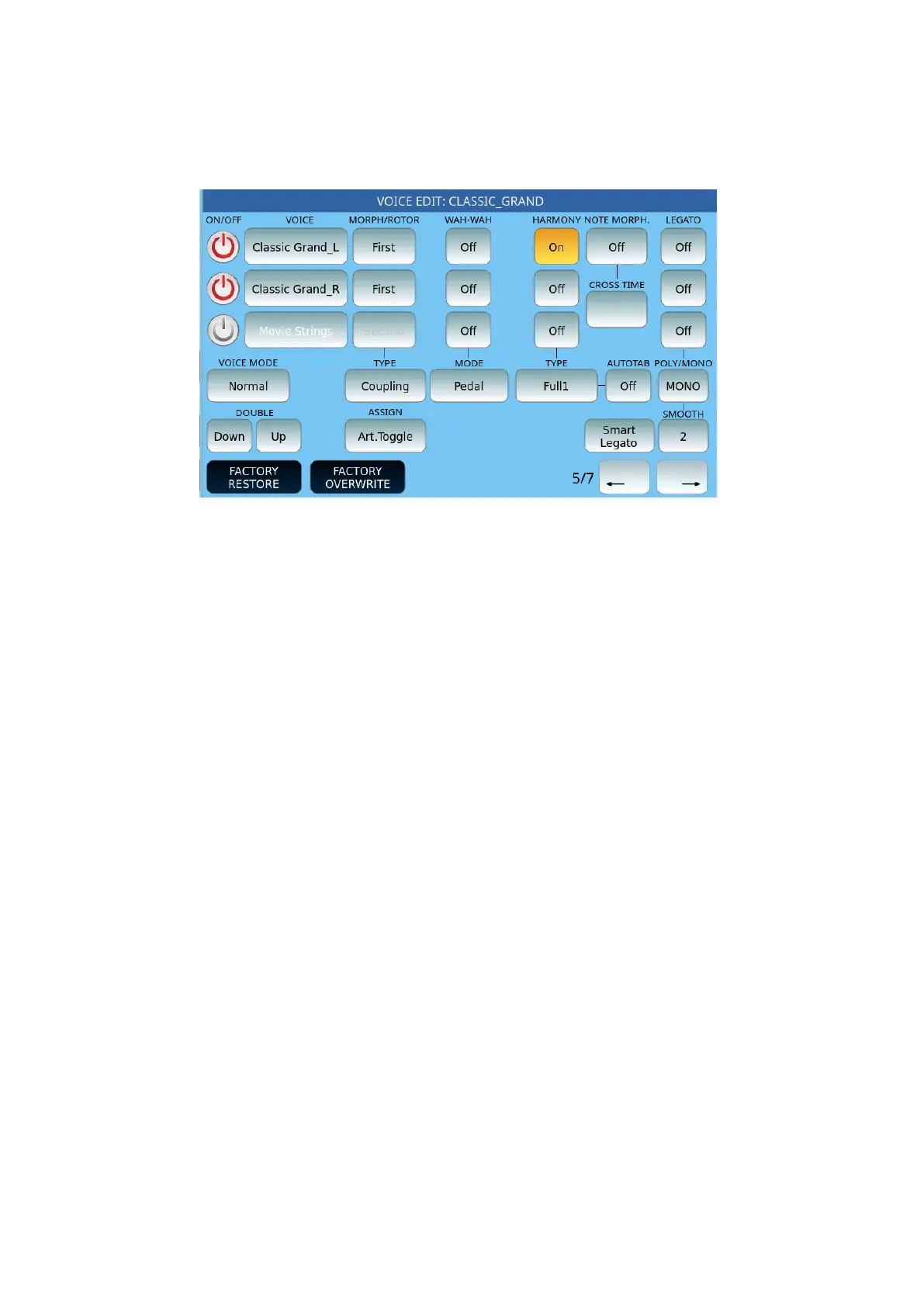
Page 5 follows:
The first group of options concerns Morphing, a powerful feature inherent in the instrument,
the possibility of managing a dynamic transition from one sound to another:
• MORPH/ROTOR:
o The Voice set as First will be the starting sound of the Morph effect.
o The Voice set as Second will be the target sound, that is, the sound that
will enter completely when the control acting on the Morphing is at
maximum value.
o The Voice set to All is always on.
• TYPE: Defines the behaviour of the MORPH effect between two or three VOICEs.
o Normal: the transition takes place from the first to the second sound.
o Rotor: the transition between the two sounds (typically Organ) is
achieved through the Sustain pedal.
o Coupling: the passage takes place by adding the second to the sound to
the first
o Off.
• ASSIGN: Morphing is enabled and managed through the assigned control, and which
can be:
o Mod. Wheel: The modulation wheel on the left of the front panel.
o Pedal: Allows the smooth transition between First and Second via the
volume pedal.
o Aftertouch: The action of Aftertouch on the 76 keys while playing.
o Sust. Toggle: Press and release the Sustain pedal to activate the Second
voice. Press the pedal again to return to the First voice.
o Sustain: Press and hold the pedal to activate the Second voice: upon
release, the First voice returns.



 To Next Page