05 Player | 65
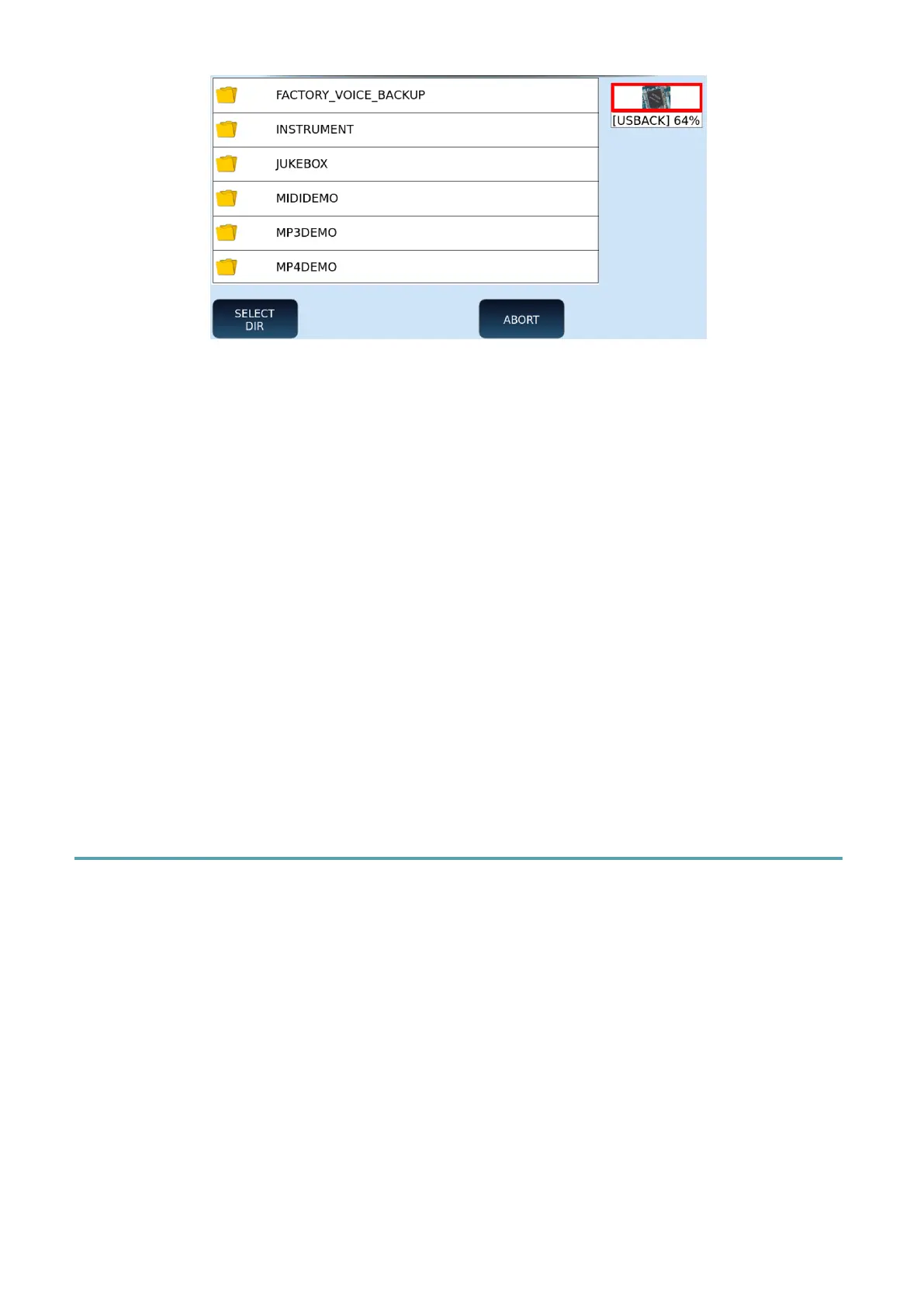
8. Use the selection knob, EXIT, and ENTER buttons on the front panel to navigate
through folders.
9. Select a folder on the screen and touch SELECT DIR button to associate that folder
with the SET collection.
10. The SET collection inherits the name of the destination folder.
11. The files contained in the folder will be uploaded to the Virtual Pads when you
select that SET.
12. If you do not want to confirm the change, press the ABORT button, and return
to the previous page.
13. To exit from JUKEBOX press EXIT on the panel.
Please note. You cannot upload a PLAYLIST to a SET collection of the JUKEBOX.
Crossfading Volumes between PLAYER 1 and PLAYER 2
EVENT-X has two MIDI and two audio-based players (MP3, WAV). You can start a song on
PLAYER 1 and then switch to the song playing on PLAYER 2 with crossfade times that can be
interactively controlled by you, simply by moving up/down each player’s respective volume
slider below it.



 To Next Page