13 Global menus and settings | 169
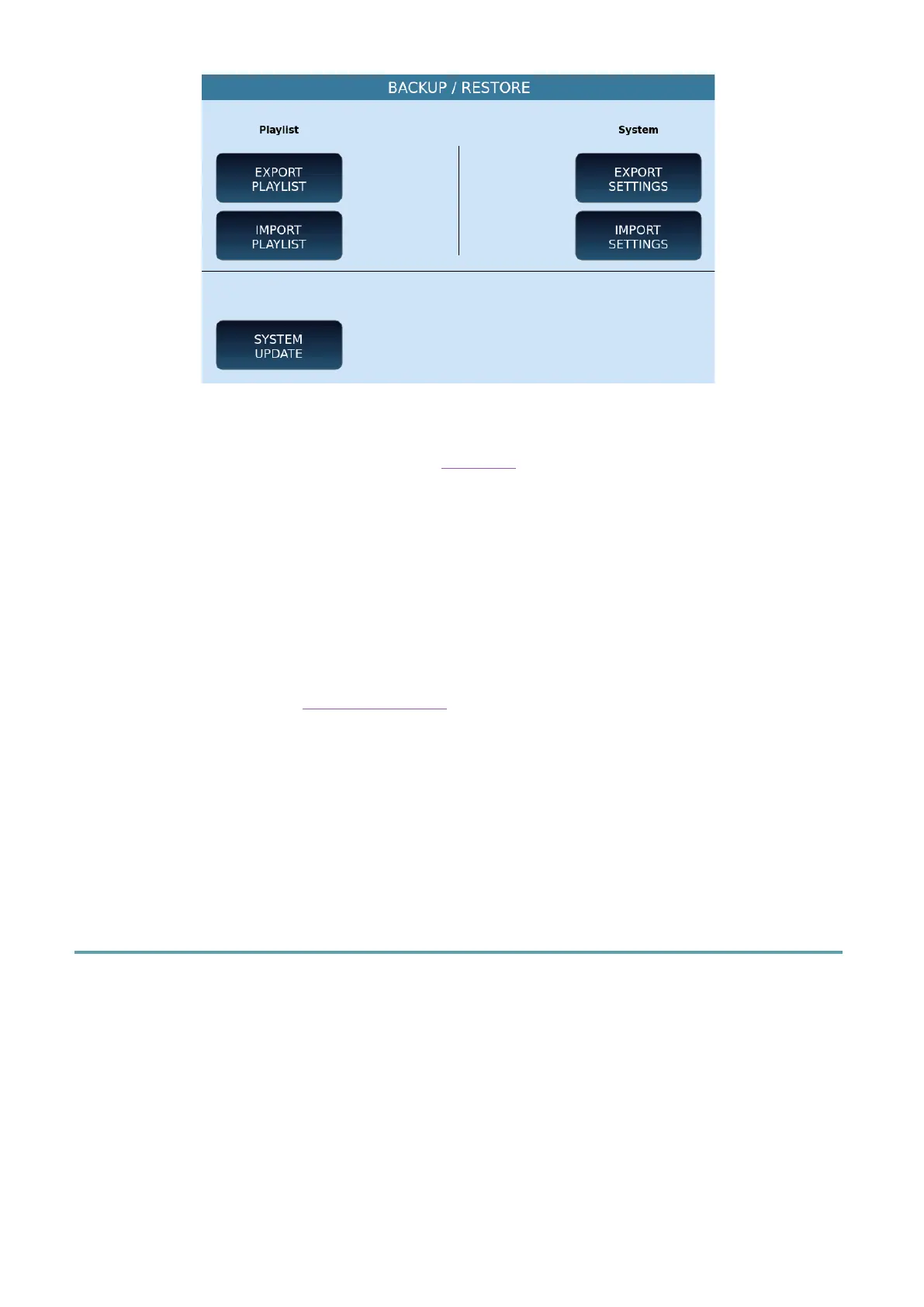
Options:
• EXPORT PLAYLIST: You can export a PLAYLIST to a file to reload it later on this or
another Ketron model.The system asks you where to save.
• IMPORT PLAYLIST: After exporting a PLAYLIST, use this button to upload it to
EVENT-X.
• EXPORT SETTINGS: The system asks you in which folder to save the configuration
file.
• IMPORT SETTINGS: You can reload the configuration file after exporting it (see
button above).
• SYSTEM UPDATE: Use this button to select a new version of the operating system
(downloadable from the www.ketron.it website) and update your system.
SAVE RESTART
Press this button to immediately shut down and restart it: it can be a necessary operation to
apply the changes made to the EVENT-X configuration.
However, be careful to press this button: the shutdown is immediate.
Controls
Press the CONTROLS button on the MENU page to open the page where you want to
manage all settings that affect the behaviour of the instrument.



 To Next Page