192 | 15 Media
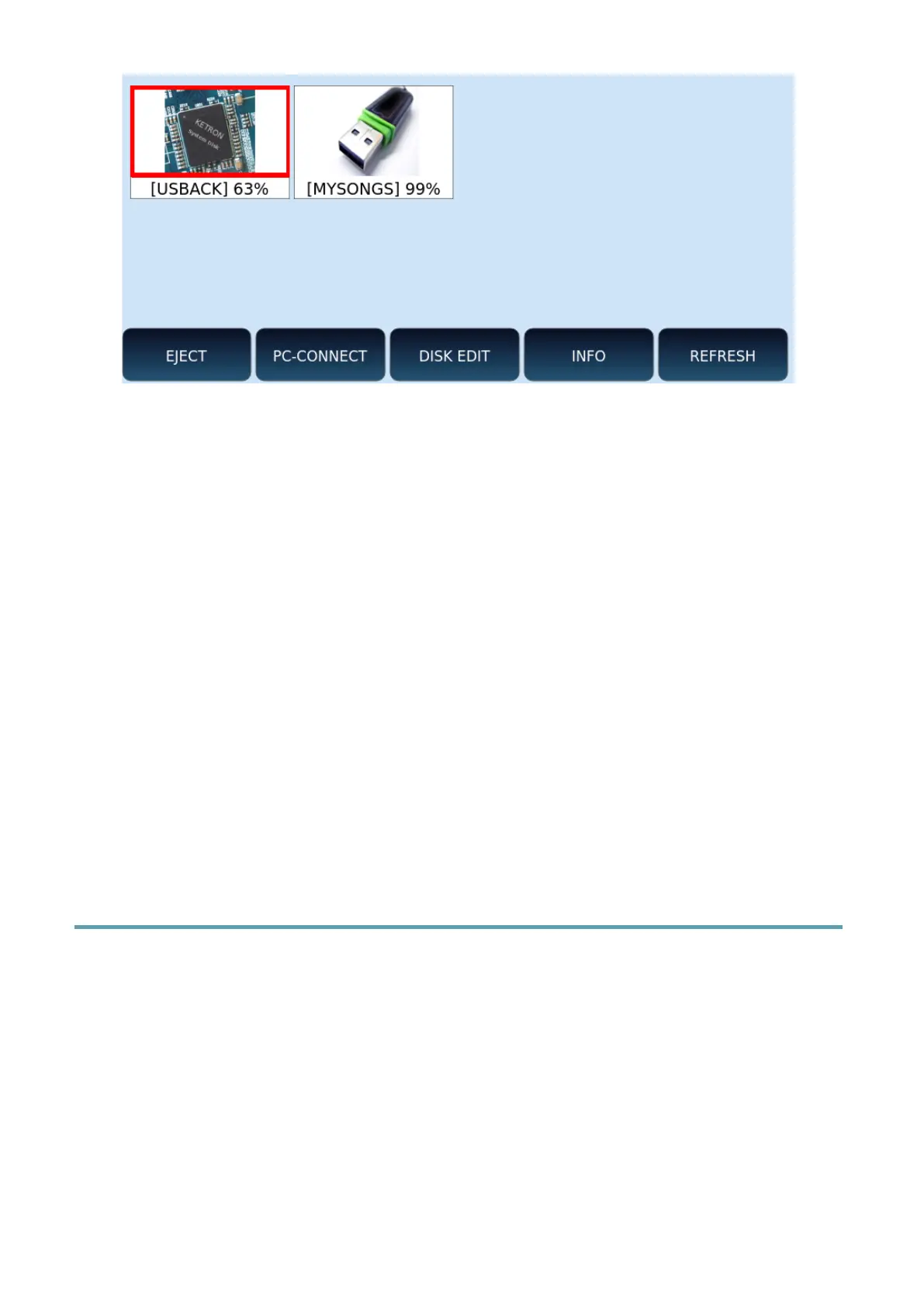
Options:
• EJECT: this feature blocks the transfer of data to and from the selected device.
Securely remove your device, preventing potential data loss or device damage that
could occur if you disconnect during file copy or sync operations. Tapping EJECT
ensures that your changes have actually been saved.
• PC-CONNECT: this function allows you to connect the instrument to a computer.
From a PC you can easily manage the internal SSD disk of EVENT-X to browse folders
and files and for creation, copy or delete operations.
• DISK EDIT: this feature allows you to perform file operations, such as copying,
deleting, and renaming files.
• INFO: displays the technical information (free space, file system, etc.) of the selected
memory device.
• REFRESH: scans all connected storage devices. Useful when the instrument does not
immediately recognize a connected USB stick or hard disk.
Now let’s go in to details.
Eject: Safely remove a device
This function is available by pressing the EJECT button on the screen after activating the
MEDIA button on the front panel.
Operations:
1. Once the EJECT page opens, use the data knob to activate the storage device you
want to safely remove. The selected media device is highlighted in red.
2. Touch EJECT button on the screen.
3. Wait for the operation to complete do not remove the device until it is no longer
visible on the MEDIA page.



 To Next Page