14 Inputs and Outputs | 185
14 Inputs and Outputs
Connecting your instrument to the outside world
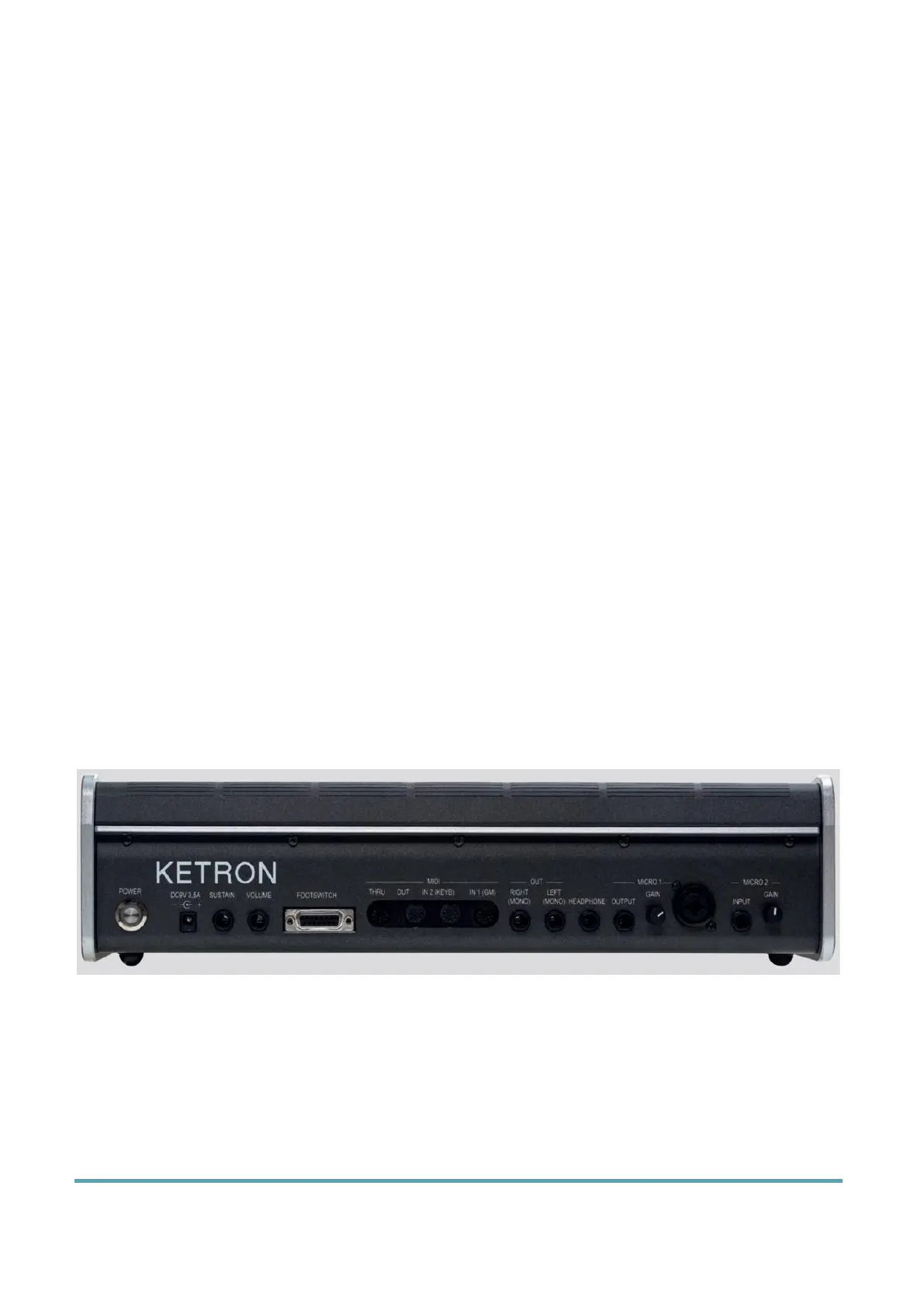
The connections required to communicate with other devices are on the back and side of EVENT-X. You
have everything you need to make EVENT-X the machine with which to control your studio or your live
setup.
Preferred ways of use:
• Connect a pedal to control sustain, volume or assignable functions.
• Connect a DAW on PC or Mac, a master keyboard or other digital musical instruments
and take advantage of the MIDI protocol to expand the way you make music.
• Connect EVENT-X to an external stereo speaker system. Or connect a stereo headset
to listen to music without disturbing neighbors or monitor the high-resolution audio
signal and faithfully reproduce even the smallest nuances of the sound source.
• Connect a microphone to entertain the audience with a singer, a singer or sing
yourself.
• More: connect a guitar, a bass, another keyboard, any other instrument, even an
expander or an Mp3 player to receive an external audio signal to process and send to
stereo outputs.
• Connect a standard mono jack to MICRO OUT dedicated exclusively to the Micro 1
output.
• Connect an HDMI cable to project song lyrics or video footage to an external monitor.
Back panel
Technical data: Before connecting any instruments to the inputs or outputs, deactivate all
units. Adjust all volume levels to a minimum and then turn them up progressively until you
reach the listening volume. Reset the volume to a minimum before turning off components
and turn off devices before unplugging them.
Connect a pedal
EVENT-X has three inputs for the pedals, each of these has different purposes.



 To Next Page