13 Global menus and settings | 175
available through key combinations. This rare occasion is necessary sometimes if getting to
the MENU screens is impossible.
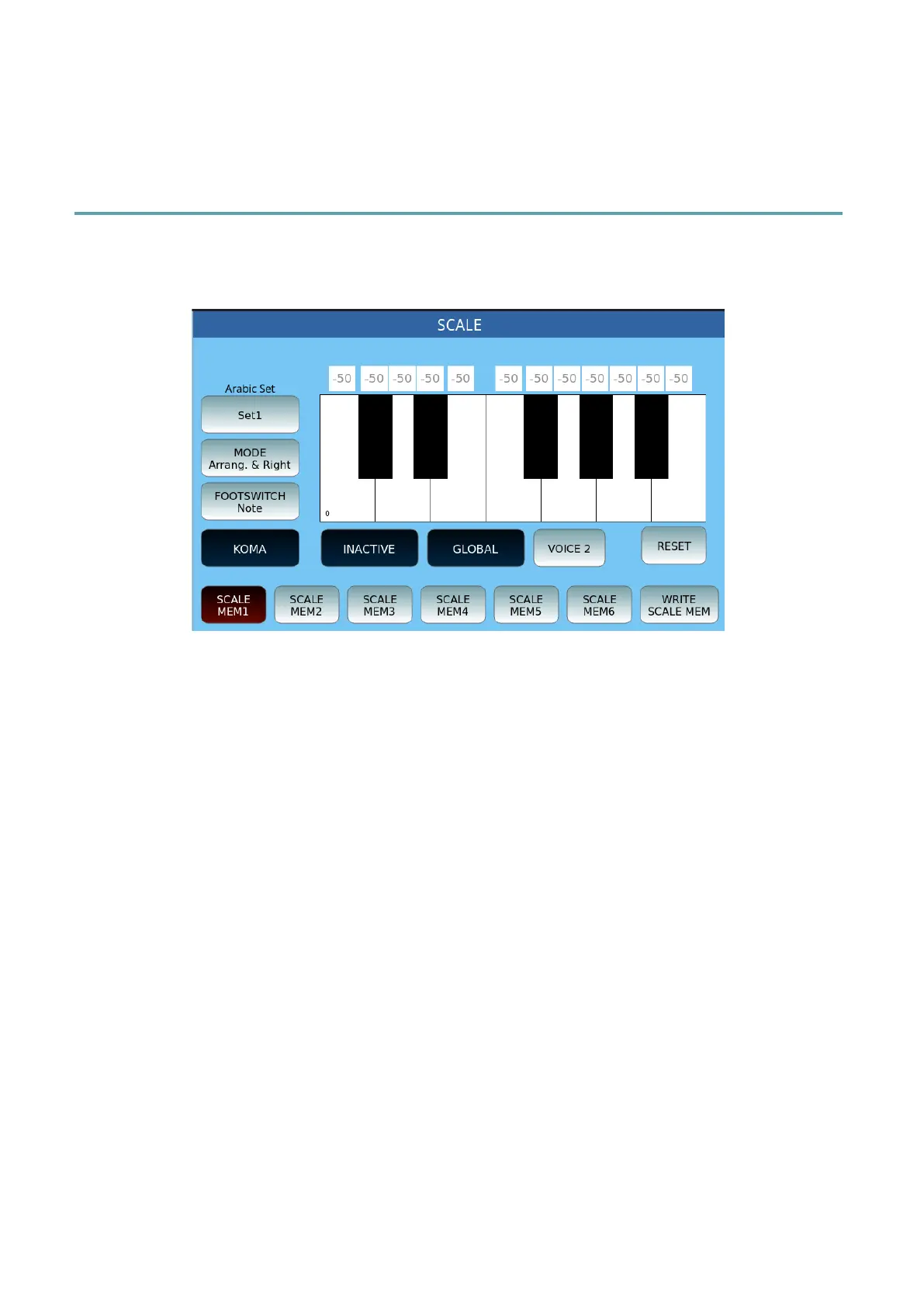
Scale
This function allows you to configure alternative Arabic scales to the factory one (tempered
scale).
On this page, you can configure the control of quarter-tones useful for Arabic scales.
Options:
• Arabic Set: you can save 16 different settings for 6 scales (SCALES MEM1-6).
• MODE: You can define the area of the keyboard extension to which Arabic scale
musical intervals are applied. Touch button and turn the data knob to choose one of
the possibilities:
o Arrang. & Right: Arabic scale applies to the arranger part and the part
played to the right of the Split point.
o Right: Arabic scale applies to the right of the point of Split.
o Lowers& Right: Arabic scale applies to the parts played on the keyboard
to the right and left of the Split point.
• FOOTSWITCH: Set Arabic scale activation control using the Footswitch pedalboard.
Options:
o Note: The pedalboard controls the pitch of the notes.
o Arabic: The pedalboard selects one of the 16 stored sets.
• KOMA (ACTIVE/INACTIVE): This feature dynamically changes the pitch of the scale
while you are playing. In other words, if the KOMA is active, when you play a note
between C5 and B5 as shown on the screen, the note is "detuned" by 50% of its pitch,
this value can be adjusted by acting with the knob (DIAL). Play the key of the same
note again to remove the change.



 To Next Page