13 Global menus and settings | 183
6. Press SAVE on the panel to store the current Key Tune in the KEYTUNE folder.
Reply YES to confirm.
7. Give your Key Tune a name.
You can now open a style, as seen above in the View & Modeling pages to
associate the Key Tune with that style.
Theme Colors
Press the MENU button and then tap THEME COLORS to customize the EVENT-X video
interface by changing the colors of the buttons on the screen.
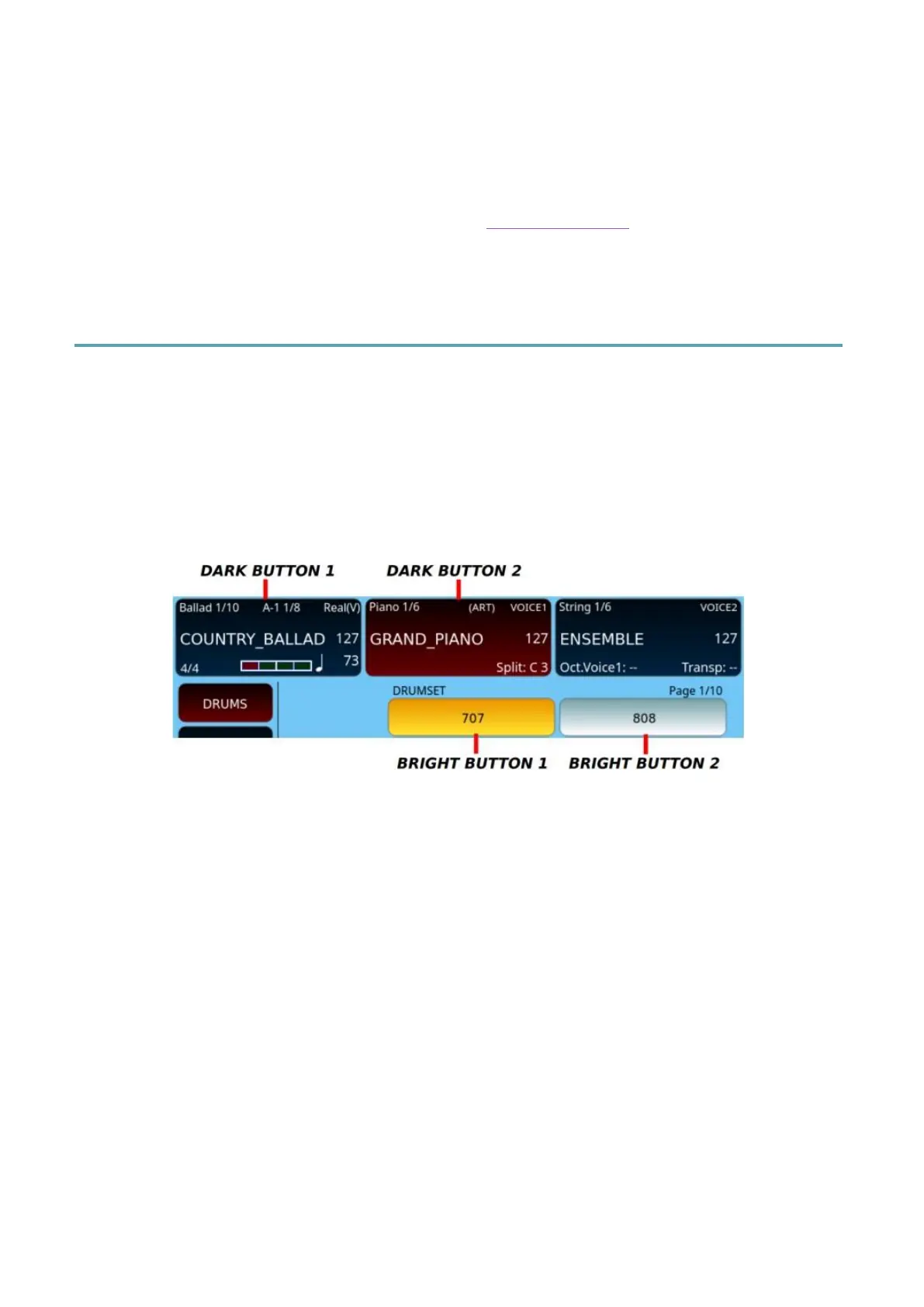
There are four distinct types of buttons that you can customize:
• two with a dark background and white text;
• two with a bright circle and black text.
Press MENU on the panel and select THEME COLORS to access the theme
editing page.



 To Next Page