07 Registration, Playbox, Performance | 79
To return to the HOME page, press the REGISTRATION button again or the EXIT button on
the front panel.
Expert advice
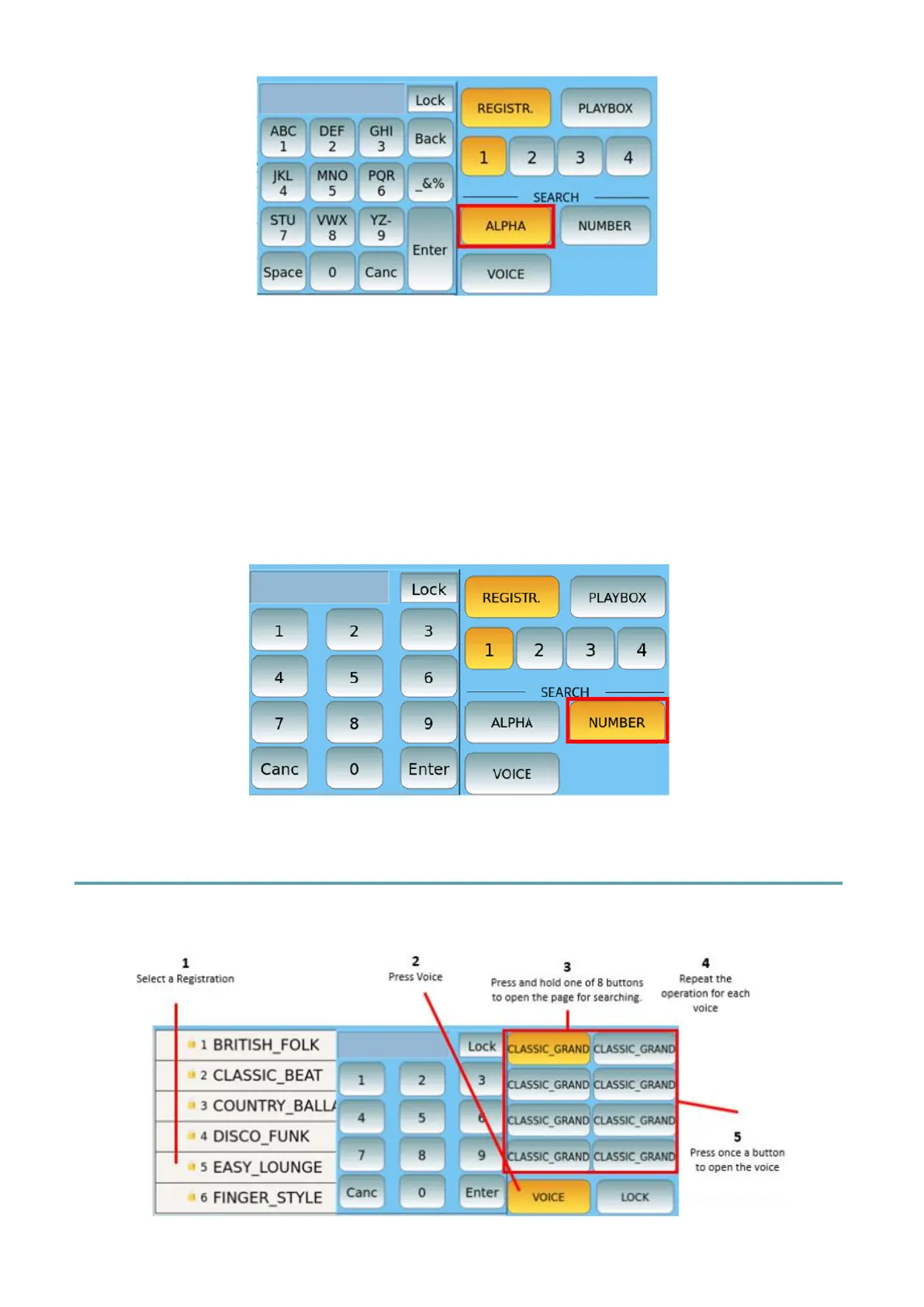
A faster way to select a registration (especially when you have many) is associated with the
NUMBER button: you can type the number corresponding to the Registration. Obviously, it
only works if you already have in mind (or on your set list or cheat sheet) the number
assigned to the Registration. As above the active Lock allows the EXIT button to open the
upper level of the current directory instead of going directly to the HOME page.
Setting up Registration data
Set the voices to play



 To Next Page