20 | 02 Playing the voices
You can save transpose metadata in the MIDI file.
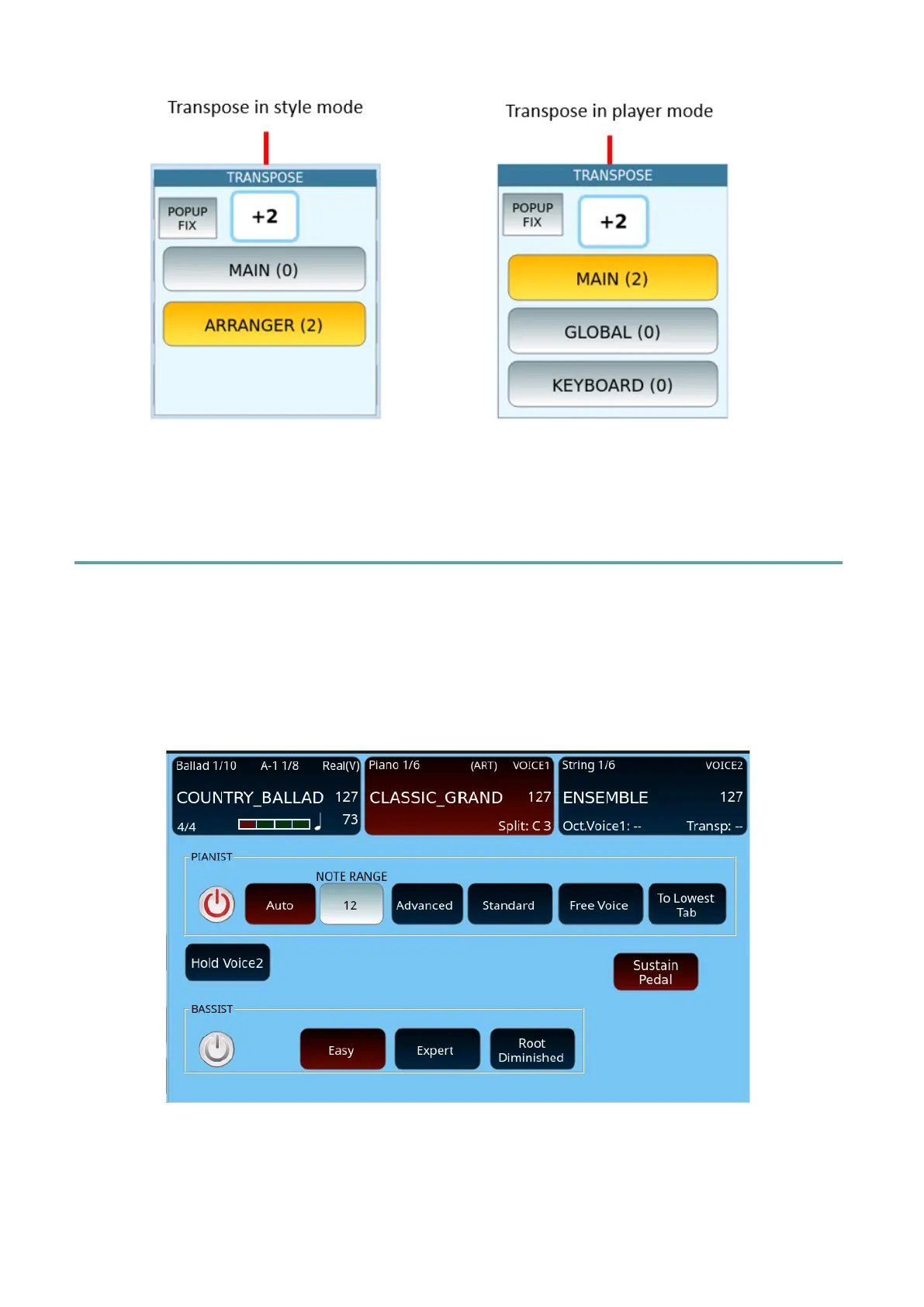
How to set the mode PIANIST and BASSIST
The front panel PIANIST button allows to leave the SPLIT mode and assign the active voices
to the entire extension of the external keyboard, while the BASSIST button allows to play the
free bass notes of a chord played with the right hand.
When you press longer the PIANIST or BASSIST button, the screen displays the settings page
as follows.
PIANIST:
• Auto: The chord is recognized within a Note Range with a default value of 12. At least
three notes are needed to adapt the chord. After setting the chord, playing the notes
to the left of the chord, it is adjusted according to the notes added. Playing to the



 To Next Page