60 | 05 Player
2. If the markers do not appear, make sure that the AUTOSHOW setting is active in
the Settings of the PLAYER.
3. Start playback.
4. Press the various Markers to immediately move the playback to that point.
5. You can loop two marking points between them:
6. The premise is that the LOOP option is active in the Settings of the PLAYER.
7. Start playback of the song.
8. Once you have passed the return Marker, press the ENTER button.
9. A green icon appears showing that when the next Marker is reached, you return to
the position of the selected Marker.
10. To exit the loop, press the marked Marker again.
PLAYLIST: organize your songs for a performance
PLAYLISTS are memory areas where you can arrange your music set lists for live
performances. In the PLAYLISTS the songs are placed in a sequential order that represents
your set list for the event. You can manage up to 100 lists stored in the instrument. And each
list can contain an unlimited number of music tracks.
The PLAYLIST differs from the JUKEBOX thanks to the possibility of establishing the
playback order of the songs, while in the JUKEBOX mode the songs are always displayed in
alphabetical order in the SET collection and easily selectable by touching each virtual Pad.
How to access the PLAYLIST feature
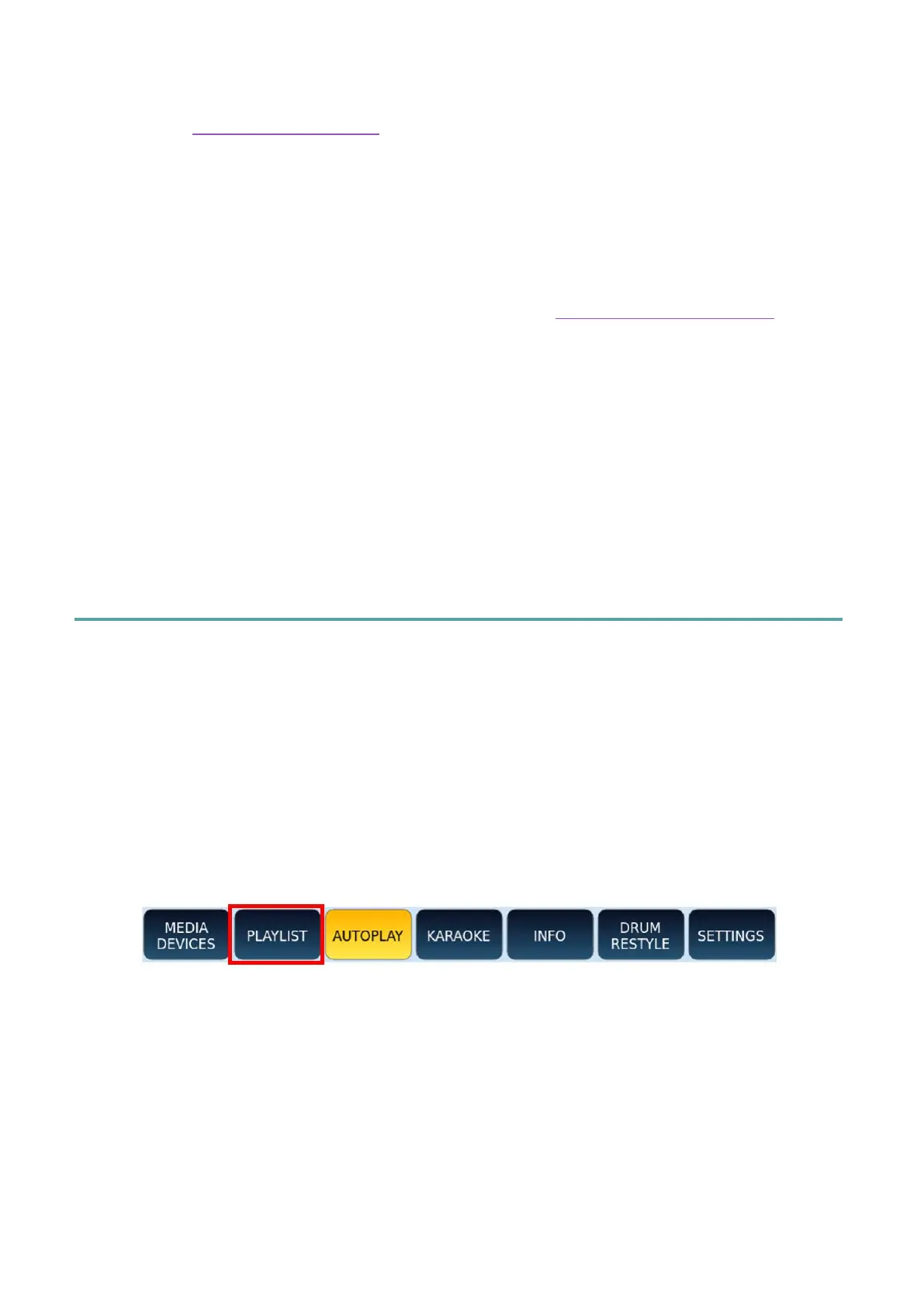
Press the PLAYLIST button on the screen on the main page of the PLAYER.



 To Next Page