02 Playing the voices | 19
How to use the Transpose to change the key
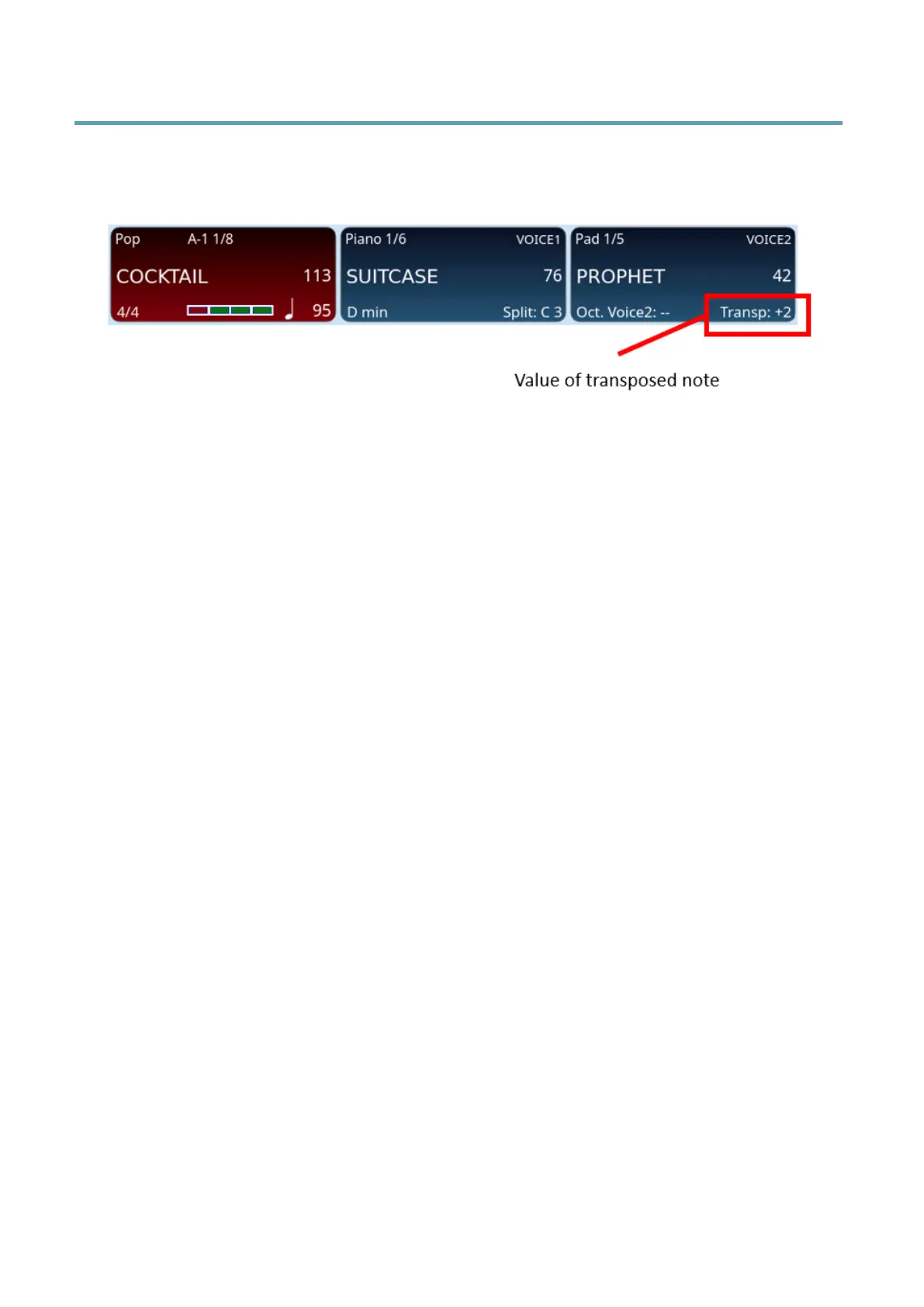
EVENT-X allows you to transpose the instrument's pitch by ±24 notes, semitone by
semitone. The value of any key transposition is visible in the VOICE 2 frame of the display.
Options:
• Press the Transposer + or – button on the front panel as many times as needed to
change the pitch.
• If you press both Transposer +/- buttons, the transposition value returns to zero.
• Press and hold one of the two buttons to display the current transpose value.
• You can turn the main data knob to quickly change the value or touch the transport
value to immediately reset it to zero.
• Depending on whether you are playing the styles of the arranger or a song from the
PLAYER, the different values on which the transposition will impact can appear and
you can decide the individual parts to be affected by the transposer values:
o ARRANGER: this is default setting; affects intonation of the keyboard
sound and the reproduction of the arranger's styles only.
o KEYBOARD: this applies to the keyboard parts but not the songs. Any
transposition metadata saved in the track will be considerd: it will be set
to the value saved in the song at the beginning and restored to 0 at the
end.
o GLOBAL: this applies tothe keyboard parts and the audio/MIDI backing
tracks performed by the PLAYER. Any transposition metadata saved in
the song will be considered: it will be set to the value saved in the song
at the beginning and restored to 0 at the end.
o MAIN: this applies to the keyboard parts and song (MIDI files only).
Unlike the other methods above, any transposition metadata saved in
the song will NOT be considered.
• If not used, the window disappears after five seconds: if you want to keep it open
longer, press POPUP FIX.



 To Next Page