42 | 03 Playing with the styles
o After selection, the running style is stopped and the Phrase is loaded.
o If you have loaded a Phrase independently of the style, when you
change the style, it is not deleted: you must run PHASE CLEAR.
Playing with Key Tunes
Key Tune is a feature that allows you to play audio files at the touch of a button on the
keyboard with minimal latency. You can create your own Key Tunes and save them within a
style so that you can start them while the arranger is running.
• Only .wav (16-bit/44100 Hz) files are allowed.
• No TEMPO changes.
• No change of pitch
• PLAYER 2 is not available when Key Tune is active.
• Audio files can be stored anywhere, but we recommend placing them in the
KEYTUNE/WAVES folder.
• Key Tune files (.ktune extension) are all stored in the KEYTUNE folder.
• A maximum of 32 files are supported per Key Tune.
• Only one file can be played at a time.
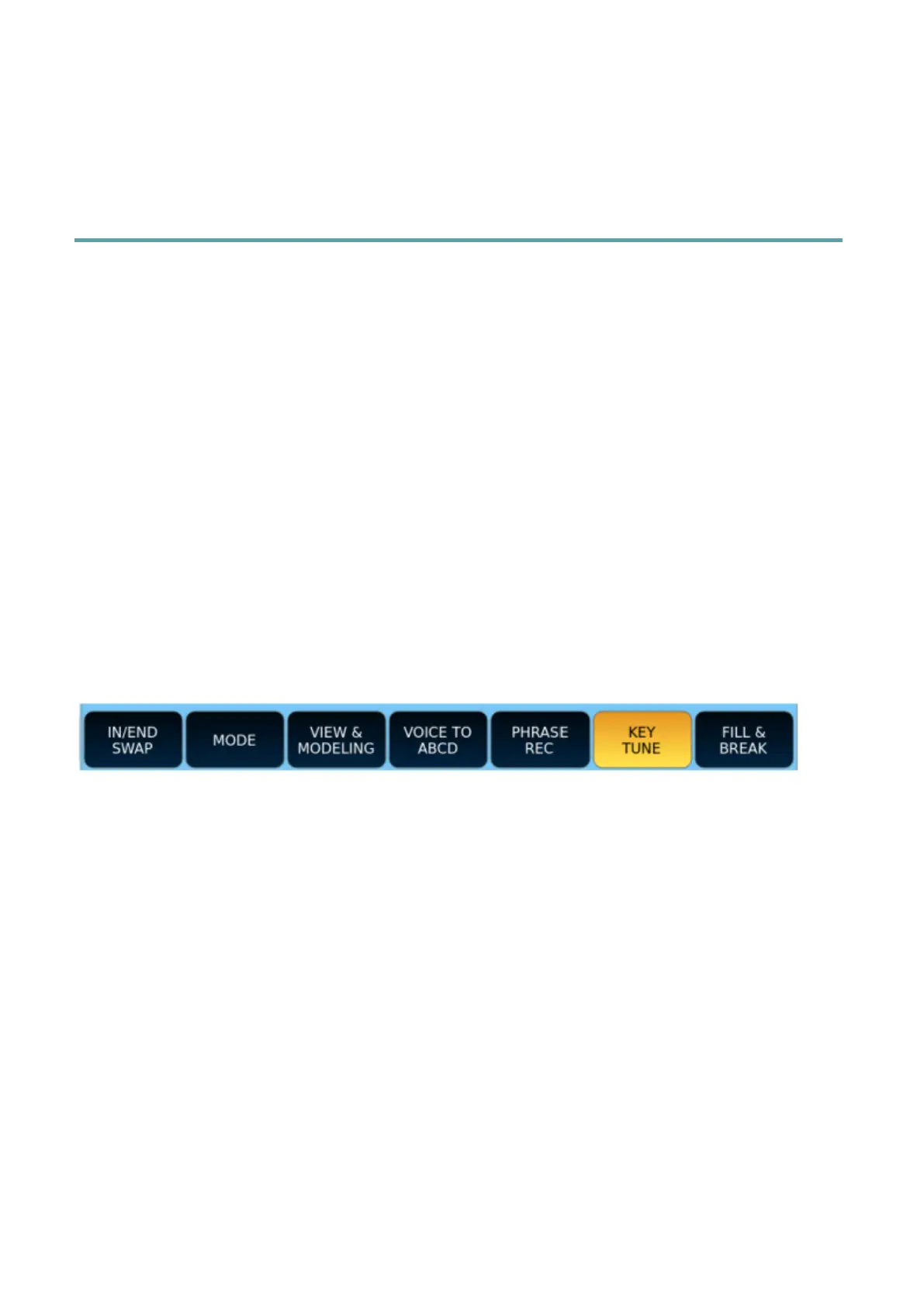
From the main page Press the KEY TUNE button in the bottom bar of the main page to
activate/deactivate the Key Tune player.
The Player will load the Global Key Tune or Style Key Tune (if this is saved in the style file).
Press the white button in the middle of the screen to load a different melody than the ones
saved in the KEYTUNE folder.



 To Next Page