40 | 03 Playing with the styles
Options
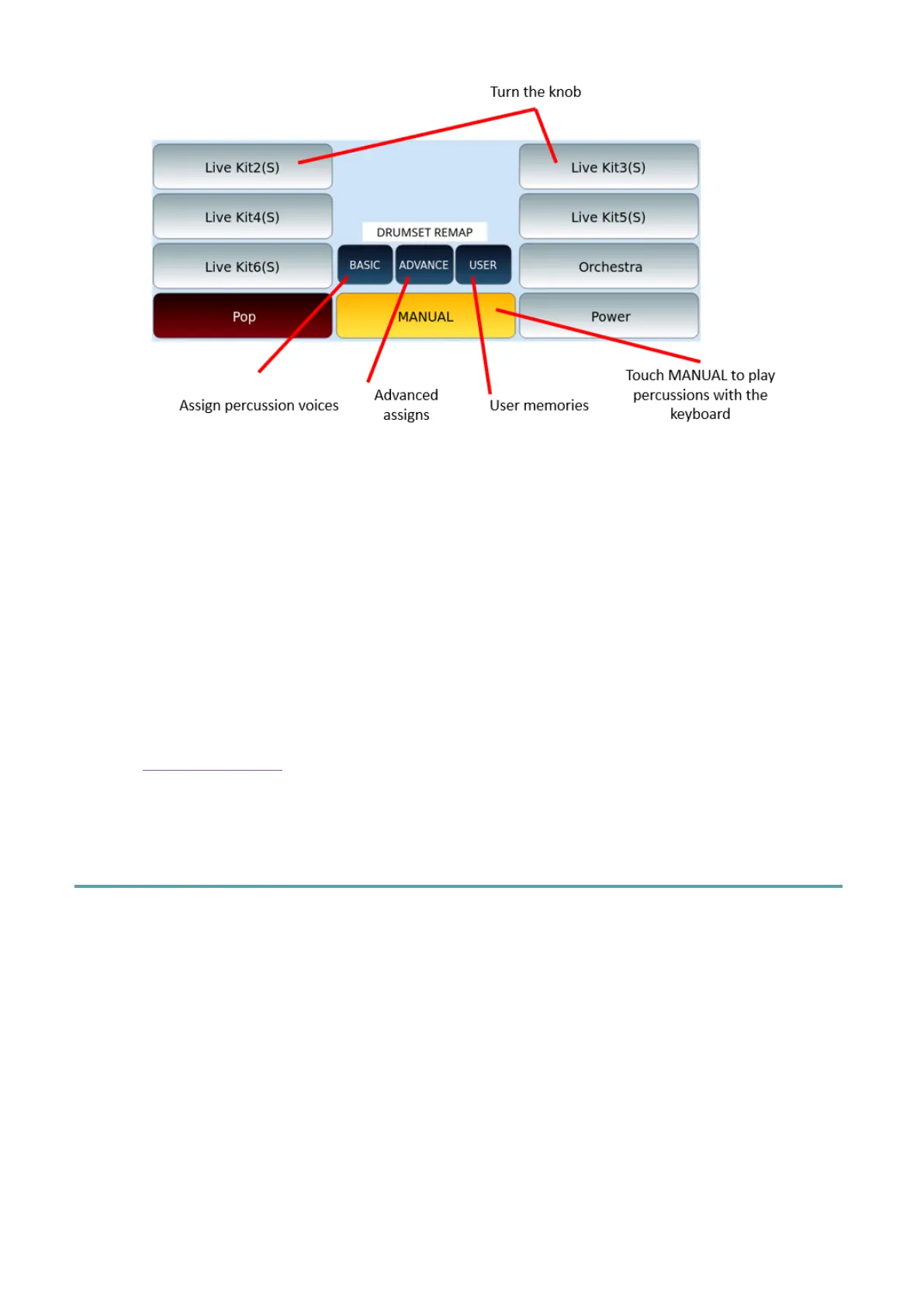
1. Press the MANUAL button to turn the external keyboard of EVENT-X into a
percussion controller.
2. Turn the main data knob to scroll through the Drum Kit list (factory and USER) in
two columns.
3. Touch the wanted Drum Kit.
You can use the 76 keys on the keyboard to play the various DRUM KITS even with the style
running. The volume is controlled by the same slider as the DRUM part of the style.
See the Drum Set Remap paragraph for editing the part related to rhythm tracks: BASIC,
ADVANCE and USER.
Playing chord progressions: Phrase
To effectively enrich your performances, use Phrases: they are chord progressions that, when
recorded in real time, can be played back in a loop to guide the style being played.



 To Next Page