03 Playing with the styles | 29
Playing lead parts during a style in real time
We have seen above how to set the sounds for the parts to be played with the keyboard.
Here we do not want to repeat ourselves, but we do want to highlight how to take
advantage of this opportunity when performing and accompanying styles.
5 parts which you can play manually (in real time) are at your disposal (VOICE 1, VOICE2,
DRAWBAR, LOWER 1, LOWER 2, LOWER 3) and their relative volume sliders allow you to
control the volume levels of each of them, compared to the volume of the entire STYLE or
individual parts of the STYLE: each part has its own volume control slider for real time
adjustment during your performance.
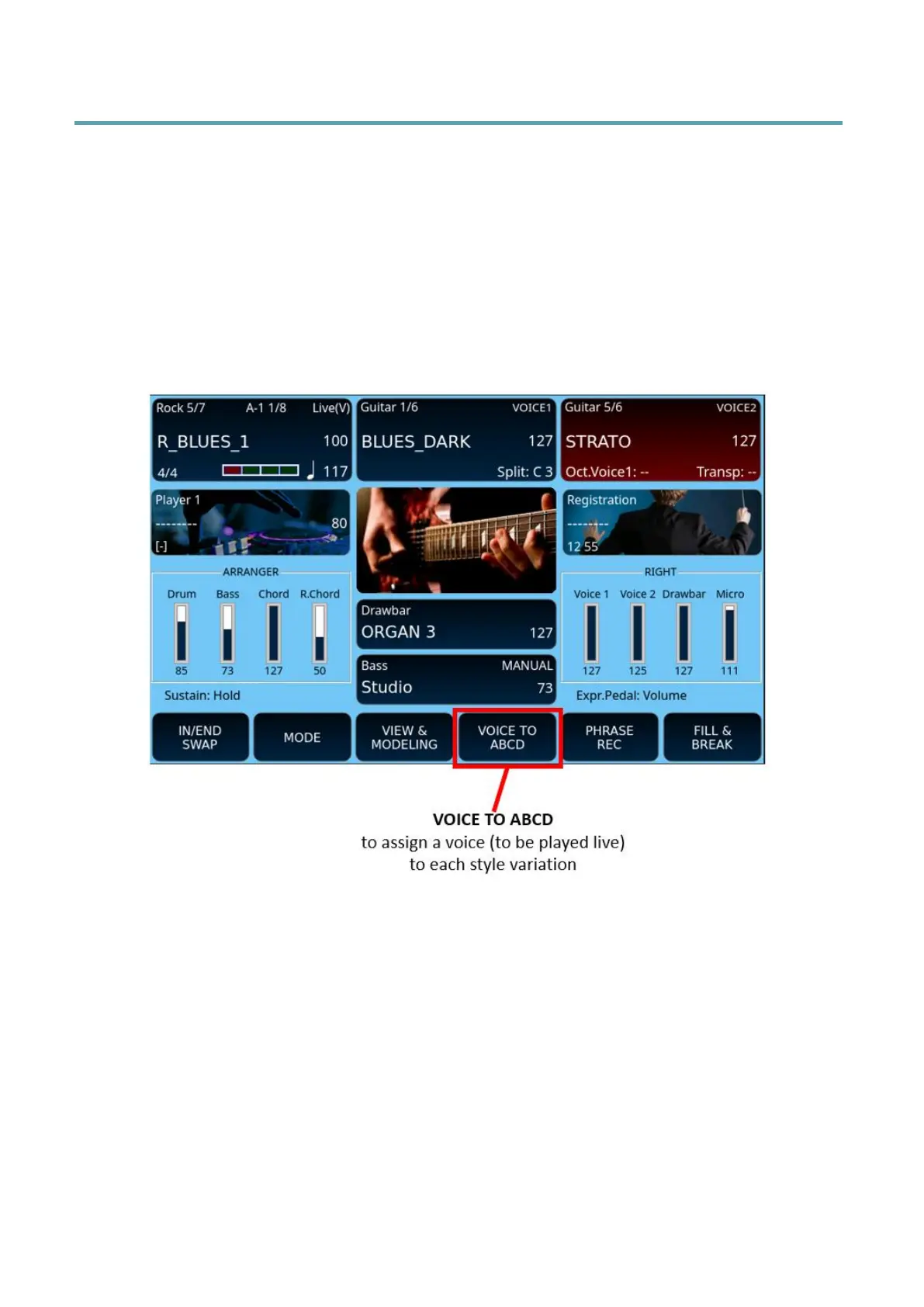
Normally, EVENT-X allows you to play the GRAND PIANO sound for all variations, however
you have the option to associate different voices with VOICE 1 for ABCD variations. When
you change the active variation, the instrument calls up the voice you have configured when
this feature is turned on.



 To Next Page