03 Playing with the styles | 37
Customizing the use of styles: USER TAB
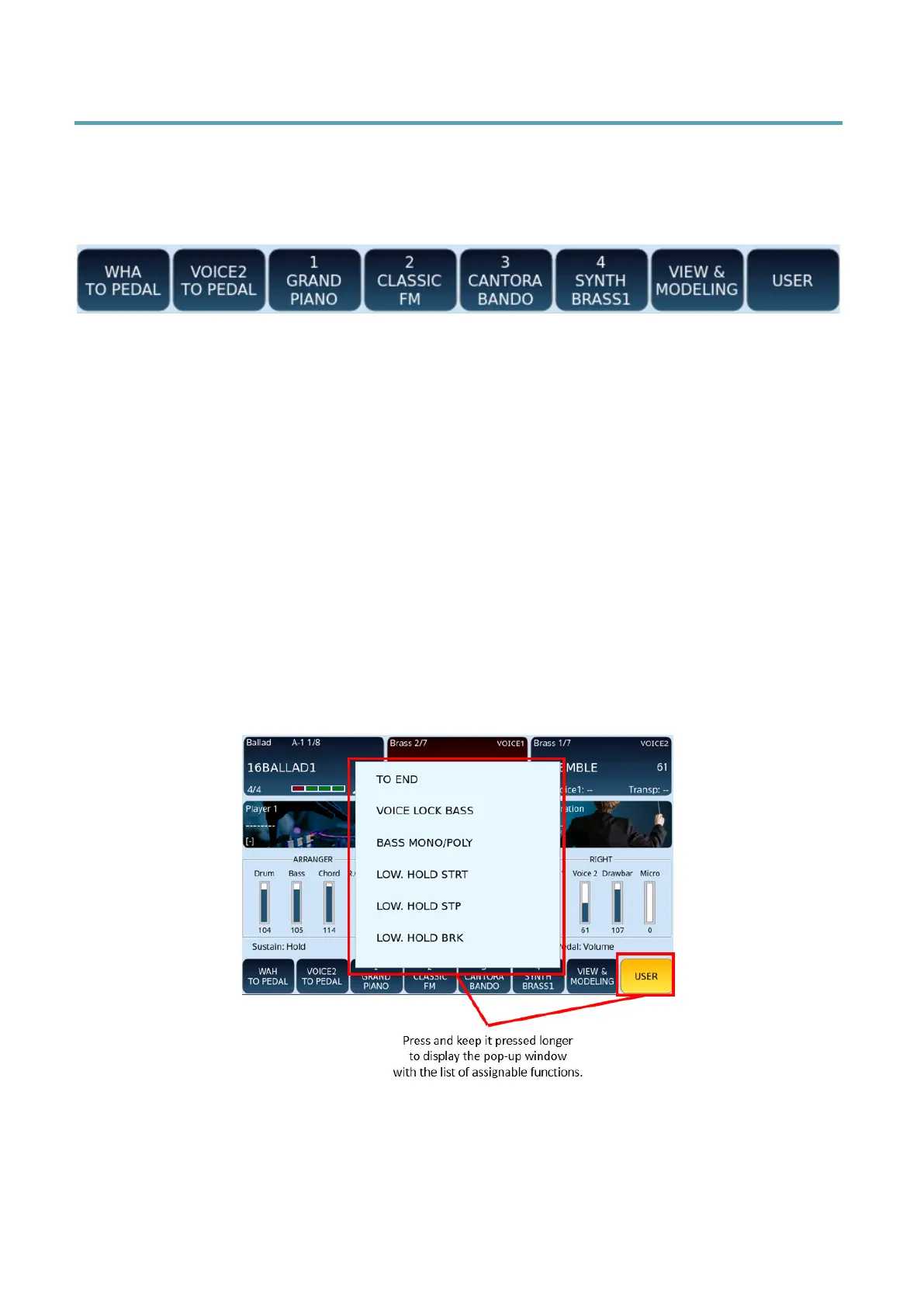
In the bar at the bottom of the screen, EVENT-X features a set of standard style control
icons. Pressing the USER TAB button on the front panel brings up a second set of buttons as
shown below.
Some buttons are already preset and ready to use:
• WAH TO PEDAL: you can control the WAH effect using the optional expression pedal.
• VOICE 2 TO PEDAL: you can control the volume of VOICE2 using the expression
pedal.
• 1 GRAND PIANO: Instant access to and turning on this voice (favorite voice).
• 2 CLASSIC FM: as above.
• 3 CANTORA BANDO: as above.
• 4 SYNTH BRASS1: as above.
• VIEW & MODELING: Touching this displays another window where these functions
can be set.
• USER: access the storage of different and customized functions.
You can configure a second set of buttons that is displayed in the same positions at the
bottom of the HOME page by pressing the USER TAB button.
Assign a function to USER TAB buttons:
1. Enable the USER button on the screen.
2. Touch for 2 seconds any of the icons at the bottom of the screen.



 To Next Page