54 | 05 Player
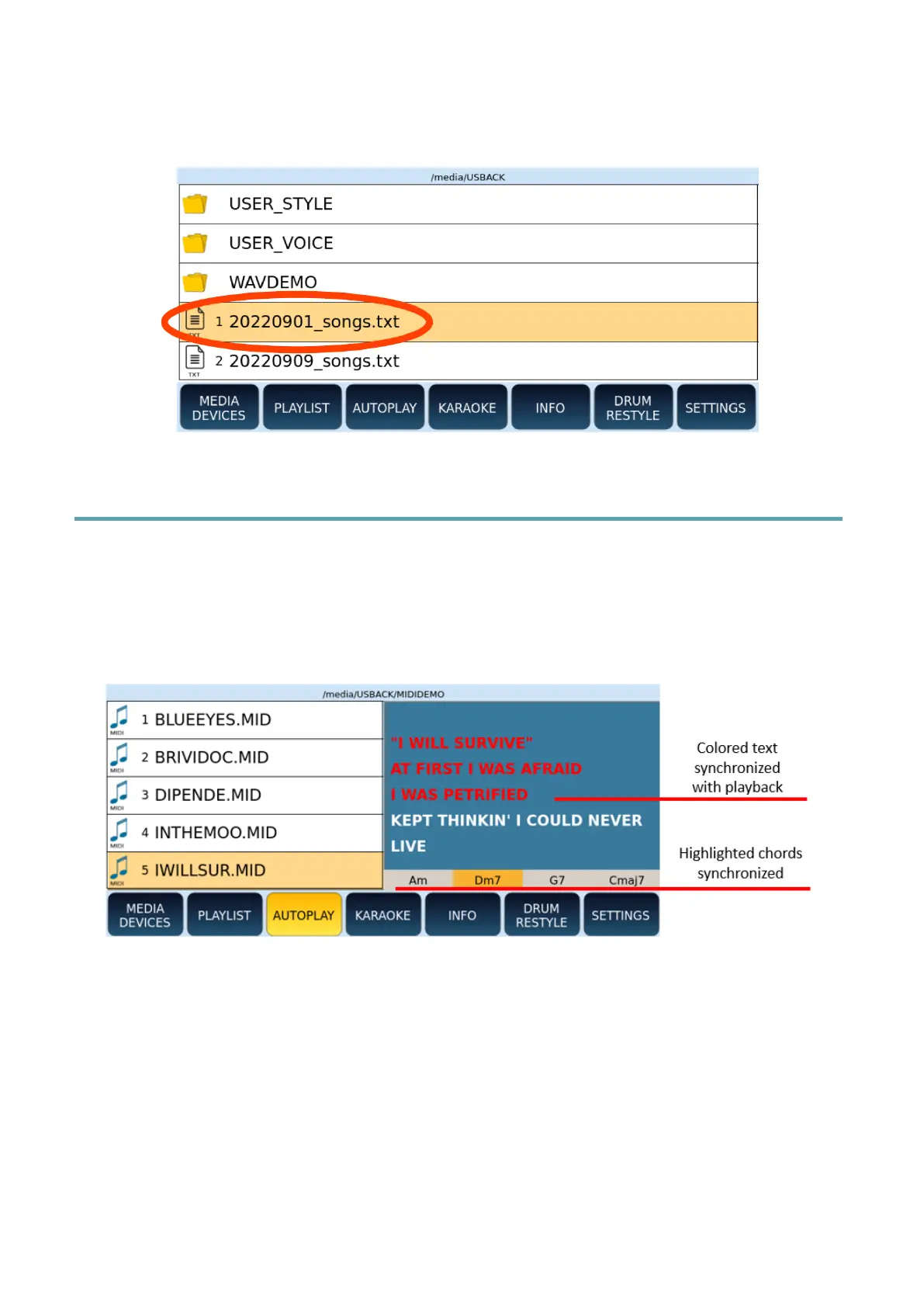
The EXPORT SONGS button is useful to get the song list of all the songs played by the
instrument since it was last turned on. The result is a text file (txt) saved on the internal
disk of the instrument.
Viewing lyrics and chords in sync with Songs
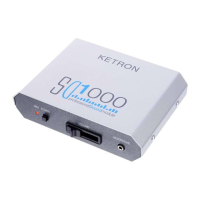
When you play a piece of music that includes MIDI events of the text or chords, they are
displayed spontaneously on the screen page in "preview" in a part of the screen as follows.
Note: the text appears automatically if you have activated the AUTO LYRICS option on the
SETTINGS page | MIDI.
Options:
• If the text does not appear, press the LYRICS button on the front panel.
• Press it again to return to the previous video page.
• If no text appears, the MIDI file does not have MIDI LYRICS. If you have a text file,
score in PDF format or an image with useful information for this purpose, you can link
these files and display texts, scores, images.
• Click and the screen is entirely dedicated to text.


 To Next Page