03 Playing with the styles | 41
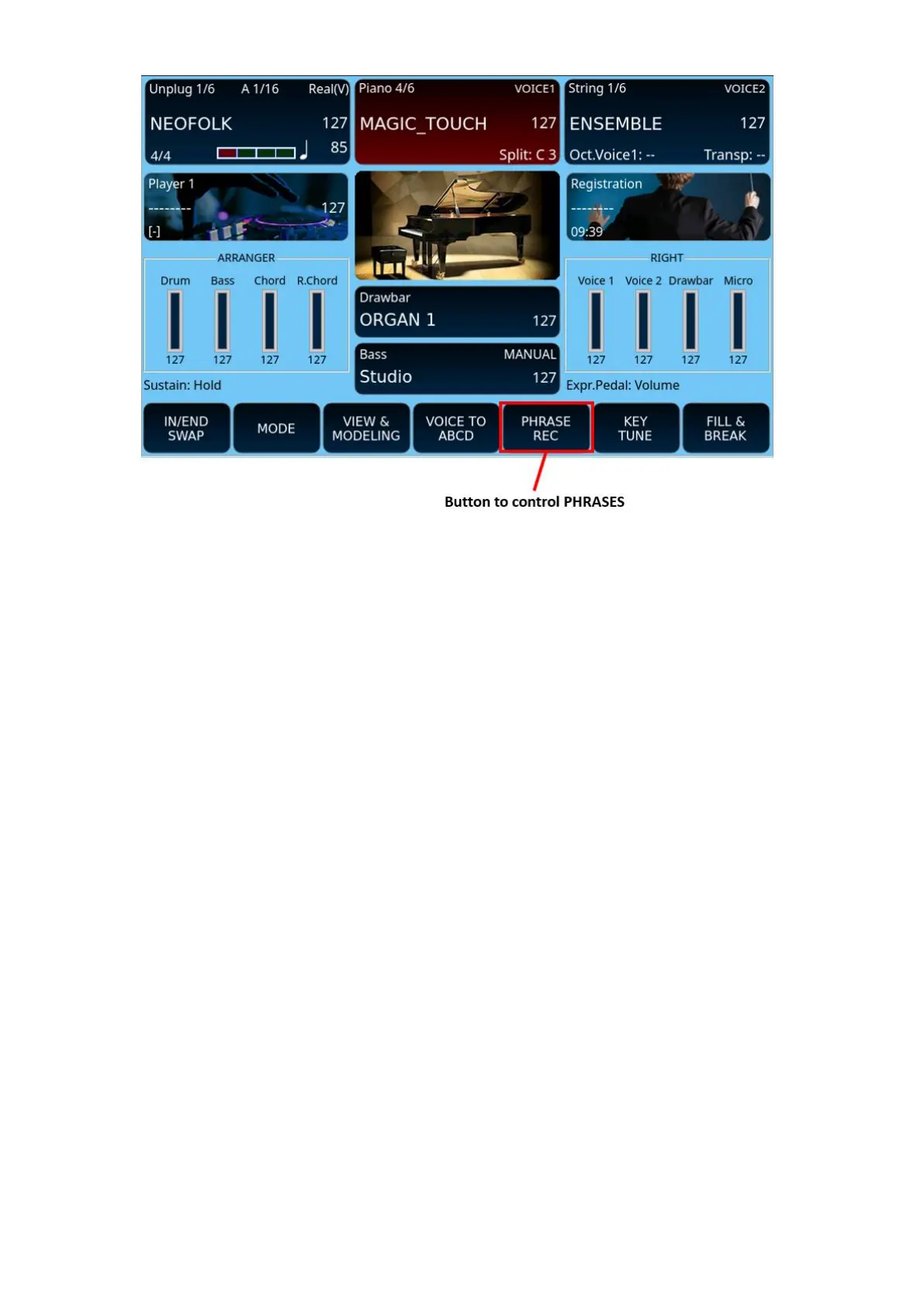
How Phrases works:
• PHRASE REC: How to create a new chord progression.
o If the style is not running, press the PHRASE REC. This turns red and
PHRASE REC (Wait for Start) appears. You can now set the initial
chord and press START to start recording, or start recording with the
KEY START on. The word PHRASE REC appears with the red box.
o If the style is running, press the PHRASE REC. This turns red and the
writing changes to PHRASE REC Wait. The recording of agreements
begins with the next measure.
• PHRASE PLAY:
o During recording, pressing PHRASE REC in red stops the recording and
automatically starts the PLAY phase starting from the next
measurement. For this reason, it is good to stop the recording before
the end of the measure with the last chord of the sequence set.
• PHRASE SAVE:
o After registering a Phrase, or after loading a style in which a Phrase is
present, pressing the SAVE button takes you to a page where you can
choose whether to save the Phrase together with the style (USER STYLE
+ PHRASE) or independently of the style (PHRASE ONLY). In this case,
the Phrase is saved in a file with a .phr extension on the USERFS disk in
the PHRASE folder.
• PHRASE SELECT:
o By holding down the PHRASE REC button, you can access the list of
Phrases already present in the system.



 To Next Page