05 Player | 61
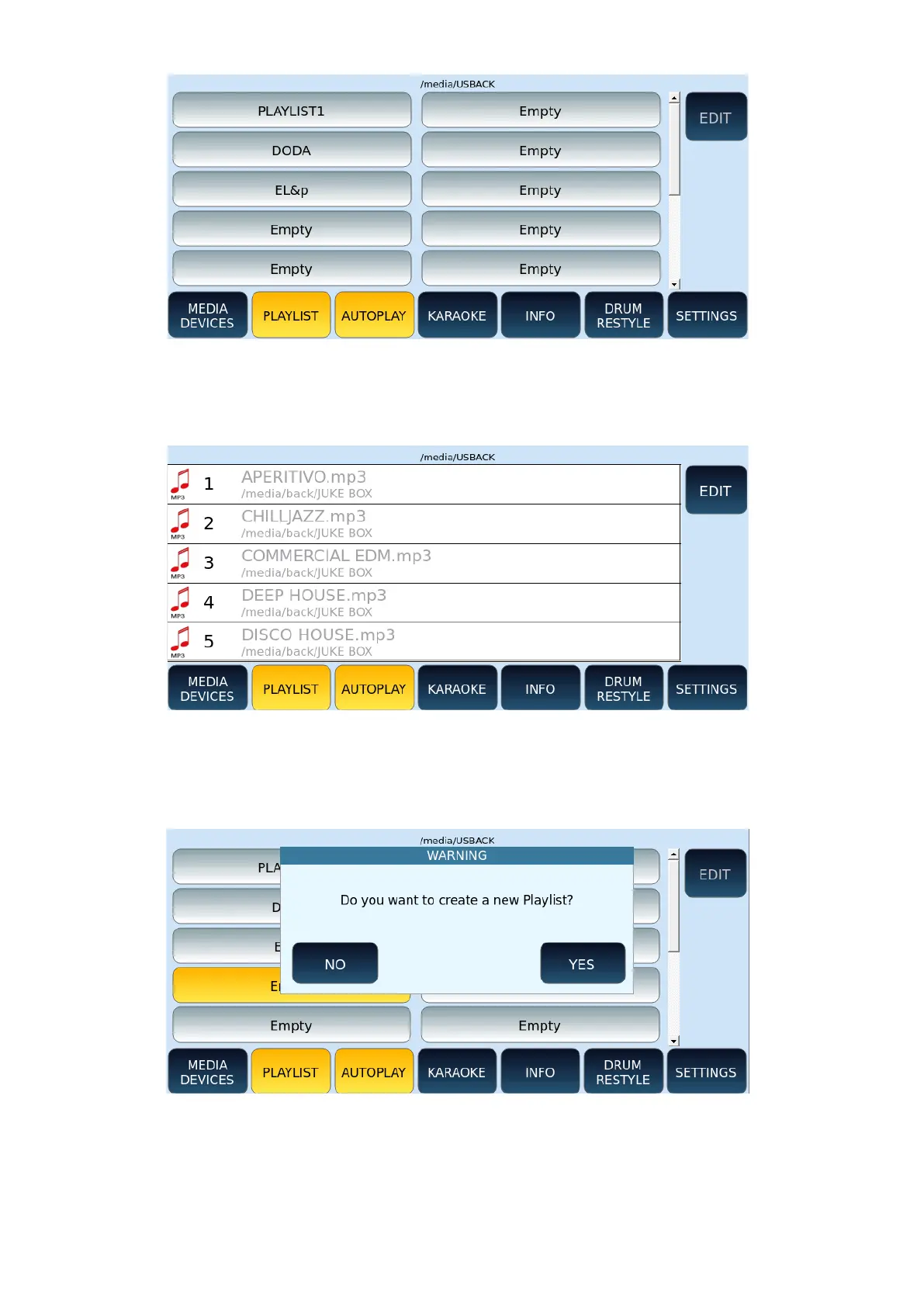
Touch a playlist item to access the PLAYLIST page, which shows all the songs in the list. Press
the EXIT button on the front panel to toggle between the PLAYLIST SELECTION page and the
PLAYLIST page.
How to create a new PLAYLIST
To create a new list, select an empty item on the PLAYLIST selection page. The screen
displays a pop-up window. Touch the YES icon to confirm.
The next page appears as shown in the following example.



 To Next Page