62 | 05 Player
Next steps:
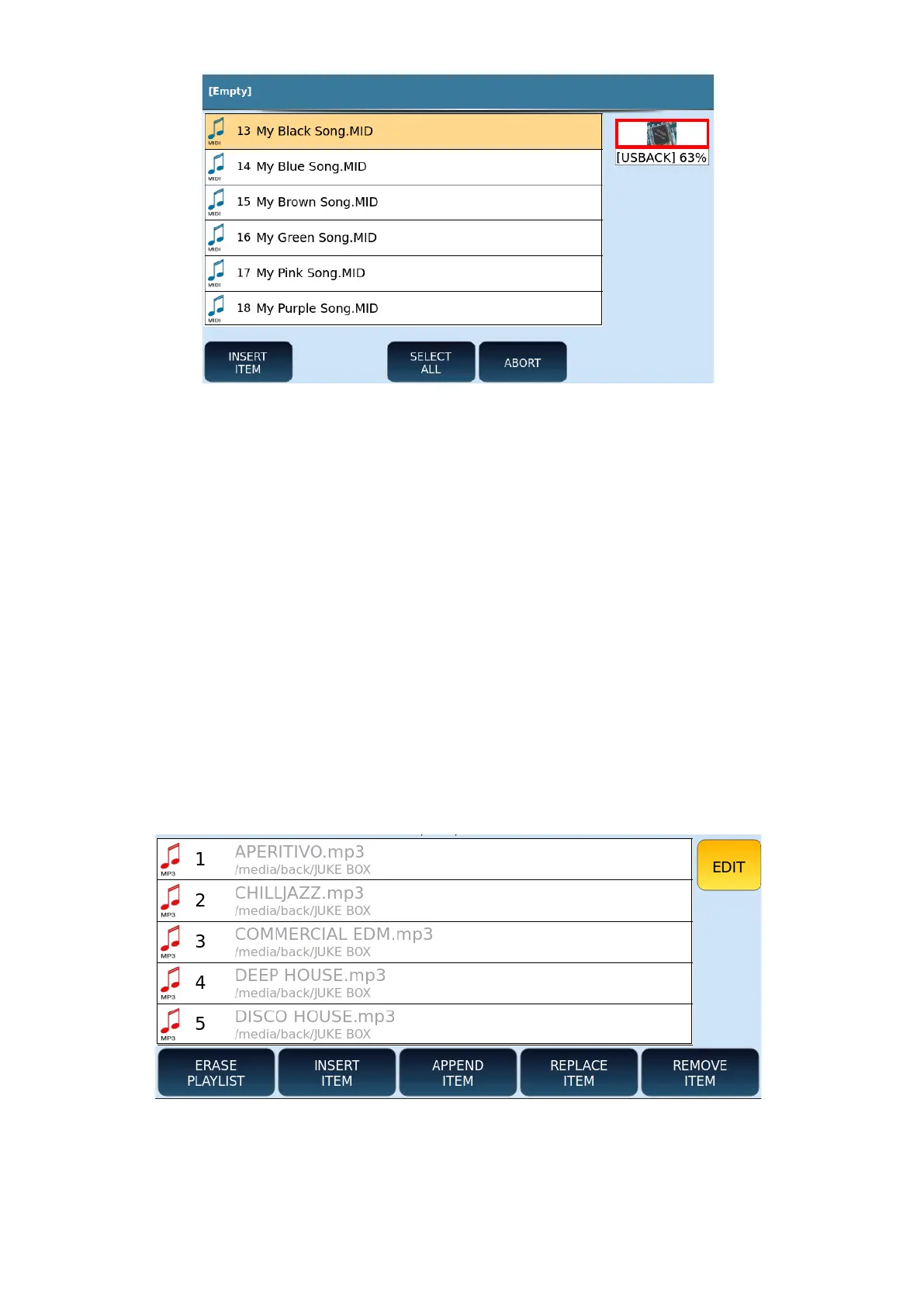
1. Touch INSERT ITEM.
2. Navigate to the folders and select the songs (one by one or press SELECT ALL to
select the entire contents of a folder).
3. Touch ABORT to leave the current page.
4. Otherwise continue by pressing the SAVE button on the front panel to save the
list.
5. You can now name the PLAYLIST and press ENTER to confirm.
How to change the list of items within the PLAYLIST
To change the contents of a list, press the EDIT icon on the right side of the screen: notice
how new icons appear at the bottom, as shown.
Options available are as follows:
• ERASE PLAYLIST: Press this button to clear the entire list.
• INSERT ITEM: This button allows you to add new songs to the list.



 To Next Page