172 | 13 Global menus and settings
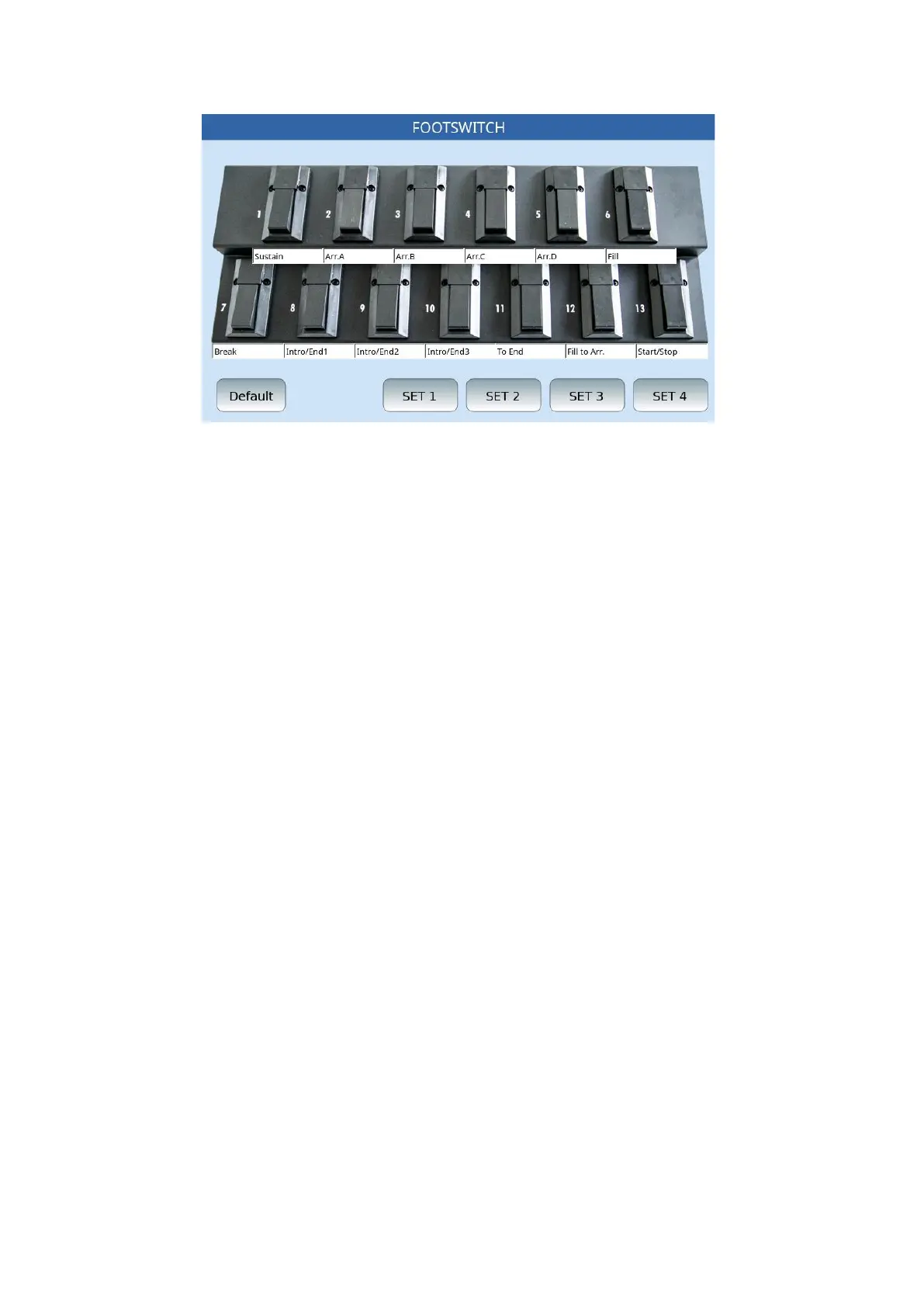
Touch the FOOTSWITCH icon on the MENU page to display the FOOTSWITCH page.
Programming the Footswitch - How to assign function to the switches
1. Simply touch any of the switches: The screen displays a list of available functions
(check the table with the full list below).
2. Turn the data knob.
3. Touch the function needed to assign the function to the switch.
4. Press the EXIT button on the front panel to close the pop up.
5. You can store and recall up to four different function configurations within 4 sets.
Each configuration assigns each switch a different function. Touch the SET icons to
select a configuration for each one.
6. Press the SAVE button on the front panel to save the current configuration.
7. Touch the DEFAULT icon to reload the default factory configuration.



 To Next Page