34410A/11A/L4411A User’s Guide 153
Appendix: Firmware and Driver Updates A
1. From the directory where the update utility was installed, start the utility by selecting
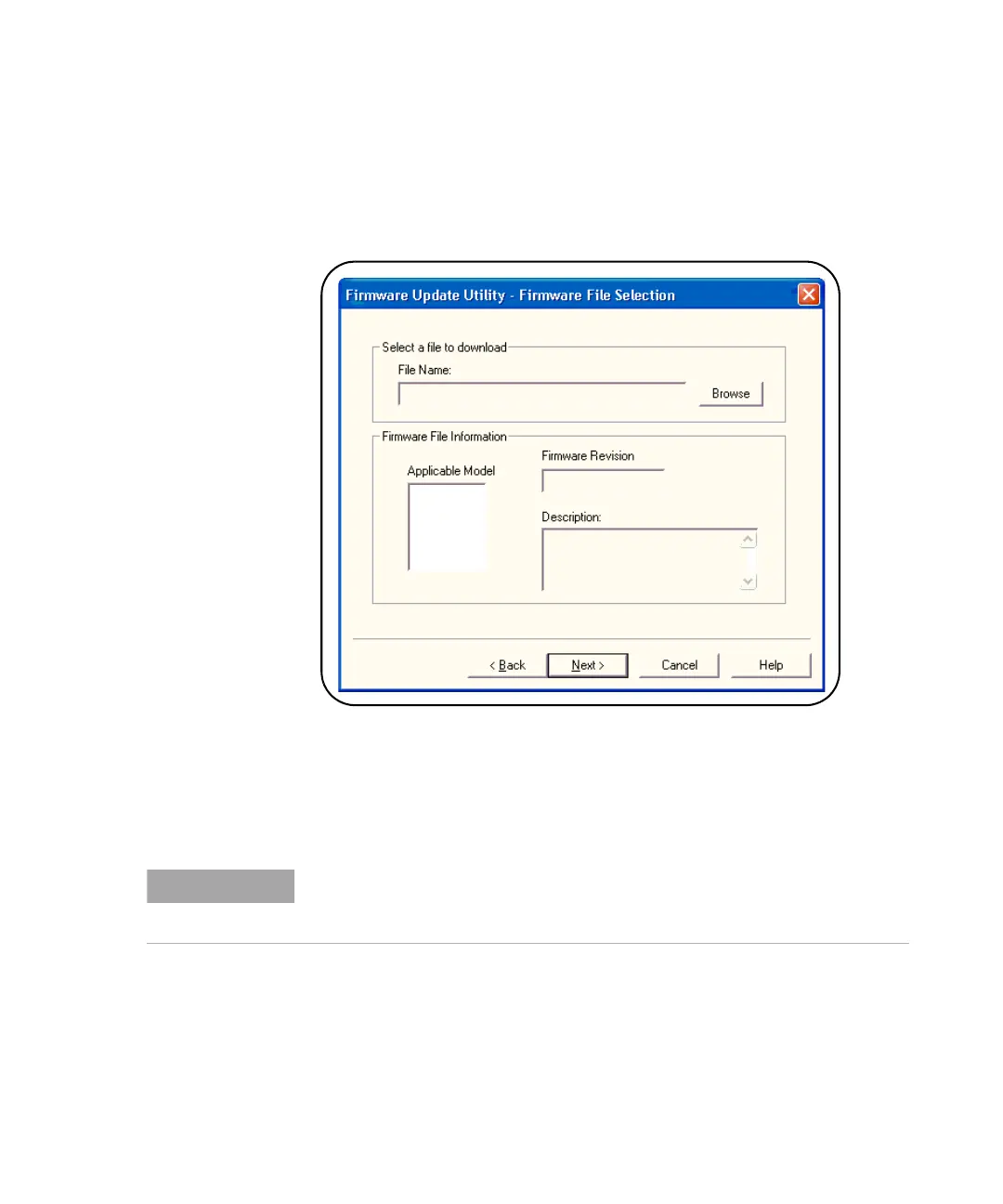
FirmwareUpdateUtility.exe. Select ‘Next’ until the window shown in Figure A-1
appears.
Figure A-1. Firmware Update Utility File Selection Window.
2. Using the ‘Browse’ button, specify the path to the firmware file. Once specified, the
instrument model number will appear in the ‘Applicable Model’ window along with the
revision and instrument description. Select ‘Next’.
3. Select the I/O interface to the instrument and then select ‘Next’. Enter the machine
name, IP address, GPIB address, or Alias,... as prompted (Figure A-2). Select ‘Update’
to start the update process.
The ‘Applicable Model’ window lists the instruments which may be updated by
the specified firmware (.xs) image. The window is not used to select the
instrument receiving the firmware update.



 To Next Page