66 34410A/11A/L4411A User’s Guide
2 Features and Functions
• Remote Interface Operation: The following command enables the statistics
function:
CALCulate:FUNCtion AVERage
The following queries return the mean, minimum value, maximum value, standard
deviation, peak–to–peak value, and number of readings, respectively, since statistics
were enabled or cleared.
CALCulate:AVERage:AVERage?
CALCulate:AVERage:MINimum?
CALCulate:AVERage:MAXimum?
CALCulate:AVERage:SDEViation?
CALCulate:AVERage:PTPeak?
CALCulate:AVERage:COUNt?
Refer to the Keysight 34410A/11A/L4411A Programmer’s Reference Help for
a complete description and syntax for these commands.
Limit Testing
Applies to all measurement functions except continuity and diode test.
The limit test function (LIMITS) enables you to perform pass/fail testing to upper and
lower limits that you specify. You can set the upper and lower limits to any value
between 0 and ±120% of the highest range, for the present function. The upper limit you
select must be a more positive number than the lower limit. The initial factory settings
for both are “0”.
• Front Panel Operation: Press
MATH > LIMITS > LOW LIMIT > HIGH LIMIT
Set the desired LOW LIMIT and HIGH LIMIT in turn using the navigation keypad,
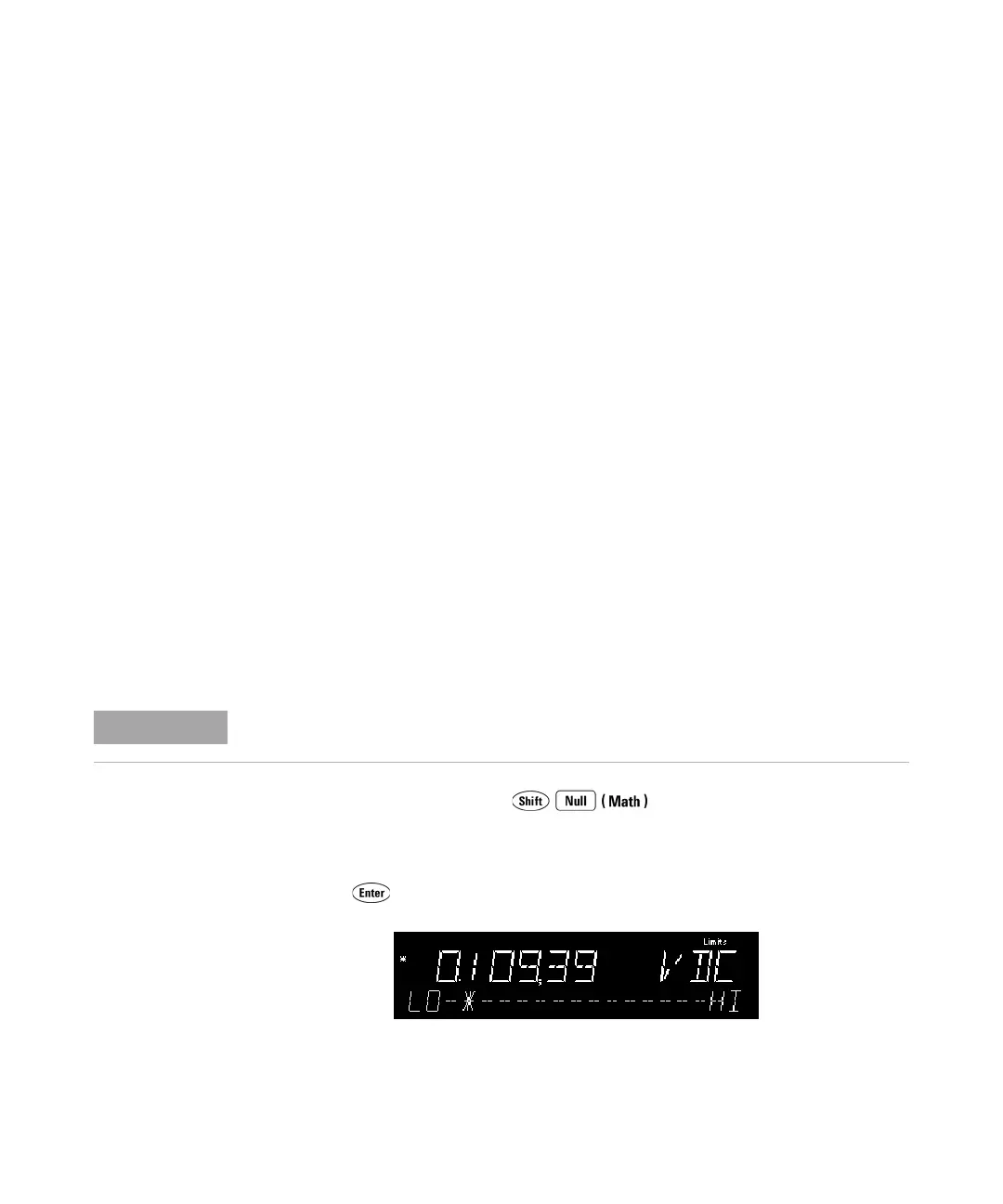
and press . The second display line shows a bar graph indicating the
approximate reading on a scale from LO to HI:
The instrument clears all limits after a Factory Reset (*RST command) or an Instrument
Preset (SYSTem:PRESet command), or when a function is changed.



 To Next Page