74 34410A/11A/L4411A User’s Guide
2 Features and Functions
If the multimeter is configured to take more than one sample per trigger, the effect of
the trigger delay on subsequent samples depends on the sample source setting. Refer
to the SAMPle:SOURce command description in the Keysight 34410A/11A/
L4411A Programmer’s Reference Help for a detailed description.
After setting the trigger delay, you must use the INITiate or READ command to
place the meter in the wait–for–trigger state before readings are triggered (see
“Software (Bus) Triggering” on page 70). The MEASure? command sets the trigger
delay to AUTO.
Refer to the Keysight 34410A/11A/L4411A Programmer’s Reference Help for
a complete description and syntax for these command.
Automatic Trigger Delay
If you do not specify a trigger delay, the multimeter selects the trigger delay time
automatically. Automatic trigger delays are set to ensure that completely settled and
accurate measurements are taken. The delay is determined by function, range,
integration time, and ac filter setting.
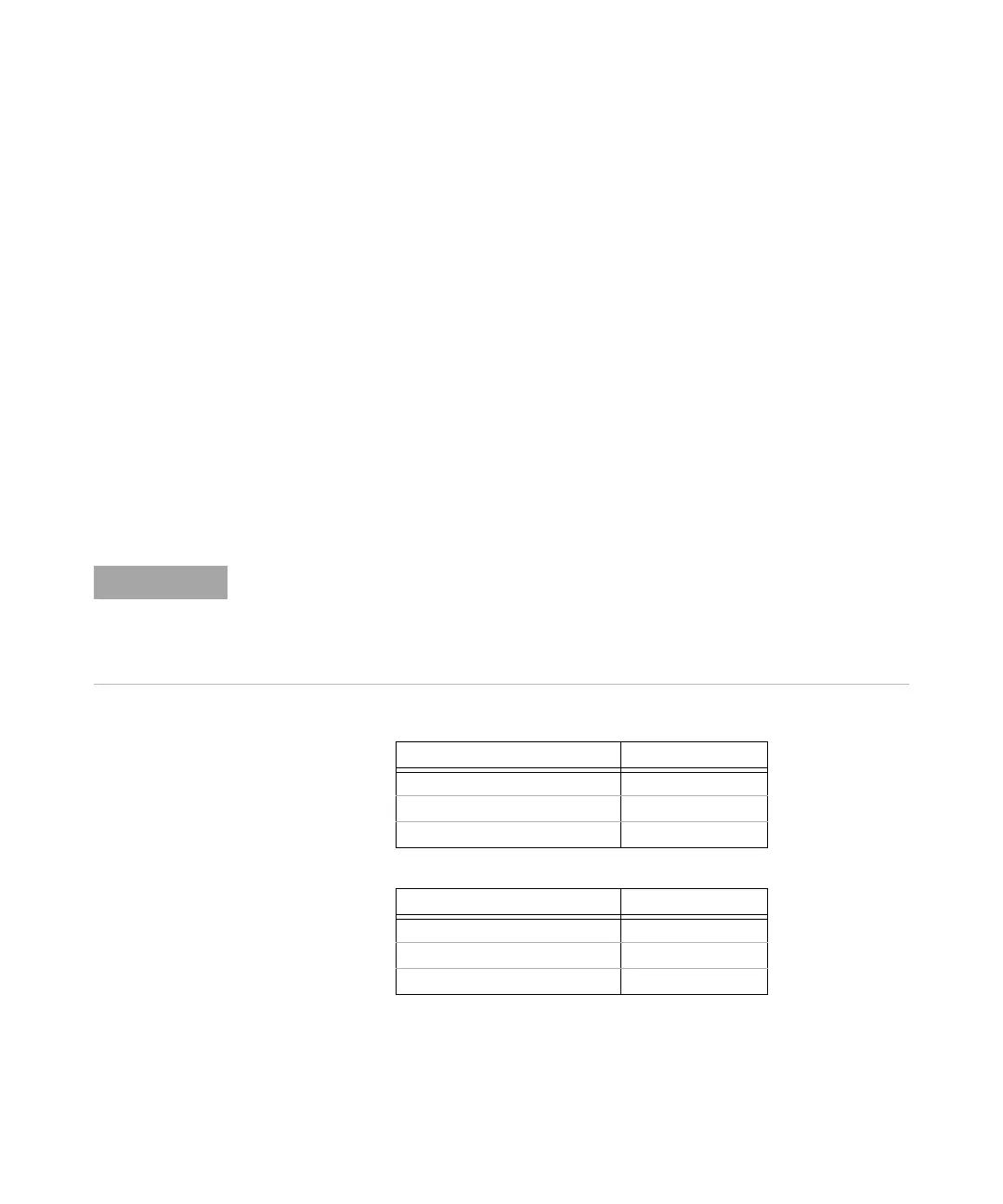
DC Voltage Measurements (all ranges):
DC Current Measurements (all ranges):
For measurements from the remote interface, the automatic trigger delay values are as
shown in the tables that follow. These values are also used for single-trigger,
reading-hold, and level-trigger measurements from the front panel. However, for
auto-trigger measurements from the front panel only, the automatic trigger delay is 50
ms for all measurement functions.
Integration Time Trigger Delay
≥ 1 PLC 160 μs
0.06 PLC or 0.2 PLC 130 μs
≤ 0.02 PLC 100 μs
Integration Time Trigger Delay
≥ 1 PLC 1.5 ms
0.06 PLC or 0.2 PLC 1.0 ms
≤ 0.2 PLC 1.0 ms



 To Next Page