34410A/11A/L4411A User’s Guide 55
Features and Functions 2
AC Measurements
AC Filter
Applies to ac voltage, ac current, frequency, and period measurements only.
The multimeter provides three bandwidth (ac signal filter) selections. Set the bandwidth
for the lowest frequency you expect to encounter. Note that a lower bandwidth setting
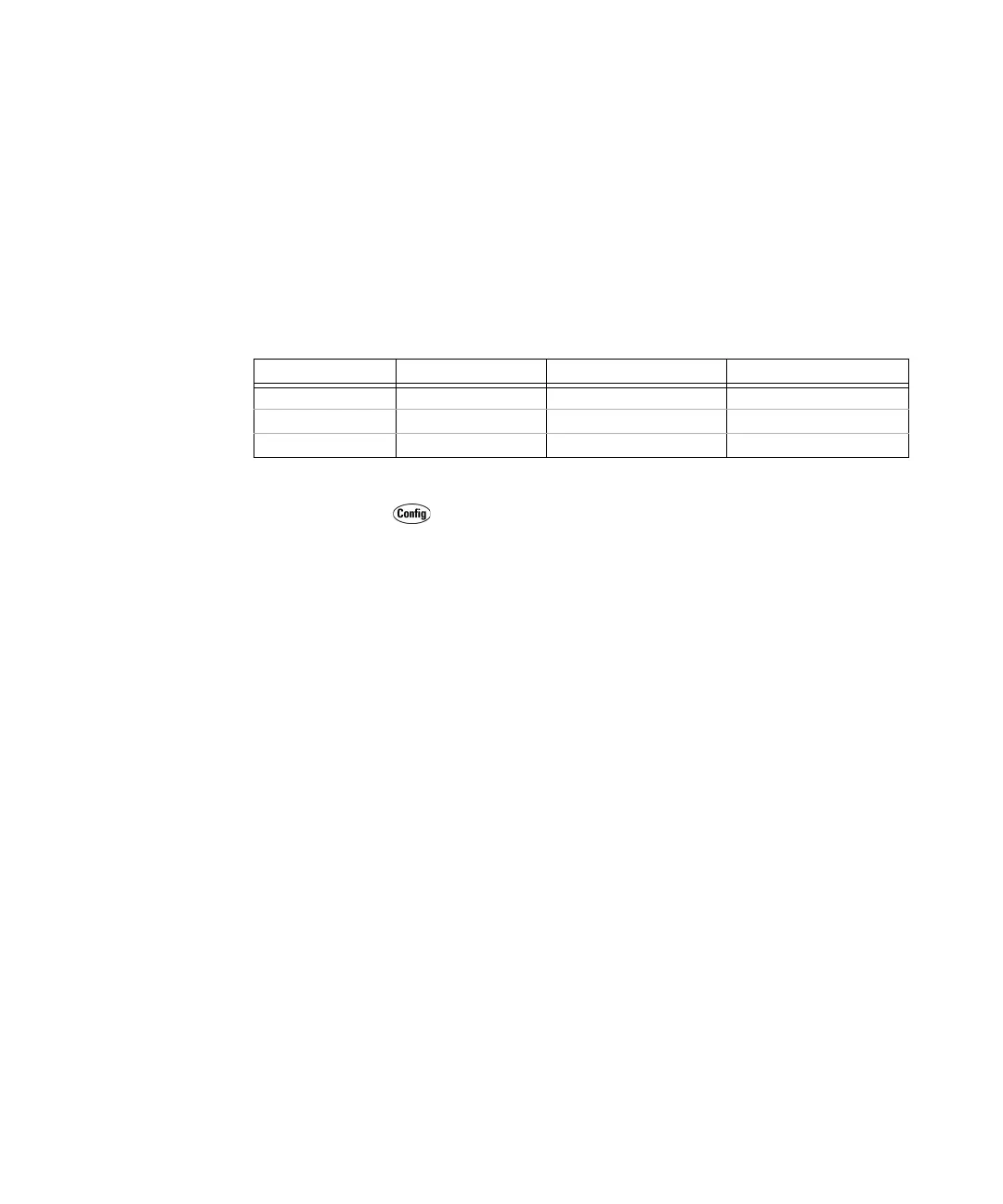
results in longer settling times, as shown in the table below.
• Front Panel Operation: Select the ac voltage, ac current, frequency, or period
function. Press as required.
...
> AC FILTER
Select 3 HZ: SLOW, 20 HZ: MEDIUM, or 200 HZ: FAST, and then step
through or exit the menu.
• Remote Interface Operation: The following commands set the ac filter (3, 20 or
200 Hz) for ac measurements:
[SENSe:]VOLTage:AC:BANDwidth {<
filter
>>MIN>MAX>DEF}
[SENSe:]CURRent:AC:BANDwidth {<
filter
>>MIN>MAX>DEF}
The following commands query the filter setting:
[SENSe:]VOLTage:AC:BANDwidth? [{MIN>MAX}]
[SENSe:]CURRent:AC:BANDwidth? [{MIN>MAX}]
Refer to the Keysight 34410A/11A/L4411A Programmer’s Reference Help for
a complete description and syntax for these commands.
Gate Time
Applies to frequency and period measurements only.
AC Filter Input Frequency Settling Time ACV Settling Time ACI
Slow 3 Hz – 300 kHz 2.5 seconds/reading 1.66 seconds/reading
Medium (default) 20 Hz – 300 kHz 0.625 seconds/reading 0.25 seconds/reading
Fast 200 Hz – 300 kHz 0.025 seconds/reading 0.025 seconds/reading



 To Next Page