56 34410A/11A/L4411A User’s Guide
2 Features and Functions
The multimeter provides four choices of gate time (also called aperture) for frequency or
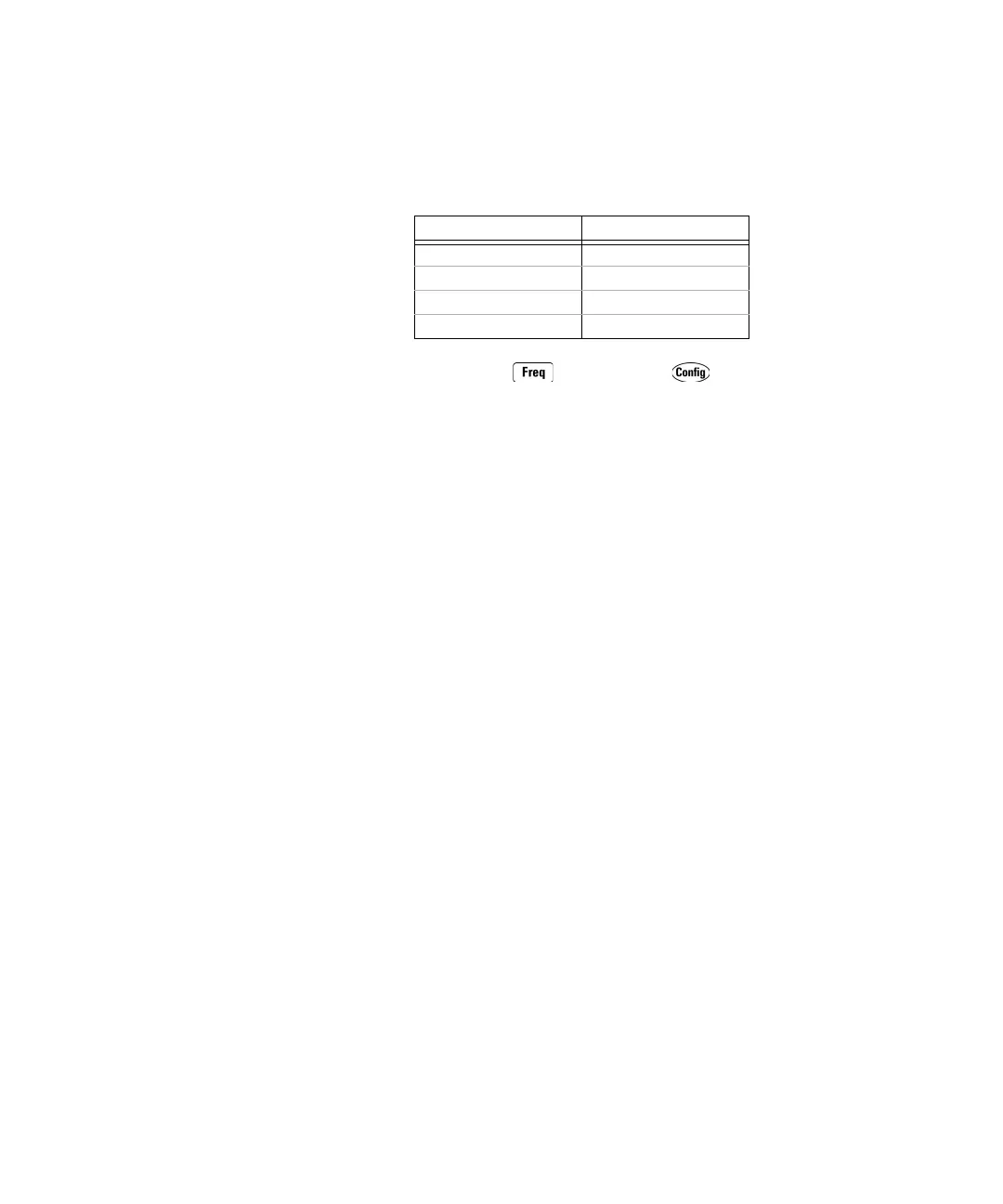
period measurements. The gate time selection affects resolution as shown below.
• Front Panel Operation: Press and then press .
CONFIGURE > FREQENCY > GATE TIME or
CONFIGURE > PERIOD > GATE TIME
Select a gate time in seconds (.001, .01, .1, or 1), and then step through or exit the
menu.
• Remote Interface Operation: The following commands set the gate time (aperture)
for frequency or period measurements:
[SENSe:]FREQuency:APERture {<
seconds
>>MIN>MAX>DEF}
[SENSe:]PERiod:APERture {<
seconds
>>MIN>MAX>DEF}
The following commands query the gate time setting:
[SENSe:]FREQuency:APERture? [{MIN>MAX}]
[SENSe:]PERiod:APERture? [{MIN>MAX}]
Refer to the Keysight 34410A/11A/L4411A Programmer’s Reference Help for
a complete description and syntax for these commands.
Gate Time Resolution
1 ms 100 ppm x Range
10 ms 10 ppm x Range
100 ms 1 ppm x Range
1 s 0.1 ppm x Range



 To Next Page