34410A/11A/L4411A User’s Guide 83
Features and Functions 2
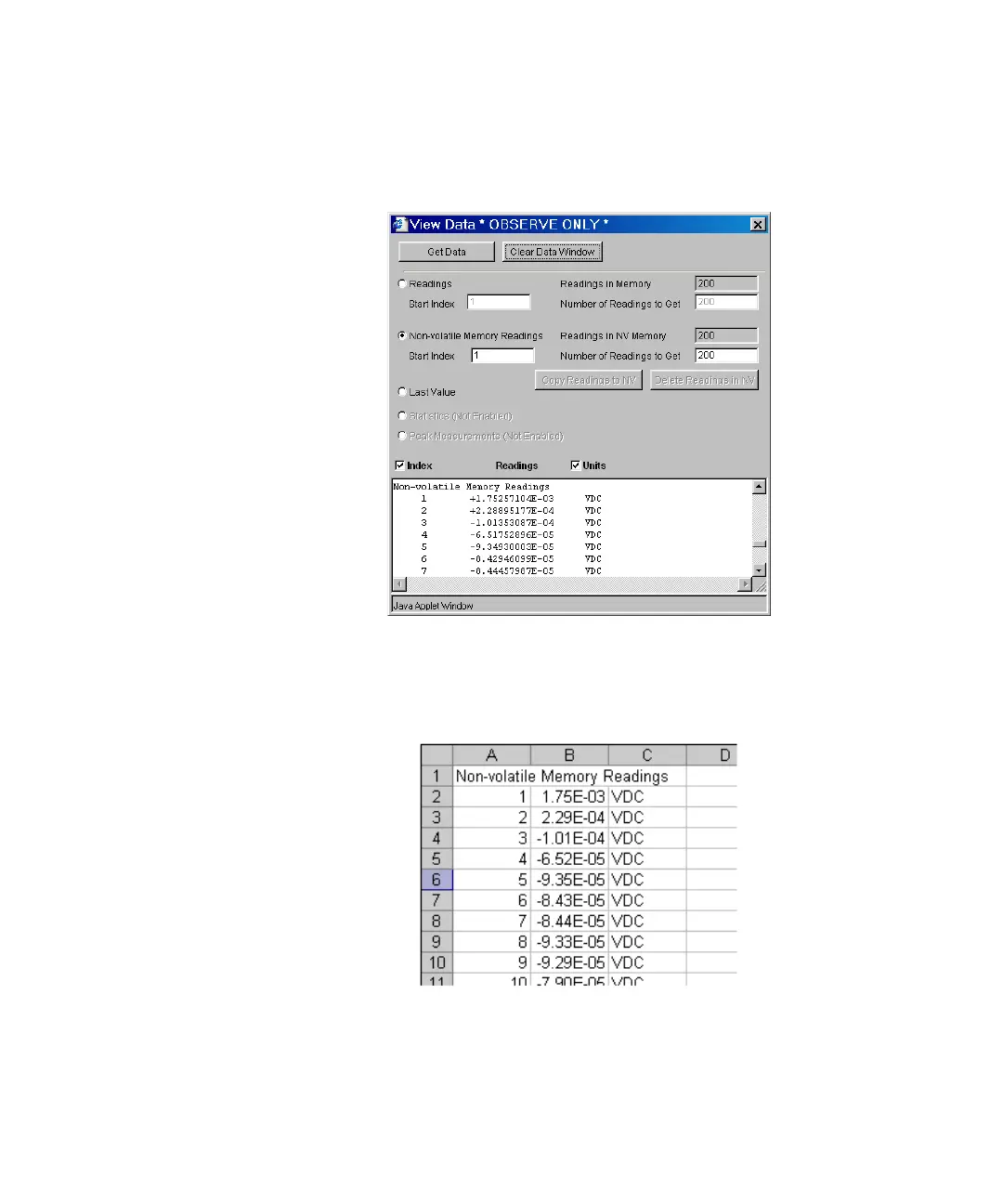
Now click on View Data. In the dialog, select Non–volatile Memory Readings and then
click on Get Data to view the logged data:
From this window, you can select and copy (see Web Interface Help) the data into
another application using the Microsoft® Windows® clipboard.
In the example below, the data has been pasted from the clipboard directly into a
Microsoft Excel spreadsheet.



 To Next Page