Hybrid DVR (HD Series)
29
Main Menu > Record Search > General, Events & Picture (connued)
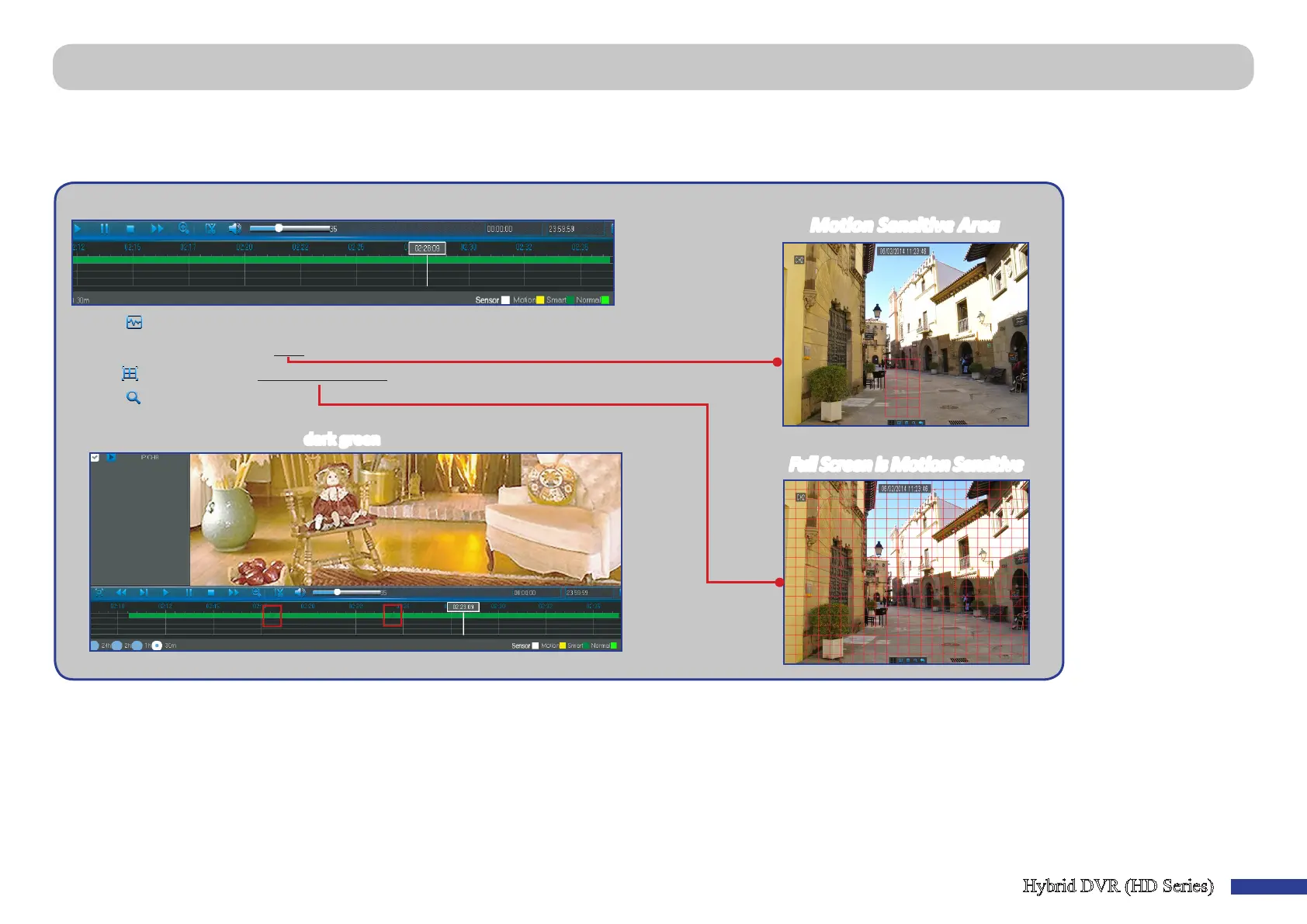
Smart Search
Use this funcon to nd moon of a specic area inside recording.
1) Select a channel to playback in full screen.
2) Click .
3) Use the cursor to mark the area on the channel where you want to nd moon or
click
to search moon all over the channel.
4) Click
.
As a result of Smart Search, you will see the moon based recording(s) on the
channel Time Bar marked with
dark green lines.
Moon Sensive Area
Full Screen is Moon Sensive



 To Next Page