Issue: 08/2012
• The “select” function is activated by holding the
control closed more than
2 seconds.
$The turret will not rotate. The turret solenoid makes a clattering sound which means
that a new format combination has been selected.
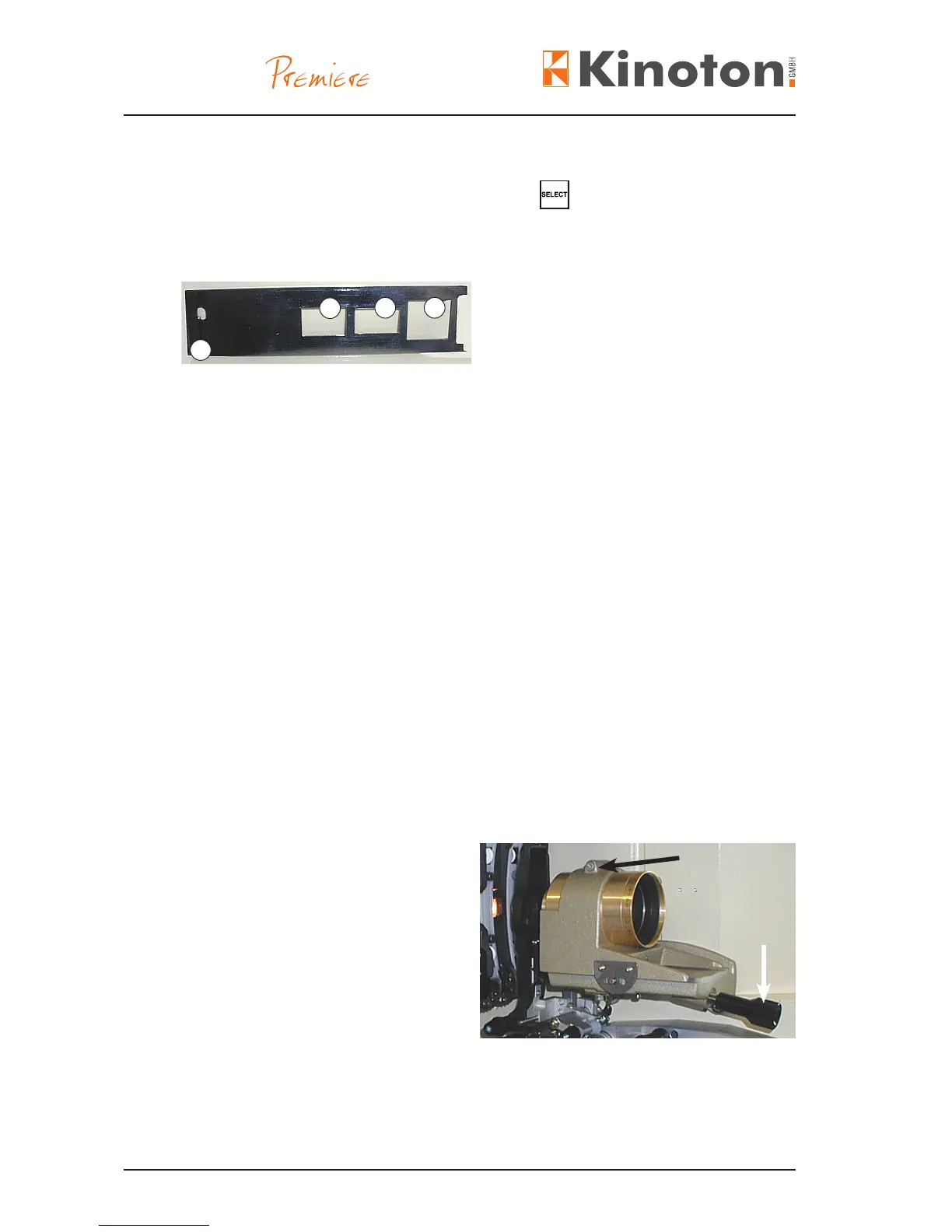
2
3
1
4
$The format combination changes to the next combination, for example:
- from Á and  to  and Ã.
If you activate the “Select” input again the format combination will be changed
again, for example:
- from  and à to Á and à and so forth. After the “Select” input was selected three
times, the combinations repeat.
X
Check your selection and push WS (at) or CS (scope) button. The turret turns to the
selected lens and the aperture changer changes to the selected aperture.
X
Make a note which shows you which aperture combination is chosen after how many
times he SELECT button was pushed.
X
Z Changing the aperture changes the lens too, see also lens turret, chapter 3.2.6.2.
Z If the projector is equipped with an aperture changer do not push single aperture
plates into the slit, because there is no stop and lock device for that aperture plate.
The lens holder can be fed with a lens.
• For inserting a lens loosen clamping
screw (black arrow), put in the lens
and then tighten the screw again.
• Focusing can be done manually
(white arrow or optionally electroni-
cally.
X
Adjusting the lens holder, see chapter 6.4.5.



 To Next Page