Operation
Issue: 08/2012
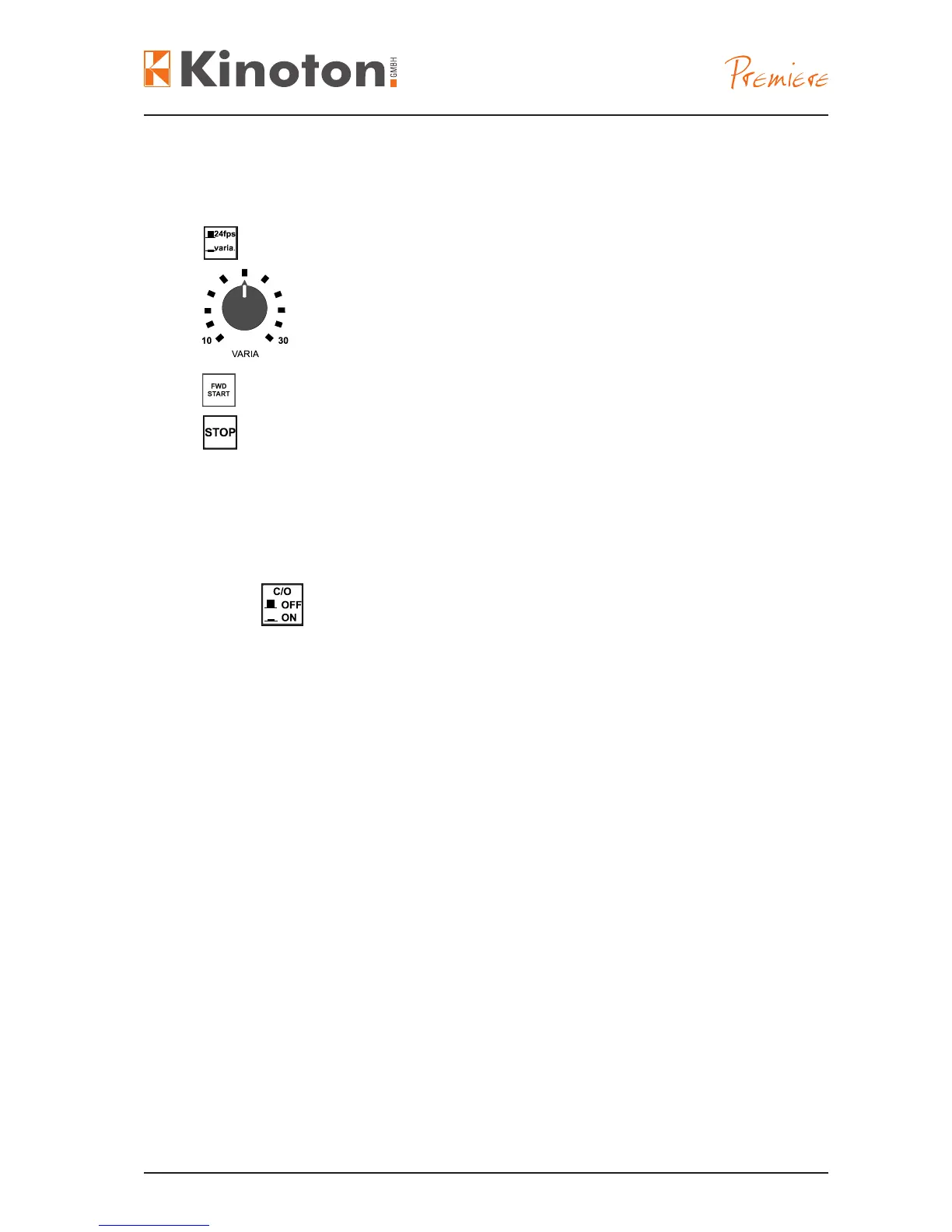
At VARIA the projector runs in step mode - it projects forwards and optional reverse
from 10 fps to 30 fps.
Press “in“ activates the VARIA function - press “out” activates 24 fps.
Select the desired projection speed of 10 - 30 fps by turning the
VARIA rotary switch.
Press to start.
Press to stop the projection running.
• Push switch “in” on both projectors (provided the projectors are coupled with
one another), to activate the change-over function.
• The dowsers of the two projectors open or close alternatively.
• The change-over projection can be started on any projector.
The pad shoe has a brass bearing tube which pivots on the pad shoe shaft, and is
positioned with a ring nut and a spring.
To avoid damaging the pad shoe and causing the brass tube to revolve within the pad
shoe, the pad shoe must be handled gently. Follow these points:
• Do not slam the pad shoe closed.
• Only open the pad shoe as far as the stop pin.
Do not open the pad shoe too far over the stop pin - the spring will break and the
brass tube will be damaged.



 To Next Page