Issue: 08/2012
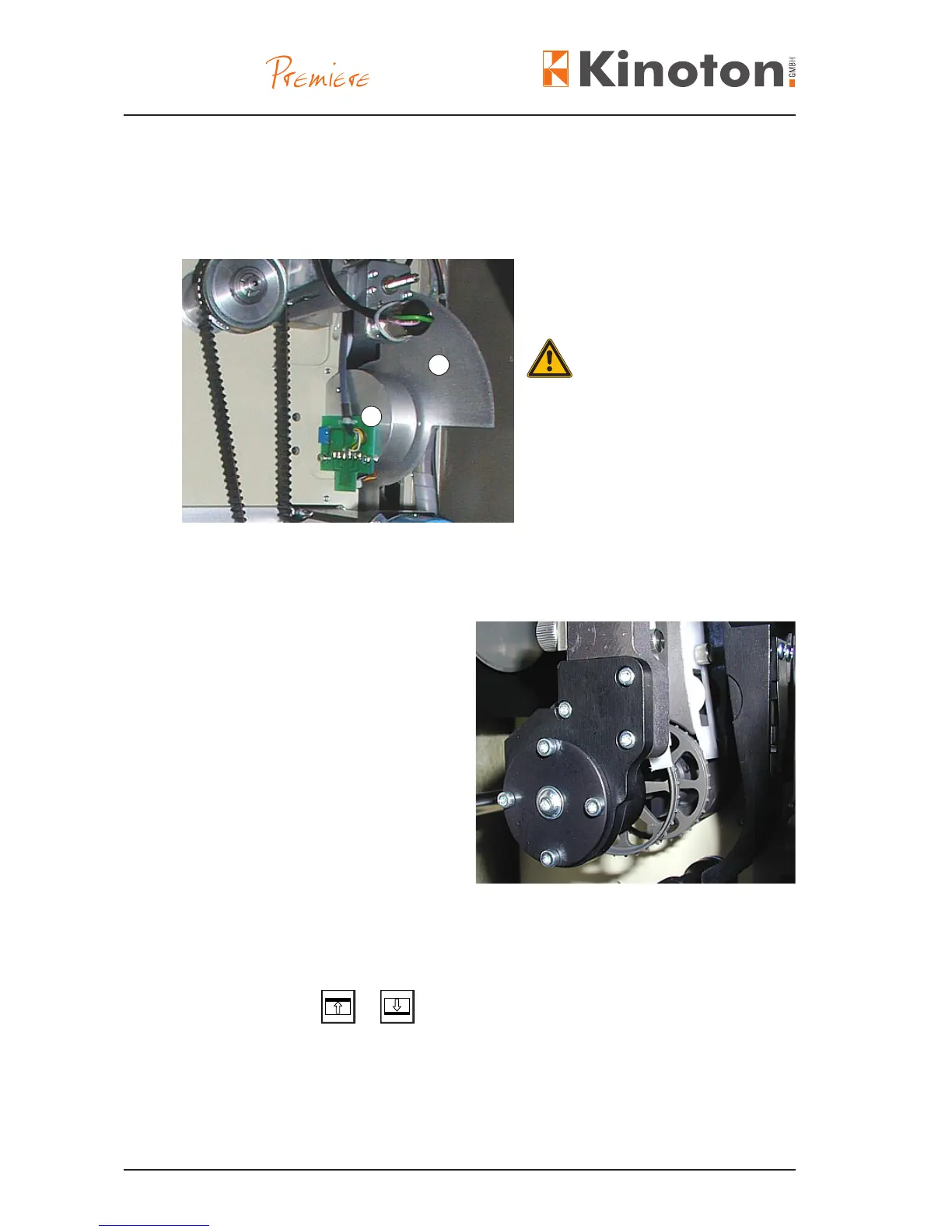
The rotating shutter interrupts the projection light once during the lm transport and
once during the picture standstill. (48 interruptions a second at 24 pictures a second).
The shutter is driven by an electronically controlled motor.
shutter (2-blade)
Á shutter drive
Only remove or replace the shutter
housing when the projector is off.
If you have to work on the projector
while it is running be very careful that
you do not touch the rotating shutter.
Serious cuts can result.
X
The shutter is factory-set. Adjustments should only be carried out by service staff.
The intermittent sprocket is a very pre-
cise sprocket. It transports the lm step
by step through the lm gate.
The intermittent sprocket is controlled
by the PREMIERE drive unit.
X
The sprocket is factory-set.
All adjustment must only be carried out
by experts.
Framing allows to position the picture frame in the lm gate by moving the lm
upwards or downwards.
Press and hold the
or button to adjust the frame continuously up or down.
1
2



 To Next Page