Film Gate Components
Issue: 08/2012
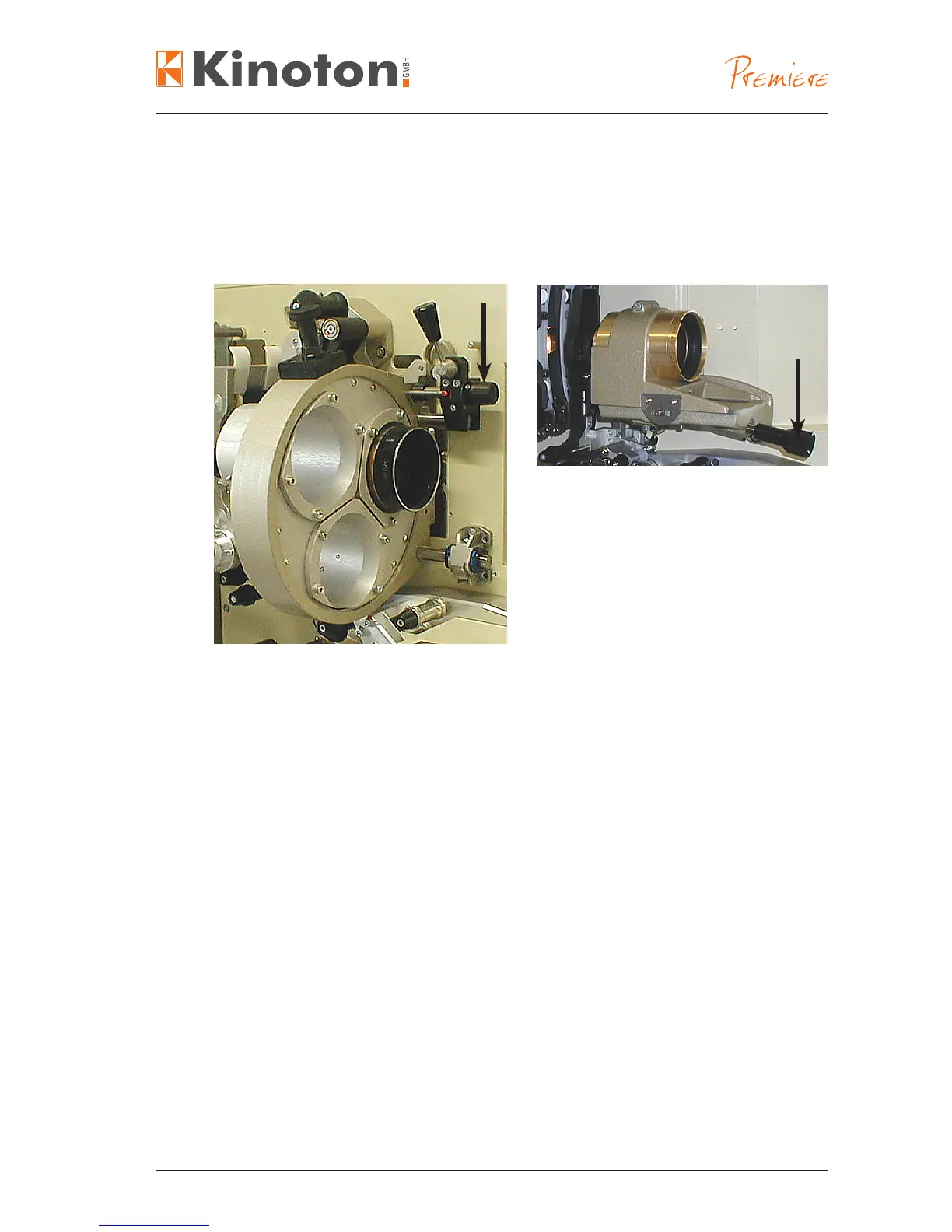
To adjust the focus for a sharp picture on the screen, you have to move horizontally
the whole lens turret or lens holder. This operation can be done manually or electroni-
cally controlled.
• Turn the focusing knob (arrows) to move the lens turret or the lens holder.
Pushing the focusing buttons triggers the control board (placed over the aperture
changer/lens turret board or separate over the focus motor) to activate the turret
motor (placed over the lens turret motor or separate), which shifts the lens turret via a
toothed belt driving a threaded shaft.
X
Electronic focusing can only be carried out with open dowser.
When operating the focus controls, the focus motor rotates a shaft with a eccentric
segment at the end. That eccentric is located between the focus shaft and the lens
holder and thus shifts the lens holder fore and aft as it rotates.
X
Electronic focusing is only carried out with open dowser.



 To Next Page