Issue: 08/2012
$The projector is powered down, the lm is threaded, the skate lifting is deactivated,
the skate is closed.
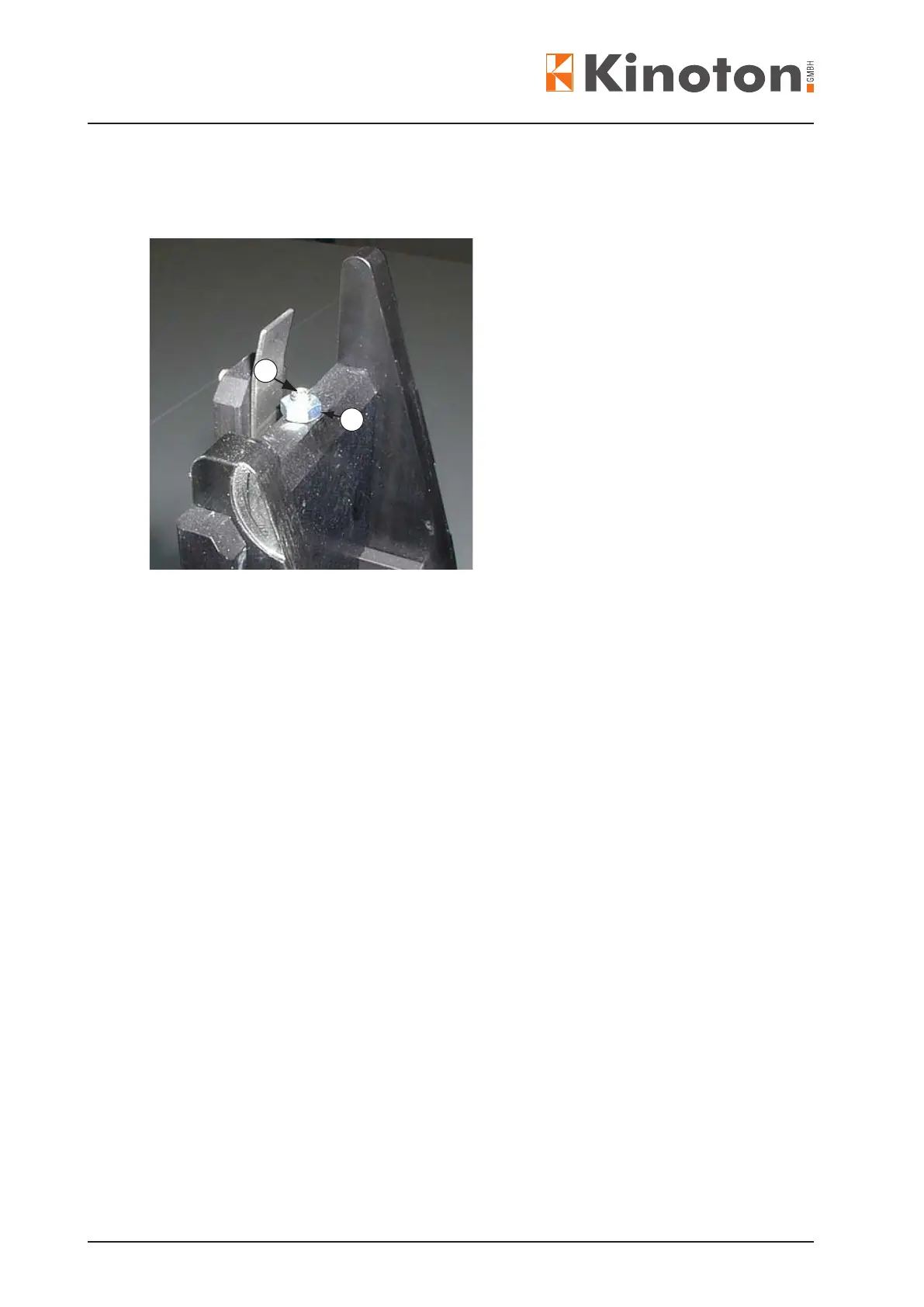
1
2
• Check the skate height for an available play by manually moving the skate up and
down for about 0.3 mm - 0.5 mm.
• To adjust the height remove the skate and loosen the lock nut (wrench 7), then turn
screw Á (Allen key 2) in or out:
- screwing in: skate moves up
- screwing out: skate moves down
$When the skate lays evenly on, and everywhere with the same distance to the run-
ner strips along their length, and perfectly concentric around the intermittent sprocket
then the height is adjusted correctly.
• For reasons of dynamic processes the available play must be checked again with the
projector running forwards (projection mode); switch-on, start projector and manually
move the skate up and down for about 0.3 mm - 0.5 mm.
• If this play is no longer available the runner strips and the skate components may
need a replacement.



 To Next Page